

DuckDuckGo Private Browser
DuckDuckGo Private Browser screenshots (17)



Description DuckDuckGo Private Browser
Your Private Window to the Web
Imagine browsing the internet with the distinct feeling that no one is looking over your shoulder. Your searches, the sites you visit, the tabs you keep open—all of it remains your business alone. That’s the core experience offered by the DuckDuckGo Private Browser, the official mobile application from the privacy company that has championed anonymous web surfing since 2008. While they started as a search engine, their commitment has expanded into a full suite of tools, including this dedicated Android browser designed from the ground up to place a barrier between your personal data and the tracking ecosystem of the modern web.
A Foundation Built on Your Terms
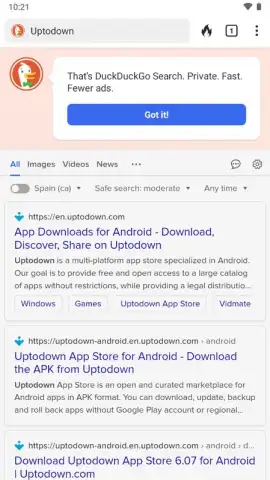
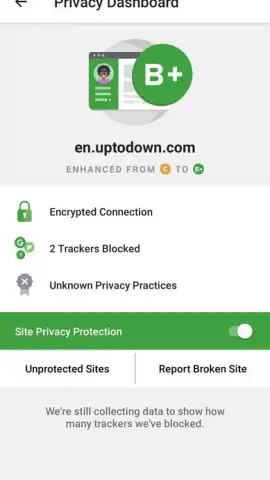
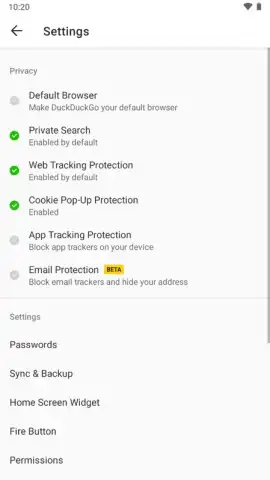
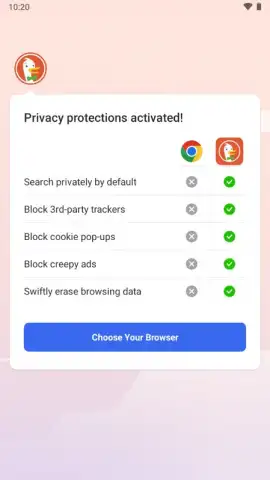
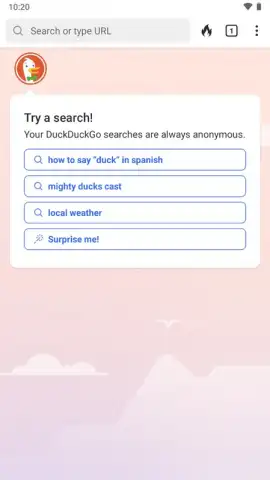
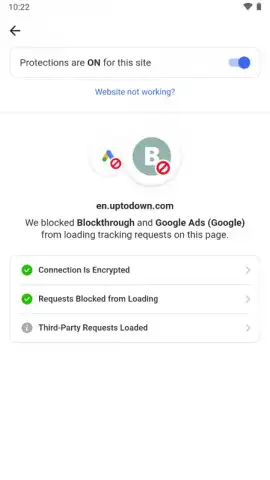
The first interaction sets the tone. You are not asked to create an account, provide an email address, or surrender any personal details to start using this browser. It operates on a fundamental principle: your data stays on your device. The application itself refrains from tracking your activity, and it actively works to inhibit third-party tracking cookies before they can even try to profile you. This means no behavioral history is collected, and none of your personal information is ever uploaded to DuckDuckGo’s servers. To maximize this privacy, you are encouraged to set DuckDuckGo as your default search engine. This ensures your search queries are not logged or used to create a filter bubble, delivering unbiased results based solely on the terms you enter, not on a profile built from your past.
Command and Control at Your Fingertips
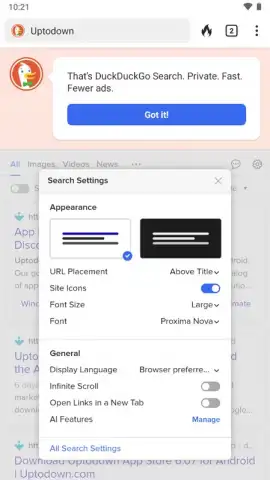
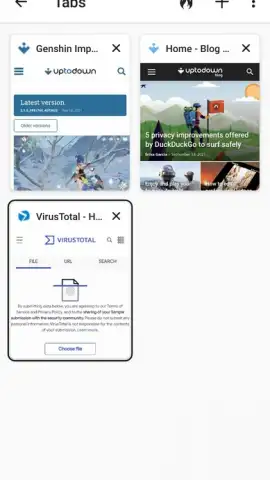
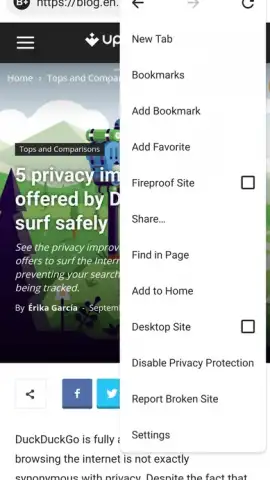
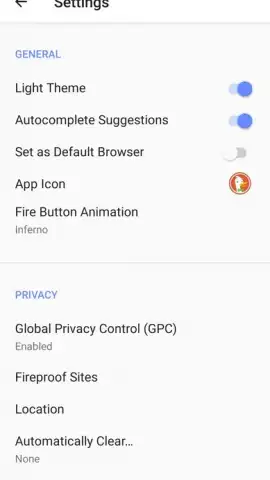
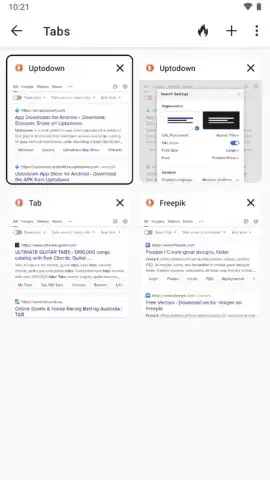
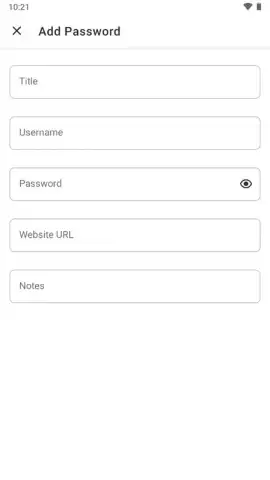
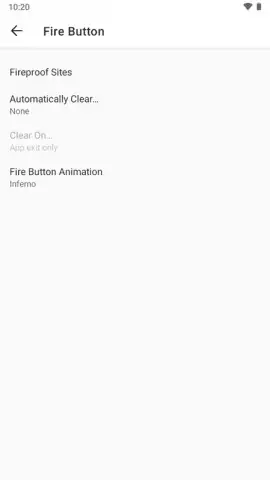
Central to the browsing experience is the iconic Fire Button. This is your instant privacy reset switch. A single tap automatically closes all open tabs and wipes the entire browsing session—history, cookies, the digital trail is cleared. You can customize its behavior in the settings, even choosing a unique animation for when it purges your session, turning a security action into a satisfying ritual. For managing your credentials, a built-in password manager stores all login data locally on your Android device. You can add notes and comments to entries, and because the data never leaves your phone, it remains inaccessible to any website or remote service. Access is strictly limited to physical possession of your device.
Seamless Integration for a Unified Shield
If you already use DuckDuckGo on your desktop, the mobile browser seamlessly bridges the gap. Through a secure, encrypted synchronization process, you can transfer all your bookmarks, saved passwords, and other stored information to your phone in moments. The process is handled entirely within the app via a QR code scan in the settings menu, ensuring no data passes through vulnerable channels. Furthermore, the browser’s Turbo mode enhances both privacy and performance by blocking invasive ads before they load, speeding up page loads and removing clutter without the need for separate extensions.
- Zero-Account Privacy: Start browsing immediately without any sign-up; your identity and activity are never collected or stored by the browser.
- One-Tap Data Purge: Use the customizable Fire Button to instantly erase all tabs, history, and session data with a single, definitive action.
- Local-Only Password Manager: Keep all login credentials securely stored on your device only, with no cloud sync that could be vulnerable to exposure.
Download the DuckDuckGo Private Browser APK now and take definitive control of your digital footprint. Stop leaving a data trail with every click and start experiencing the web as it should be—open, fast, and yours alone.
Heads up: you'll need wifi for most features. Some cool stuff is extra.
 GooglePlay


