
Easy Remote: Remote Control for Samsung TV
Easy Remote: Remote Control for Samsung TV screenshots (7)
Description Easy Remote: Remote Control for Samsung TV
Your Smartphone is Now Your Samsung TV Remote
The frustration of a misplaced physical remote is a universal experience, halting your entertainment the moment it vanishes between couch cushions. This application directly addresses that by transforming your Android device into a dedicated, intelligent control hub for your Samsung television, eliminating the need to search for hardware and streamlining your viewing experience.
Core Functionality and Feature Analysis
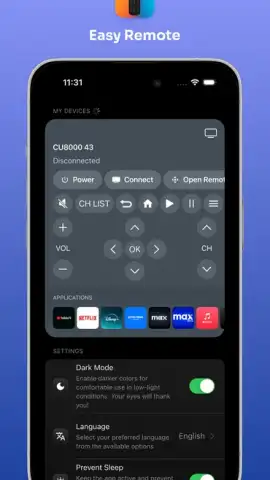
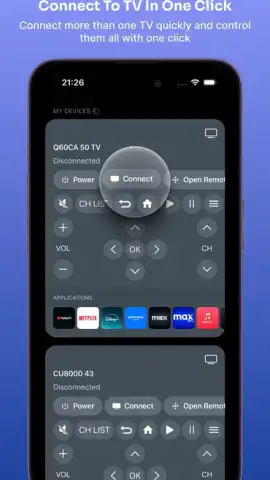
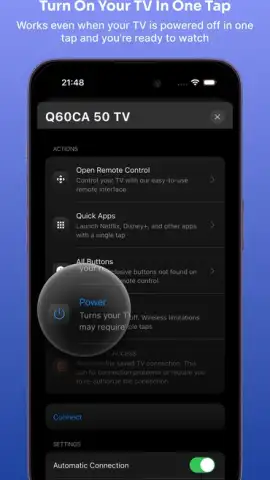
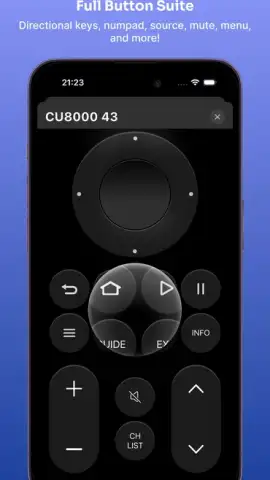
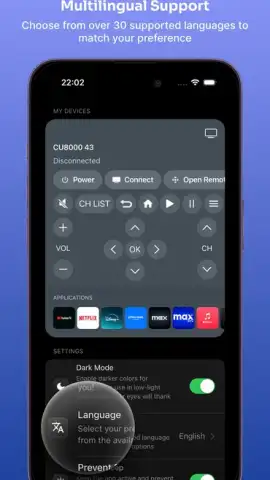
Easy Remote establishes a connection with your Samsung TV over your local Wi-Fi network, provided both devices are on the same network. The interface presents a familiar, well-laid-out virtual remote that replicates the standard button set, including navigation, volume, channel control, and input selection. A significant functional advantage is the integrated keyboard, which allows for efficient text entry directly into search bars and app login screens on your TV, a notable improvement over cumbersome on-screen typing with a traditional remote. The app also provides quick-access panels for direct input switching and a channel list for rapid navigation.
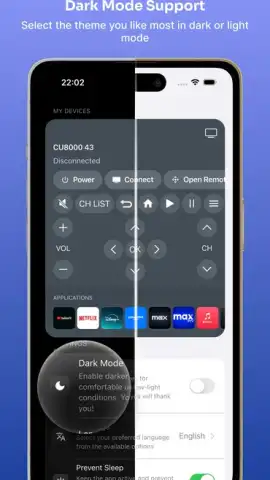
The utility extends beyond basic emulation. For compatible Samsung TV models, the application can leverage additional protocols for enhanced reliability. The design prioritizes clarity and responsiveness, with large, tactile buttons and a clean, dark-themed layout that reduces eye strain in dim viewing environments. Performance is contingent on network stability, but when conditions are optimal, the response latency is minimal, making the virtual remote feel immediate and direct.
Key Advantages and User Experience
- Eliminates physical remote dependency by providing a always-available alternative on your primary device.
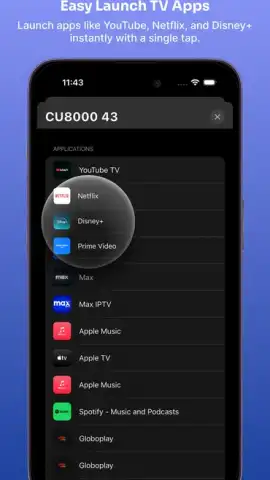
- Features a full, integrated keyboard for effortless text input on TV apps like YouTube or Netflix.
- Offers a clean, intuitive interface with large buttons and a sensible layout for easy use in low light.
- Enables quick channel surfing and input switching through dedicated panels for faster navigation.
- Maintains a lightweight, stable connection for responsive control when on a stable Wi-Fi network.
We suggest trying Easy Remote to consolidate your controls and add a layer of convenience to your daily TV interaction. Consider downloading it to experience a more streamlined way to manage your Samsung television.
Internet required. IAP available.
 GooglePlay


