
Easy Urdu Keyboard اردو Editor
Easy Urdu Keyboard اردو Editor screenshots (7)
Description Easy Urdu Keyboard اردو Editor
The Challenge of Typing Urdu on a Standard Android Keyboard
For millions of Urdu speakers and learners, communicating in their native script on an Android device presents a consistent hurdle. The standard keyboard lacks support for the elegant Nastaliq script, forcing users to rely on cumbersome transliteration or switching between multiple apps. This friction disrupts seamless conversation, social media engagement, and content creation. The Easy Urdu Keyboard اردو Editor by Pakdata addresses this core problem directly, transforming your device into a dedicated Urdu typing and creative workstation without requiring advanced technical knowledge.
A Comprehensive Toolkit for Urdu Communication
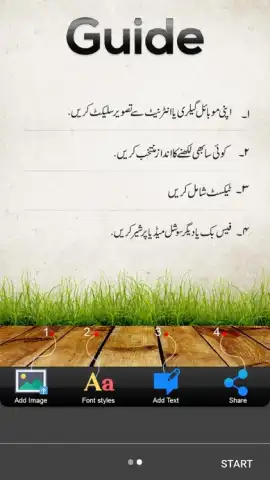
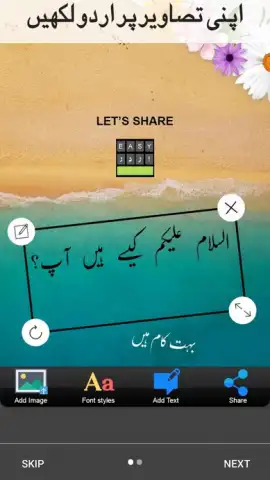
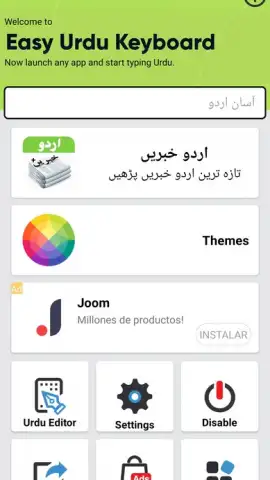
This application functions as far more than a simple keyboard replacement. It is a multi-faceted utility designed to facilitate every aspect of Urdu digital communication. The primary keyboard interface is fully optimized for the Urdu script, offering intuitive access to all necessary characters and common punctuation. Beyond basic typing, its integrated translation engine acts as a real-time bridge between English and Urdu, processing both typed input and, notably, spoken language via accurate voice recognition. This dual-mode translation is particularly effective for rapid communication or learning. Furthermore, the app includes a dedicated image editor, a feature that elevates it from a utility to a creative tool. This editor allows users to superimpose custom Urdu text—with full control over fonts, size, and color—onto personal photos or provided backgrounds, enabling the creation of personalized greetings, social media posts, or artistic compositions.
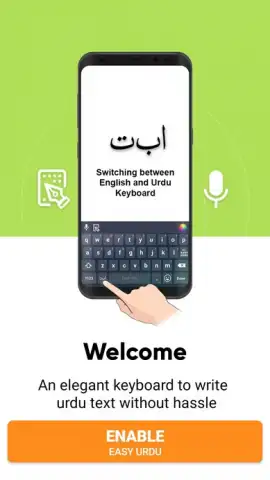
The operational setup is deliberately straightforward. After installation, the user enables the keyboard in the system settings, a one-time process common to all third-party keyboards. Once active, it becomes available system-wide in any application, from messaging services and email clients to social media platforms. A significant user advantage is the ad-free experience offered by the Turbo version, which removes disruptive promotions and ensures a focused, uninterrupted workflow for typing and translation tasks.
Core Features and Functional Analysis
- System-Wide Urdu Keyboard: Provides a dedicated, native-feel keyboard for typing the Nastaliq script in any application on your Android device.
- Bidirectional Text Translation: Instantly translates typed content between English and Urdu, facilitating cross-language communication and comprehension.
- Voice-to-Text Translation: Utilizes speech recognition to capture spoken English or Urdu and converts it into accurate translated text output.
- Integrated Image Editor: A built-in tool for creating graphic designs by adding customizable Urdu text layers to personal images or stock backgrounds.
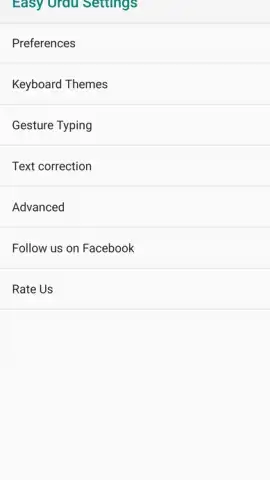
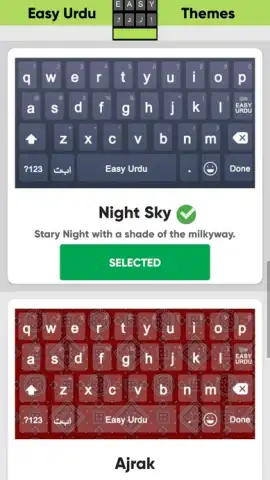
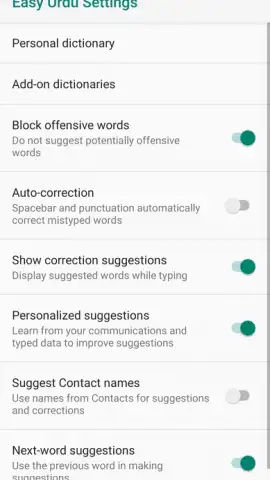
- Customizable Typing Experience: Offers options for font selection, keyboard themes, and settings to tailor the visual and functional aspects of the typing interface.
The utility consolidates several key functions—typing, translation, and graphic text creation—into a single, streamlined package. For individuals who regularly communicate in Urdu, whether for personal, educational, or professional purposes, it eliminates the need to juggle multiple disparate apps. The current version (5.3.0) indicates ongoing development and refinement from the developer, Pakdata.
Start creating and communicating in Urdu without barriers. Download the mobile app now and integrate the full richness of the language into your digital daily life.
Disclaimer: This application requires an internet connection for full translation and voice recognition functionality. The Turbo version for an ad-free experience may involve in-app purchases. The app may request necessary permissions for keyboard operation and microphone access for voice features. Data usage applies for online services. Please be aware of potential data charges and check your service provider's policy. This review is for informational purposes only.
 GooglePlay


