
EnFile Manager
EnFile Manager screenshots (8)
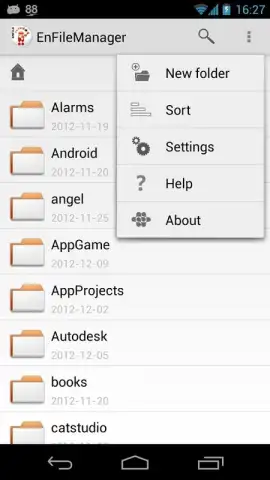
Description EnFile Manager
Struggling with cluttered storage and scattered files across your device and cloud accounts?
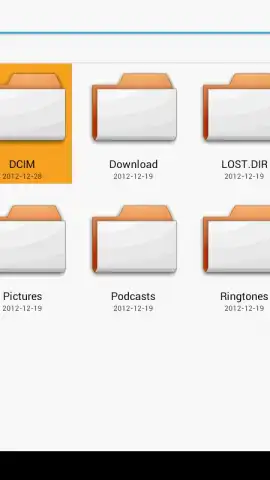
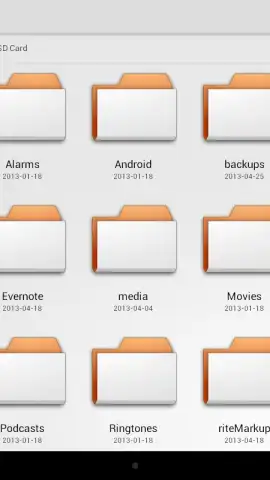
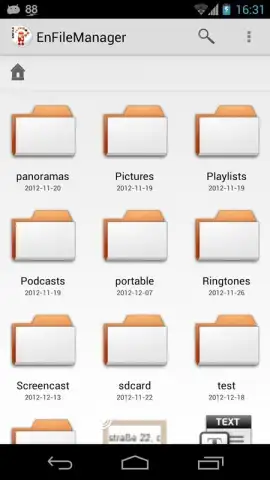
EnFile Manager provides a unified, professional-grade file management solution for Android. It consolidates local storage, network drives, and cloud services into a single, powerful interface, eliminating the need to switch between multiple apps. This tool is designed for users who require precise control over their digital assets, from routine document organization to complex file transfers across different platforms.
Core Functionality and Management Tools
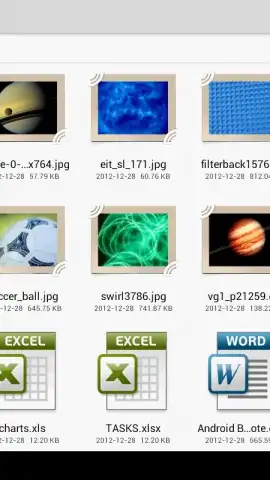
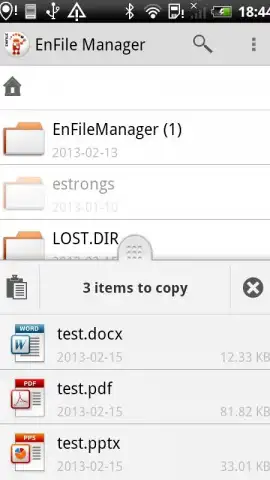
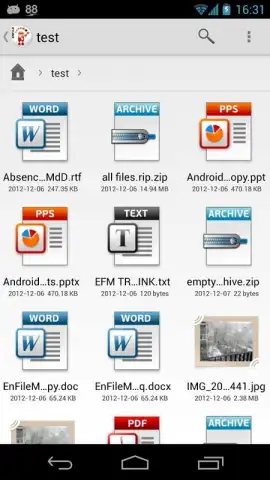
The app operates as a central hub for all your file operations. It features a dual-pane browser mode for efficient drag-and-drop transfers between different locations, such as from your device's internal storage directly to a configured FTP server. A built-in archive handler allows you to view, extract, and create compressed files in ZIP, 7ZIP, and TAR formats without needing a separate utility. For media management, it includes a detailed audio tag editor and a robust image viewer with basic editing capabilities like rotation and cropping.
Key Technical Advantages
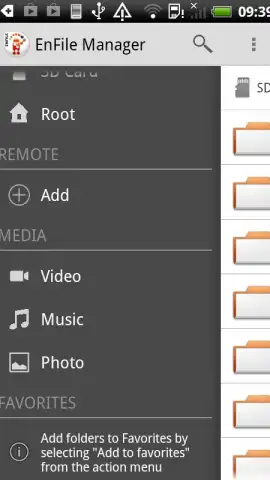
- Multi-Protocol Support: Directly connect to and manage files on SMB/CIFS (Windows shares), FTP, FTPS, SFTP, WebDAV, and cloud storages like Dropbox and OneDrive.
- Root Access & Advanced Operations: For rooted devices, perform deep system file management, modify permissions, and execute complex batch operations with the integrated root explorer.
- Customizable Interface & Security: Tailor the workspace with themes and layout options, while protecting sensitive directories with a password or PIN lock feature.
Limited offer: Exclusive access for first users! Experience professional file management without the premium price tag. Streamline your workflow and reclaim control of your digital space today.
Download mobile app now.
Disclaimer: EnFile Manager requires an internet connection for cloud and network services. The app is free to use; some advanced features or integrations may be offered via in-app purchases. It requires access to device storage and network connections to function. Not all features are available on non-rooted devices. Data usage applies when transferring files over mobile networks. This application is intended for users familiar with file system operations.


