
ES File Explorer
ES File Explorer screenshots (15)

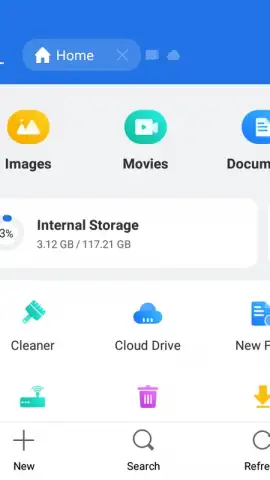
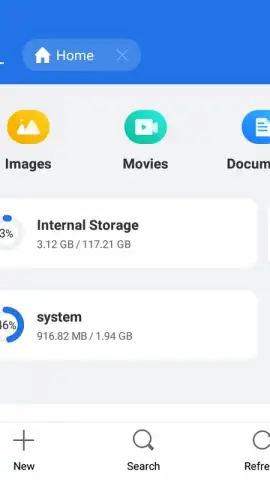

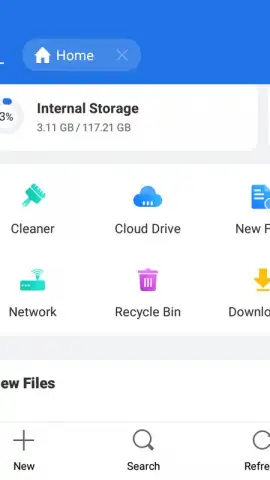

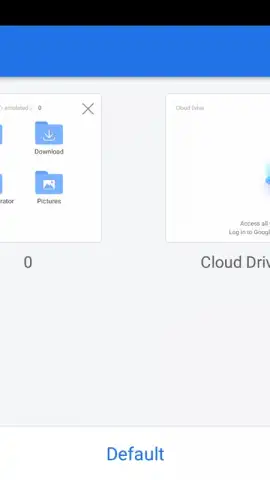
Description ES File Explorer
Managing Android Files Without a Desktop Is Inefficient
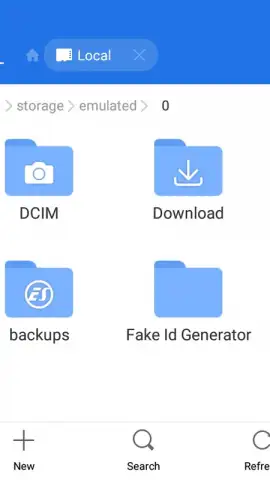
The absence of a traditional desktop file system on Android devices creates a significant gap for users who need to perform advanced file management, access network storage, or control system resources. ES File Explorer addresses this gap by providing a comprehensive, desktop-style file management suite directly on the device. It functions as a unified hub not only for local storage but also for cloud services, FTP servers, and local area network shares, effectively turning a mobile device into a powerful administrative terminal.
Core Functionality and Extended Toolset Analysis
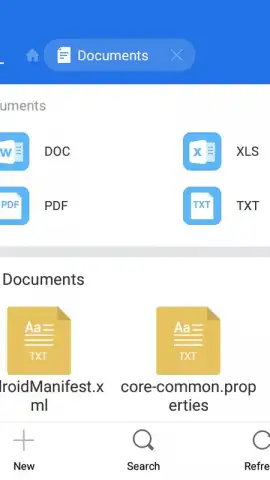
The application's primary interface is a full-featured file manager with operations including copy, paste, cut, delete, rename, and create. It supports direct interaction with archive files in ZIP and RAR formats, allowing users to view contents and extract files without secondary applications. Beyond basic management, the app integrates a detailed application manager that provides tools to view, sort, and stop running processes, offering control over system resources typically reserved for more advanced settings menus. A built-in document viewer supports previewing contents of various file types, reducing dependency on other dedicated apps for quick checks.
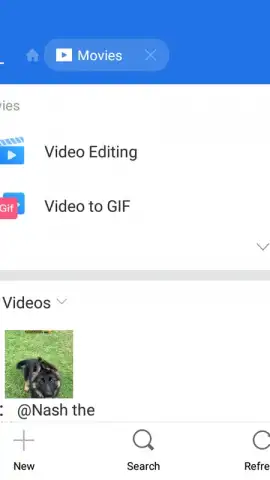
Network capabilities form a critical part of its utility. The app includes an FTP client for connecting to remote servers and a network analyzer module that can scan for and access shared folders on PCs and other devices over Wi-Fi. This is complemented by direct integration with major cloud storage providers like Dropbox, Google Drive, and OneDrive (formerly Skydrive), allowing users to manage cloud and local files from a single interface. The tool also provides utilities for managing media, simplifying the download of photos and videos, and includes controls for mobile data (3G/4G) connectivity.
- Multi-Protocol Storage Hub: Consolidates local, cloud (Dropbox, Drive, OneDrive), FTP, and LAN storage in one navigable interface.
- System and Process Control: Features an application manager with tools to stop running apps and manage system resources efficiently.
- Desktop-Class File Operations: Enables full copy, paste, archive (ZIP/RAR) management, and document previews on device.
Practical Usage and Operational Scope
In practice, ES File Explorer reduces workflow friction by enabling direct file sharing via email or other platforms in a few clicks from within the manager. The ability to access a computer's file system over a local network eliminates the need for cables or intermediate file transfers, facilitating direct media playback and document handling. For advanced users, the combination of these tools—from managing APK files to controlling background processes—makes it a versatile utility that extends the functional depth of an Android device beyond standard parameters.
Download ES File Explorer now to take full control of your device's storage and network resources!
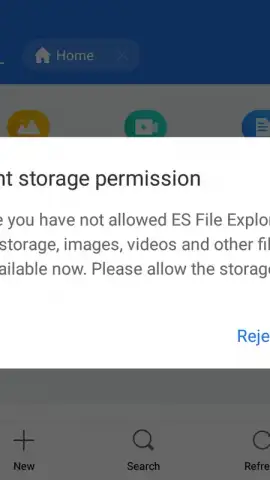
Disclaimer: This application requires an internet connection for cloud services and network features. It may contain in-app purchases or offer a premium version. Some advanced functions require permissions to access device storage, network information, and running applications. Data usage applies when accessing cloud or remote servers. Use in accordance with the device manufacturer's guidelines and applicable age ratings.


