

External Keyboard Helper Demo
External Keyboard Helper Demo screenshots (14)
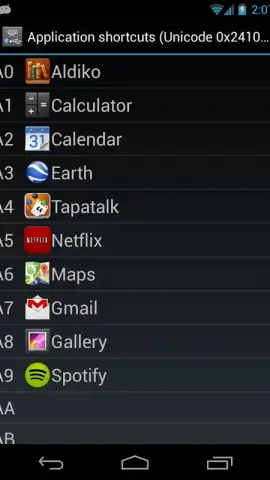
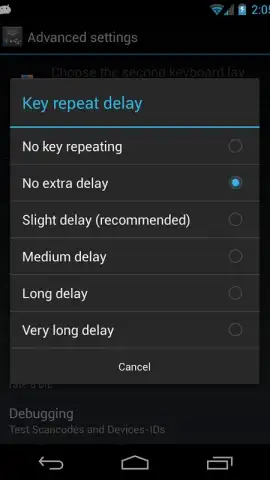
Description External Keyboard Helper Demo
Ever felt your phone's keyboard just doesn't speak your language?
You connect a sleek, physical keyboard to your Android device, ready to fly through emails or code, only to hit a wall. Keys don't map correctly, special characters are a hidden puzzle, and that comfortable desktop workflow feels just out of reach. It's frustrating, turning a powerful tool into a source of confusion. What if you could finally make any external keyboard obey your commands, transforming your tablet or phone into a true portable workstation tailored exactly to you?
Take Complete Control of Your Hardware
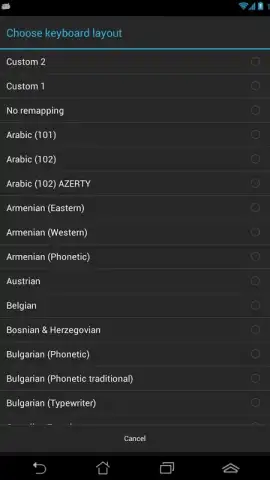
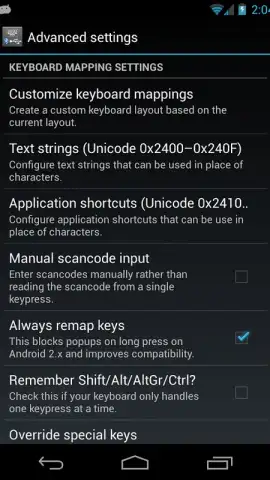
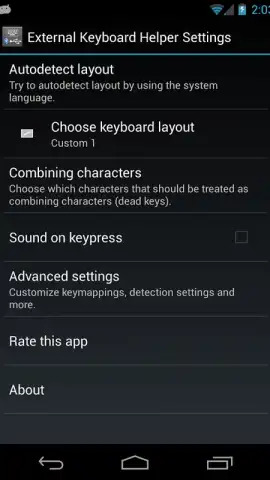
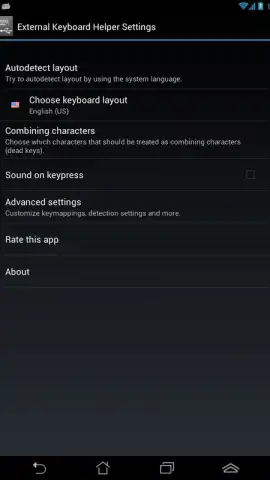
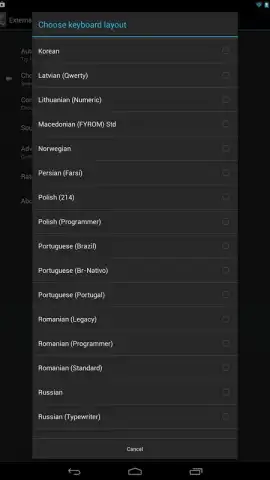
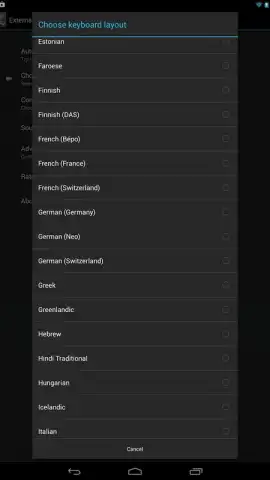
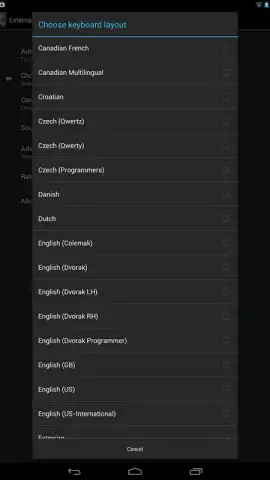
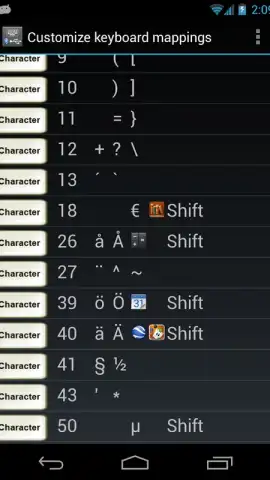
External Keyboard Helper Demo unlocks the full potential of every external keyboard you connect. This app acts as your personal configuration hub, sitting between your hardware and your device to interpret every keypress exactly how you need it. Forget about software keyboards popping up unwanted or keys performing the wrong actions. You define the rules. Remap any key to virtually any function, character, or shortcut, creating layouts that match your muscle memory from other systems or your unique creative workflow. The demo allows you to experience this transformative control, letting you test complex mappings and layouts before you commit.
Why This Tool Becomes Indispensable
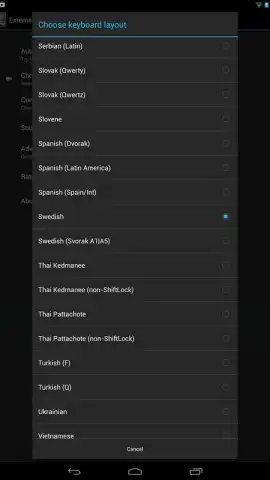
- Universal Compatibility: Works with virtually any USB or Bluetooth keyboard ever made, bringing new life to old hardware and ensuring your new gadgets work flawlessly with your Android device, from version 1.6 and up.
- Deep Customization: Go far beyond simple remapping. Create distinct profiles for different apps—one for your coding IDE, another for your document editor, and another for games. Switch between them instantly.
- Unlock Special Characters: Effortlessly type characters not found on your keyboard's labels. Map complex Unicode symbols, currency signs, or diacritical marks to easy key combinations, making international communication or technical writing seamless.
- Clean, Unobtrusive Interface: The app runs efficiently in the background. The configuration tools are logical and detailed, giving you the power of a desktop utility without the clutter, putting focus back on your actual work.
- Enhanced Productivity: Regain the speed and precision of physical keys. Use keyboard shortcuts for navigation, copy/paste, and app switching, turning your mobile device into a productivity powerhouse that keeps pace with your thoughts.
Stop wrestling with incompatible keys and unlock a seamless typing experience. Transform your Android device into the efficient workstation you know it can be.
Download External Keyboard Helper Demo now and command every keystroke!
Heads up: you'll need an external USB or Bluetooth keyboard to use this app. The demo version has full functionality for testing; some advanced features may require an upgrade. A stable connection is recommended for optimal performance.


