

Fake GPS Location - GPS JoyStick
Fake GPS Location - GPS JoyStick screenshots (8)
Description Fake GPS Location - GPS JoyStick
A Technical Analysis of GPS Location Simulation
This application provides a method for overriding a device's native GPS coordinates, allowing the user to present a chosen geographical position to other applications and services. The core functionality centers on manual coordinate input and a virtual joystick for simulated movement, creating a layer of spoofed location data that is broadcast to the operating system. Its utility is primarily found in development, testing, and specific gameplay scenarios where physical movement is not feasible or desired.
Core Functionality and Operational Parameters
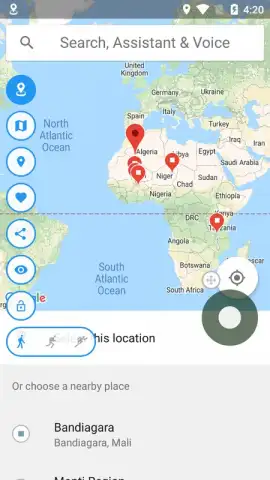
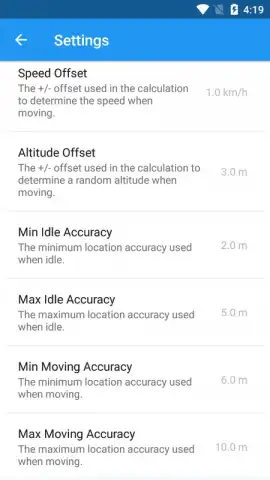
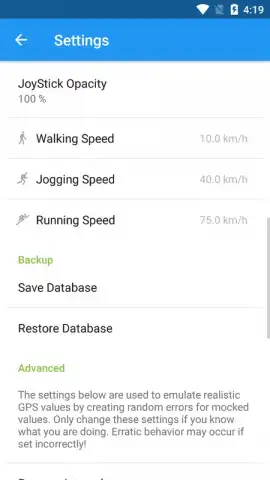
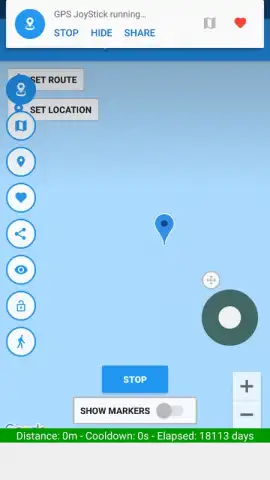
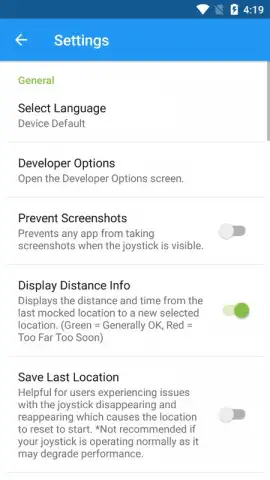
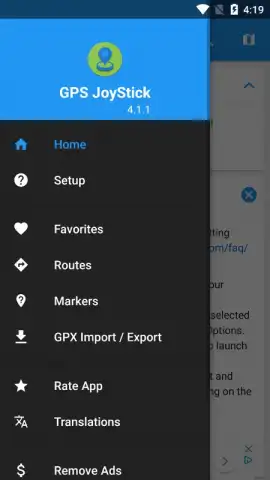
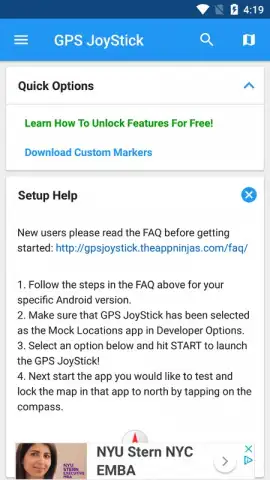
The tool requires an initial configuration within the Android OS developer settings to enable mock location providers, a standard prerequisite for software of this type. Once configured, the interface presents a global map where a user can either tap to set a static point or engage the on-screen joystick for dynamic, controlled navigation. A notable advanced feature is the route simulation mode, which allows for the plotting of a path and the setting of a travel speed. This generates a sequence of changing coordinates, mimicking real-world walking or running patterns over a set distance, which can be critical for applications that track movement velocity and progression over time.
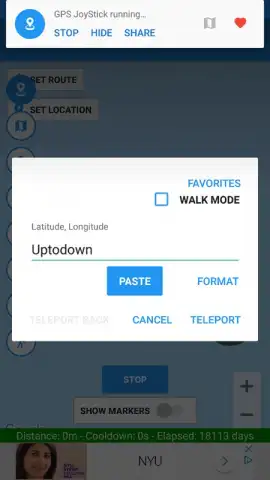
The absence of advertising within the core interface is a documented characteristic of this specific build. Location selection can be achieved through multiple input methods: direct map interaction, manual entry of latitude and longitude, or by searching for a named city or landmark. The spoofed location remains active until manually disabled or until a new point is selected, maintaining consistency for the requesting applications.
- Manual and Joystick-Based Location Override: Users can set a precise static point anywhere on the globe or simulate real-time movement using a directional on-screen control pad.
- Programmable Route Simulation: Plot a custom path on the map and set a movement speed to automatically generate a sequence of location points, emulating travel.
- Ad-Free Operational Interface: The core application environment functions without displaying third-party advertisement banners or video interruptions.
- Multiple Coordinate Input Methods: Supports selection via interactive map, direct geocoordinate entry, or search query for cities and points of interest.
- Persistent Mock Location Service: Once activated, the spoofed GPS signal is maintained consistently across all dependent apps until the user terminates the service.
Consider downloading this utility if your use case involves testing location-based app features, require precise control over GPS data for development, or have a specific need to simulate movement within a supported application environment.
Disclaimer: This tool requires enabling "Developer Options" and setting it as a mock location app on your Android device. Use must comply with the Terms of Service of any application receiving the spoofed data; violating those terms may result in account penalties. The application requires an internet connection for initial map loading and location searches. It does not contain in-app purchases in its current version. Use of this technology is subject to local laws and regulations regarding data transmission and privacy.
 GooglePlay


