

FancyKey
FancyKey screenshots (10)
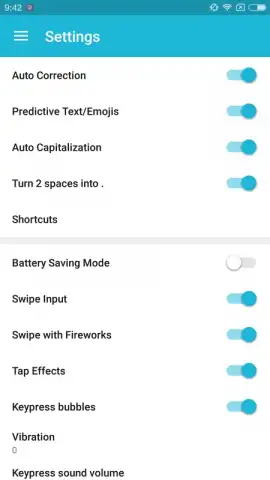
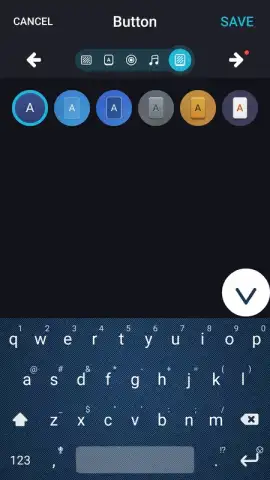
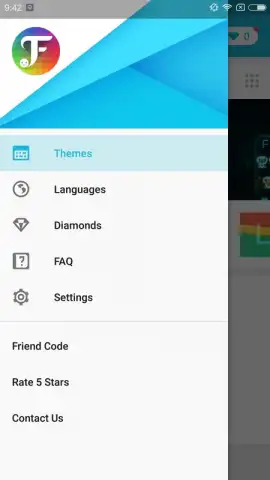
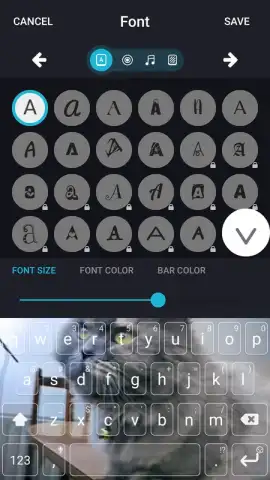
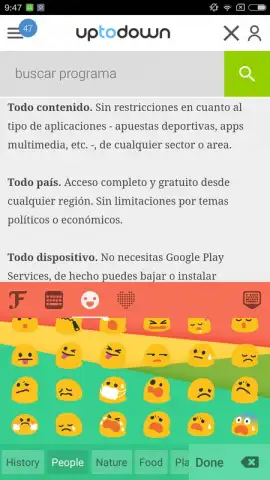
Description FancyKey
Tired of a Boring, Generic Keyboard?
Every time you type a message, you see the same dull keys. Your phone is a personal device, yet the keyboard feels impersonal and mass-produced. You want to express yourself, to make even everyday texting feel a bit more like you. The standard keyboard options are limiting, leaving your screen feeling less personal than it could be.
Your Keyboard, Your Rules
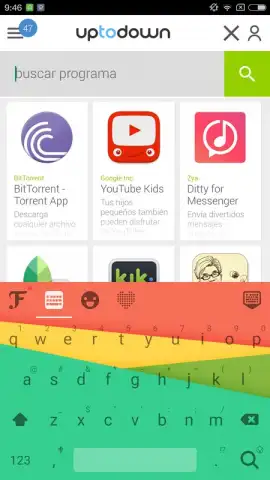
FancyKey transforms your typing experience from a utility into a form of self-expression. This is not just about changing a color; it is about complete creative control over one of your most-used interfaces. The app hands you the tools to design a keyboard that mirrors your mood, your style, and your personality. Forget about settling for pre-set themes that thousands of others are using. With FancyKey, you build the theme from the ground up, ensuring it is as unique as your fingerprint.
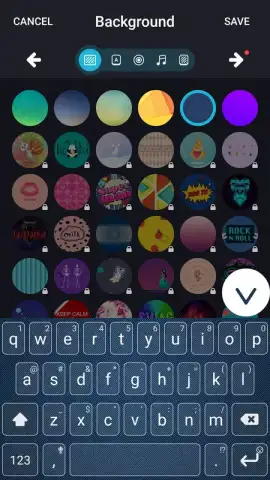
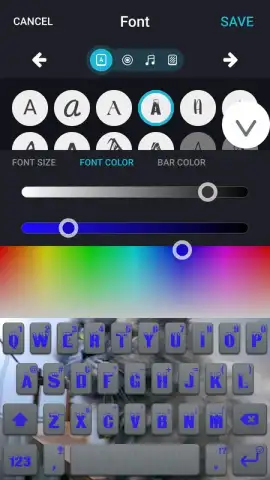
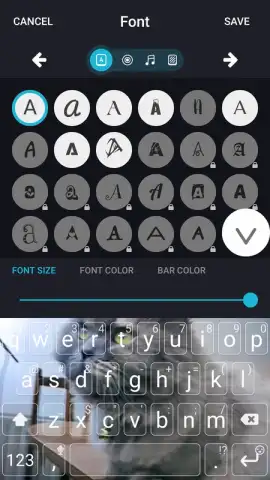
The process is intuitive and deeply customizable. Start by selecting a stunning background—this could be a cherished photo from your gallery, a vibrant pattern, or a minimalist solid color. Then, refine every detail. Adjust the size of the keys and the characters on them for perfect readability and comfort. Browse through an extensive library of elegant and modern fonts to find the one that matches your aesthetic, whether you prefer something sleek and professional or playful and bold.
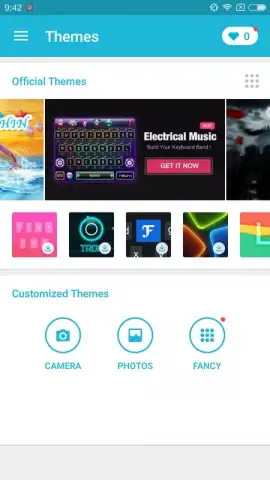
For days when you want instant change, the app offers a vast, curated collection of ready-to-use premium themes. These are professionally designed combinations of backgrounds, fonts, and color palettes. You simply browse, tap to download, and apply a completely new keyboard look in seconds. The switch is seamless, with no complicated setup required.
A key advantage of FancyKey is the uninterrupted, clean experience. By activating the Turbo feature, you remove all advertisements, ensuring a smooth, distraction-free typing flow. This upgrade unlocks a higher level of performance and grants access to exclusive, advanced customization options not available in the basic version, taking your personalization to its absolute peak.
- Total Visual Customization: Use any photo from your gallery as a keyboard background or choose from hundreds of exclusive in-app wallpapers and themes.
- Precision Typing Adjustments: Independently control the size of keys and the font size of characters for optimal comfort and accuracy.
- Extensive Font Library: Apply a wide variety of stylish fonts to your keyboard’s letters, transforming the look of every word you type.
- Instant Theme Application: Access a constantly updated shop of pre-made, designer keyboard themes for a complete style overhaul in one tap.
- Turbo Premium Experience: Eliminate all advertisements and unlock superior customization tools and exclusive content for a flawless, powerful typing environment.
- Simple Setup & Switching: Change your entire keyboard theme in moments and easily switch between your custom designs as often as you like.
Download FancyKey Now
This is your exclusive chance to redefine your mobile experience. For a limited time, new users receive special access to premium theme packs. Do not settle for the default—transform your keyboard into a personal statement today. Install FancyKey and start typing in style.
Disclaimer: The application requires an internet connection for downloading themes and accessing certain features. The app may offer in-app purchases for premium subscriptions and additional content.


