
File Commander Manager & Cloud
File Commander Manager & Cloud screenshots (7)
Description File Commander Manager & Cloud
Organize Every File Across Your Device and Cloud Services
Managing documents, photos, and downloads scattered between your Android's storage and various cloud accounts can disrupt your workflow. File Commander Manager & Cloud consolidates this process into a single, unified interface, providing direct administrative control over local files and integrated access to external storage platforms including Google Drive, Dropbox, Box, and SugarSync. This eliminates the need to switch between multiple apps to locate and manage your data.
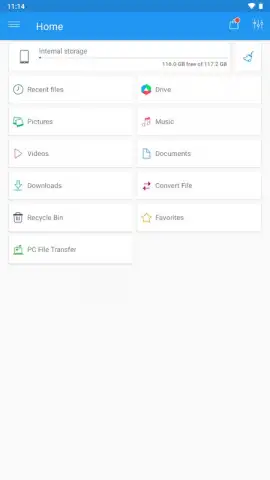
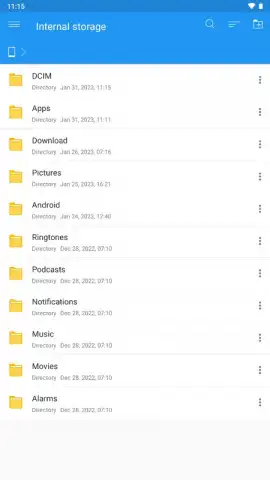
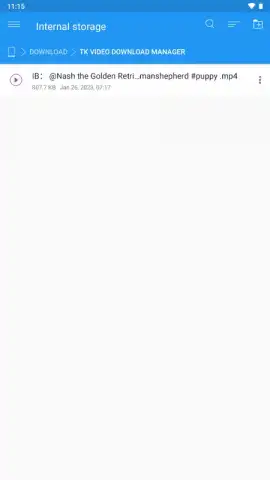
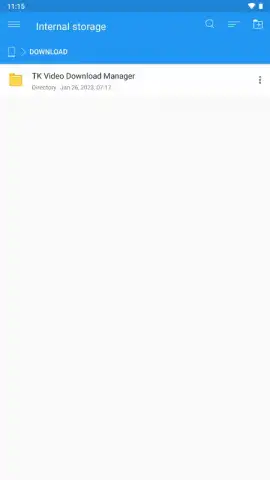
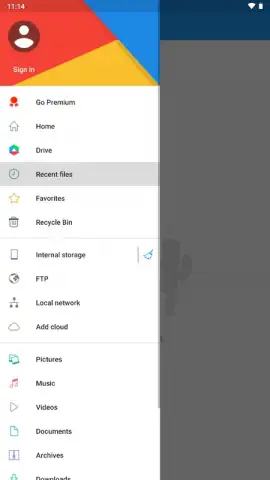
The application delivers a comprehensive set of file operations for your device's internal and external memory. You can execute copy, paste, cut, and move commands on any file or folder. The tool extends its functionality to network-based storage, supporting management via local area network (LAN) connections and FTP servers, all through a consistent and streamlined interface. The main screen organizes content into accessible categories, and within any directory, you are presented with a full suite of management utilities. These utilities include the display of image and video thumbnails for visual identification, a gesture-based command to select all items simultaneously, and multiple configurable parameters for sorting your files.
Core Functionality and Operational Tools
- Unified Cloud & Local Access: Connect and manage files stored on your device and within major cloud services like Google Drive and Dropbox from a single, integrated file system view.
- Advanced File Operations: Perform essential file management actions including copy, move, delete, and rename, with additional support for network protocols such as LAN and FTP.
- Optimized Visual Management: Browse files with generated thumbnails for media, use multi-select gestures, and sort content by name, date, size, or type for efficient organization.
The premium Turbo version of the application removes all advertising interfaces and unlocks enhanced performance features, providing an uninterrupted management experience. While the tool prioritizes a clean, intuitive design over an overwhelming feature set, it is equipped with all necessary functions for competent and systematic file administration on Android devices.
Download File Commander Manager & Cloud now and transform the way you organize, access, and control all your digital files. Claim your advantage now.
This application requires an internet connection for cloud service integration and may offer optional in-app purchases for premium features.
 GooglePlay


