
File Manager
File Manager screenshots (13)


Description File Manager
A Practical Tool for Direct File System Management
For users seeking direct control over their device's storage without navigating complex system menus, a dedicated file manager remains essential. This application provides a structured interface for accessing, organizing, and manipulating files stored locally and in connected cloud services. It functions as a centralized hub, removing the need to use multiple disparate apps to handle different file types.
Core Functionality and Interface Design
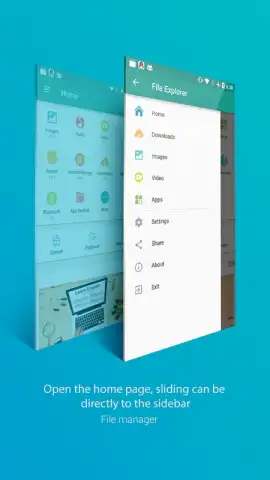
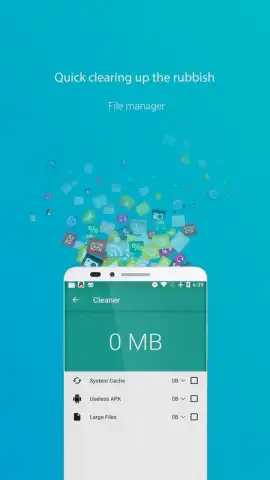
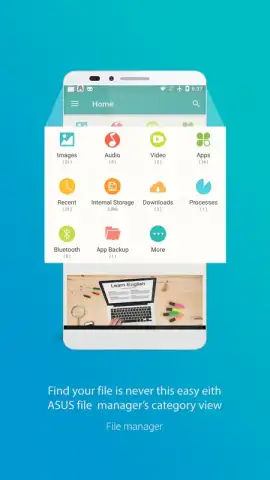
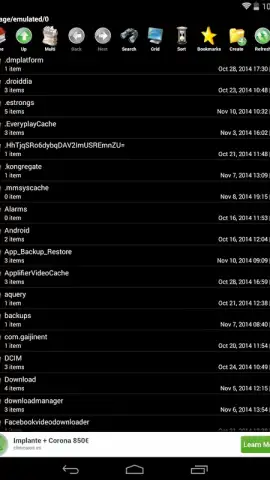
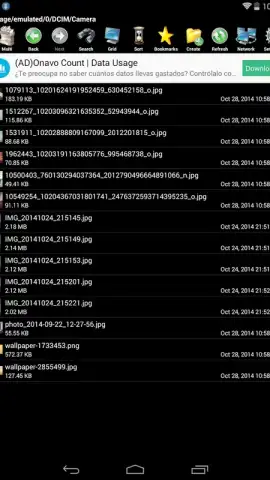
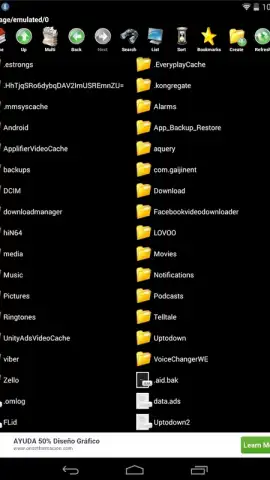
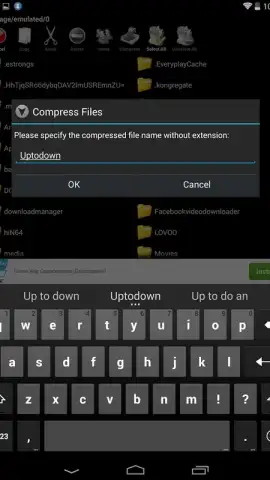
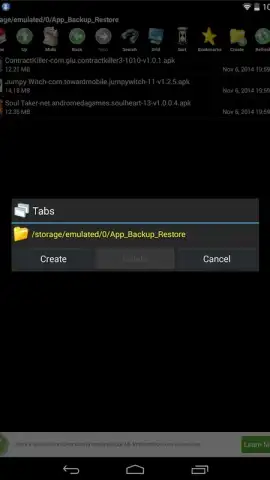
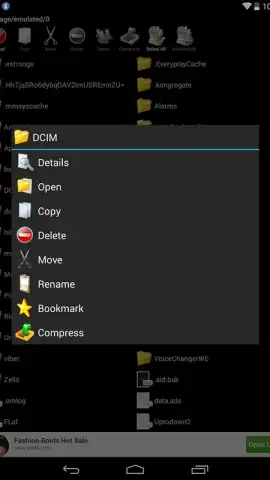
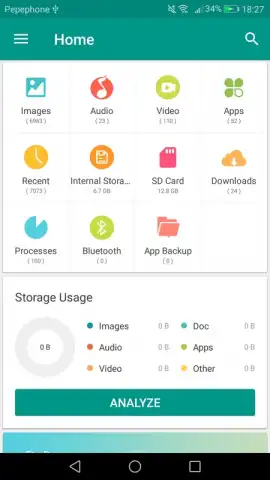
The application organizes device storage into intuitive categories such as Apps, Audio, Images, Videos, and Downloads. Selecting a category provides immediate access to all corresponding files, allowing for batch operations like move, copy, rename, or delete. A dedicated storage analyzer presents a visual overview of memory usage, identifying which file types are consuming the most space. The app also supports integration with major cloud storage providers, enabling basic synchronization tasks between local and online files directly from its interface.
Key Features and Configuration
Beyond basic file operations, the application includes several features aimed at improving utility and security.
- Customizable Interface Themes: Adjust the visual presentation of the file browser, including layout and color schemes, to suit personal preference.
- Access Lock via PIN Code: Implement a security layer by setting a numeric code to restrict access to the app and its contents.
- Turbo Performance Mode: An optional, ad-free experience designed to accelerate file operations and streamline the management process.
The combination of a clear categorical view, storage analytics, and configurable options makes this a functional solution for routine file management tasks on Android. Its value is in consolidating control over diverse file types and storage locations into a single, operational environment.
Consider downloading File Manager to handle your device's storage directly.
Download mobile app now
Disclaimer: This application requires an internet connection for cloud synchronization features. Optional in-app purchases may be available to unlock premium functionality. Data usage may apply when accessing online storage. Please be aware of age restrictions according to the store's policy. User is responsible for managing their files and data.


