
File system
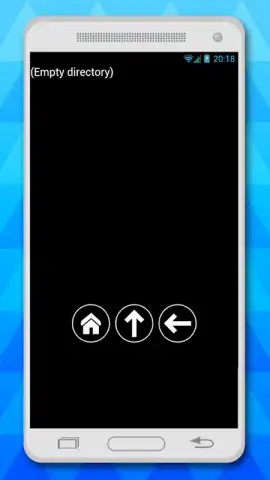
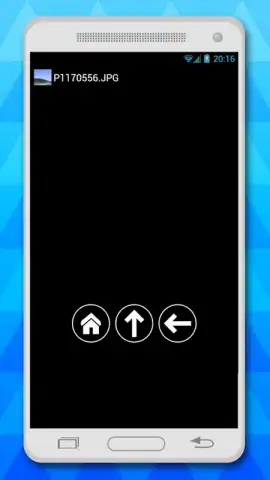
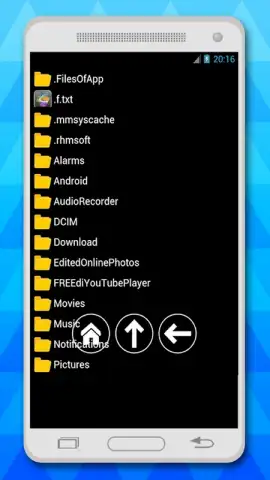
File system screenshots (3)
Description File system
Navigating Your Device's Storage Shouldn't Feel Like an Expedition
Every user has faced the moment of digital clutter: a critical document buried in a labyrinth of folders, a duplicate photo consuming space, or the frustration of a cloud service failing to sync a local file. The "File System" app by Adcoms addresses this universal need for direct, unfettered control over your device's storage architecture. It functions as a comprehensive local and cloud file manager, transforming the abstract storage of your device into a tangible, organized workspace you can navigate with precision.
Core Functionality and Analytical Overview
This application provides a unified interface for managing files across local device storage, connected cloud accounts, and networked devices. The primary mechanic is a dual-pane browser view, allowing for direct drag-and-drop operations between different storage locations, which significantly streamlines file organization and transfer tasks. It supports a wide array of file operations including cut, copy, paste, rename, compress, and extract, applying consistent logic across all connected storage endpoints. A built-in file analyzer scans designated directories, presenting a visual breakdown of storage usage by file type, which is instrumental for identifying and clearing redundant data. The app also integrates a robust search function with filters for date, size, and type, moving beyond the native file search capabilities of most operating systems.
Key Operational Advantages
The utility of this tool is defined by its emphasis on performance and user-centric design. The interface adopts a clean, hierarchical layout that logically mirrors a desktop file explorer, reducing the learning curve and enabling efficient navigation. File previews are generated for common formats—images, documents, PDFs—directly within the browser pane, eliminating the need to open secondary applications for simple verification. For power users, the app includes functionality to view hidden system files and manage root directory access on compatible devices, offering a level of control typically reserved for desktop environments. Its handling of network storage protocols, such as FTP, WebDAV, and SMB, is notably stable, providing reliable access to NAS drives or office servers without requiring a separate dedicated application.
- Unified local and cloud file manager
- Visual storage analyzer and cleaner
- Root access and system file control
- Network drive and FTP client support
Gain immediate mastery over your digital assets and eliminate storage anxiety. Download the mobile app now to transform your device into an efficiently organized workspace.
Internet required. IAP available.


