

FineReader
FineReader screenshots (21)
Description FineReader
What if you could transform any printed document or image into editable, searchable text directly from your phone?
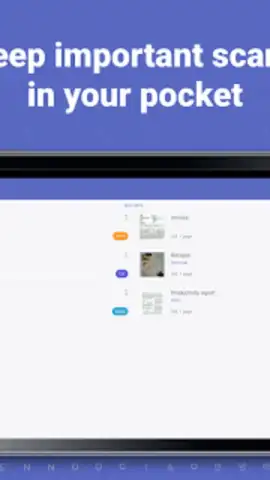
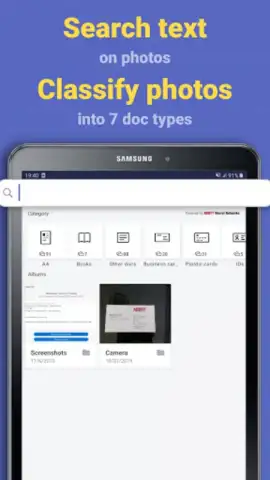
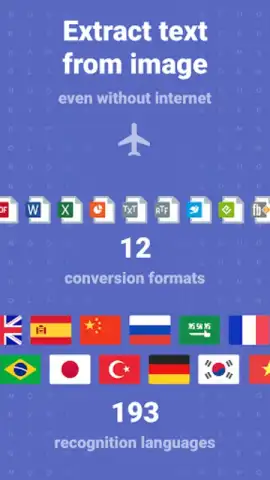
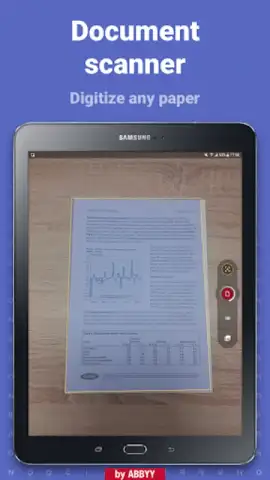
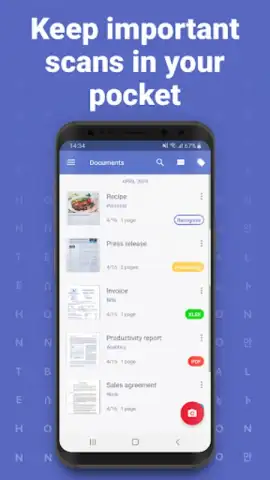
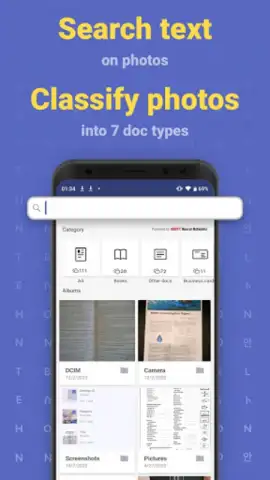
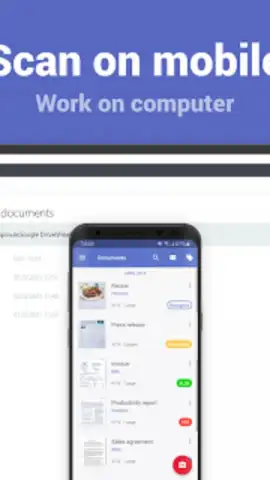
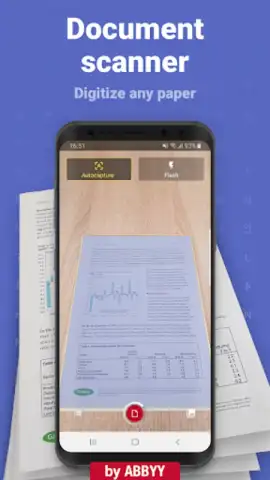
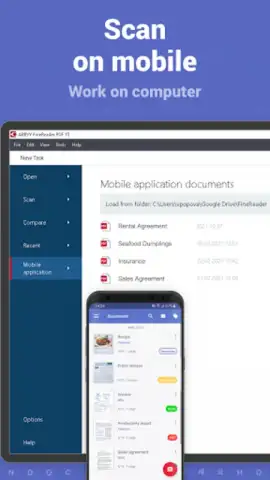
FineReader by ABBYY is a mobile document scanning and conversion application. It utilizes optical character recognition (OCR) technology to digitize physical documents, photographs of whiteboards, or screenshots. The core function is to capture an image via the device's camera or import an existing file, after which the app processes it to detect text, enhance readability, and output it in a variety of editable and shareable formats. This process effectively bridges the gap between physical paperwork and digital workflows, aiming to reduce manual data entry and improve information organization.
Core Functionality and Processing Tools
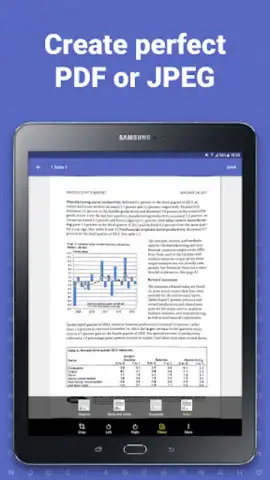
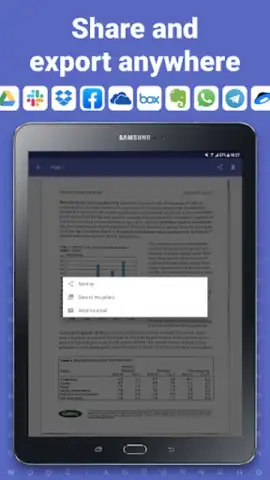
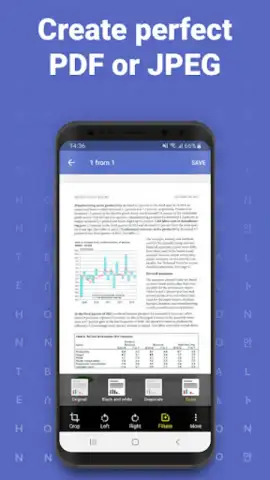
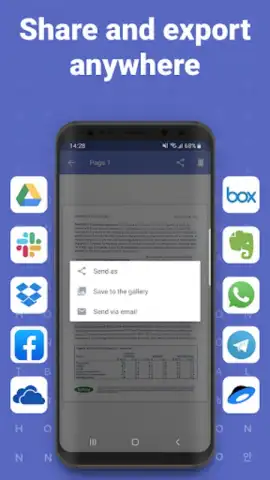
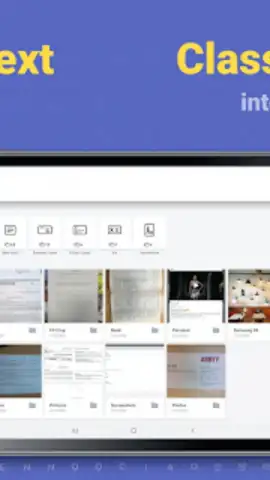
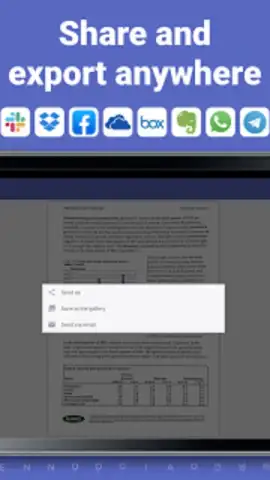
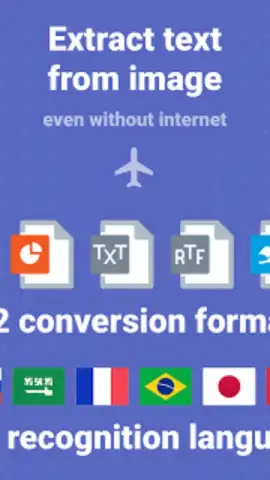
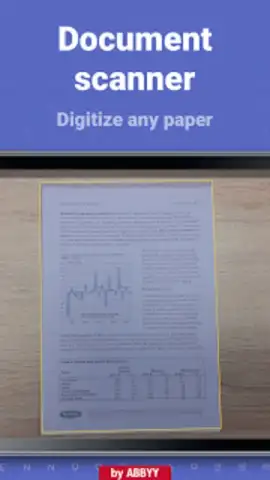
The application operates through a structured workflow. The initial capture stage includes automatic edge detection and perspective correction to standardize the document frame. Following capture, the image undergoes processing with filters to improve contrast, remove shadows, and sharpen text. The central OCR engine then analyzes the processed image to recognize characters and layout, supporting a wide array of languages. Finally, the output stage allows users to proofread the recognized text, choose a format like searchable PDF, Microsoft Word, or plain text, and share the result through connected cloud services, email, or other applications on the device.
Key Operational Advantages
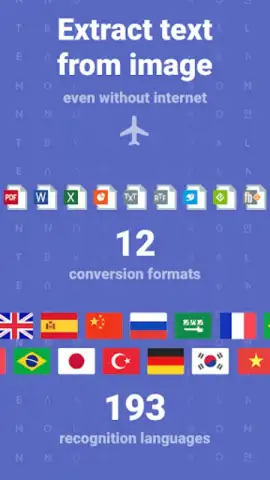
- High-Accuracy Multi-Language OCR: Provides precise text recognition for over 190 languages, including mixed-language documents, ensuring reliable conversion from image to editable content.
- Automated Document Enhancement: Intelligently applies image correction filters for perspective, lighting, and clarity to produce clean, readable scans from imperfect originals.
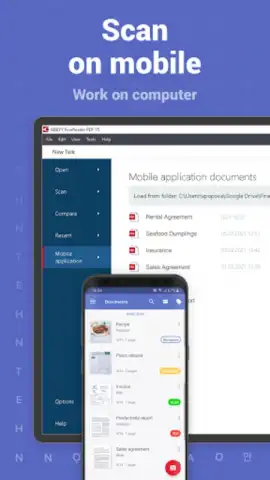
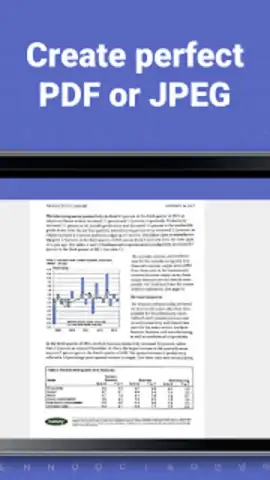
- Flexible Export and Integration: Enables direct saving of results to searchable PDFs or editable Word/Excel files, with seamless sharing to cloud storage platforms like Dropbox, Google Drive, or OneDrive.
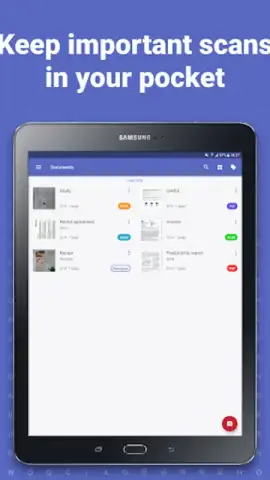
We suggest trying FineReader for handling receipts, business cards, lecture notes, or archival documents, as it consolidates scanning and conversion into a single, portable tool.
Consider downloading the mobile app now to streamline your document management tasks.
Disclaimer: This application requires an internet connection for full OCR processing and certain features. It may offer in-app purchases for advanced functions or subscription plans. Data usage applies when processing documents via cloud services. Please review the app's data privacy policy for details on information handling. The developer is not responsible for the accuracy of recognized text from low-quality source materials. Requires Android 8.0 or later.


