

Firefox Klar
Firefox Klar screenshots (7)
Description Firefox Klar
What if your mobile browser could be both a fortress of privacy and a model of minimalist efficiency?
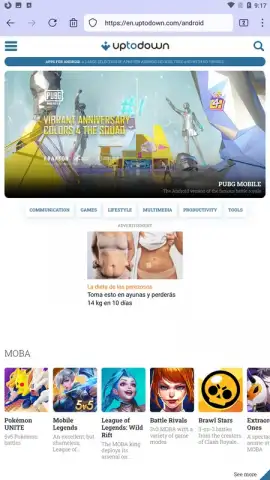
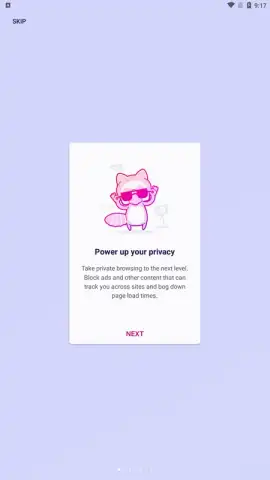
Firefox Klar, developed by Mozilla, presents itself not merely as a browser but as a focused privacy tool for the Android user. It is a purpose-built, lightweight iteration that systematically strips away common features like bookmarks and persistent history to prioritize two core tenets: user anonymity and operational speed. Upon launch, the interface is starkly clean, dominated solely by a URL address bar. This deliberate absence of clutter—no history panels, no bookmark shelves, no promotional tiles—forces an immediate and undistracted focus on the task at hand. The browser’s defining mechanic is its automatic, post-session amnesia; it is engineered to block trackers by default and erase your browsing history, cookies, and site data the moment you close the app, ensuring no digital trail is left on your device.
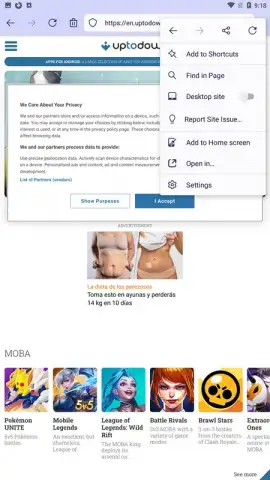
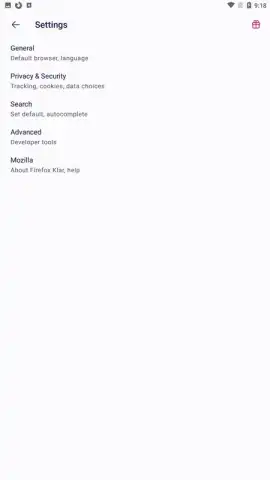
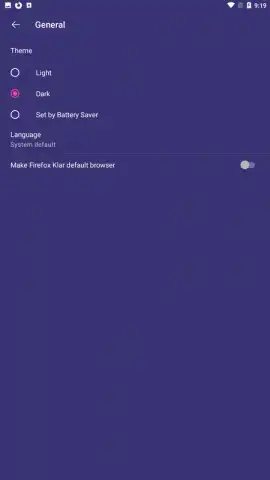
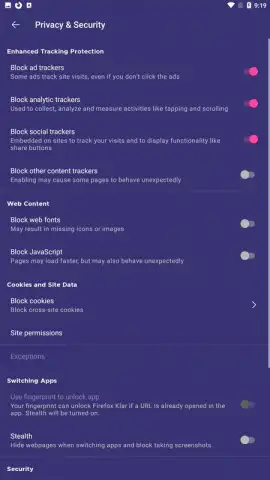
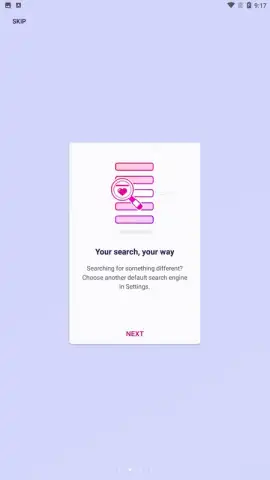
This design philosophy makes it an exceptionally practical tool for sporadic, sensitive, or research-intensive browsing sessions where you require information from the web but have no desire to leave a residual footprint. Beyond its automated privacy protocols, Firefox Klar incorporates a capable set of manual controls for nuanced navigation. Users retain the ability to manually purge a session mid-browse, refresh pages, share links, perform on-page text searches, and toggle a desktop site mode for compatibility. The settings menu, while minimalist, offers granular control, allowing you to adjust tracker blocking intensity, disable cookies from unvisited origins, force encrypted HTTPS connections, enable a system-wide dark theme, and set a default search engine. It is, in essence, a browser that places decisive control over data retention firmly in the user's hands, operating with a speed advantage afforded by its lack of legacy data accumulation.
Core Feature Analysis
- Automatic Privacy Sanitization: Erases browsing history, cookies, and site data immediately upon app closure, with default tracker blocking.
- Ultra-Minimalist User Interface: Presents a zero-clutter homepage with only a URL bar, removing distractions and potential data-harvesting points.
- Granular Manual Security Controls: Provides settings to force HTTPS, adjust cookie policies, enable dark mode, and change the default search engine.
The application’s value is clearest for those who segment their digital activities—using a full-featured browser for daily use and deploying Firefox Klar for sessions demanding absolute discretion. Its performance is streamlined, as it isn’t burdened by maintaining vast databases of historical user data. For anyone conducting private research, comparing prices without influencer tracking, or simply wishing to browse without building a permanent profile on their device, this tool fills a critical niche.
Do not miss the opportunity to integrate this essential privacy layer into your mobile toolkit. Exclusive access for our readers is available today—download Firefox Klar now and experience browsing without a shadow.
Internet required. IAP available.
 GooglePlay


