

Firmware Finder
Firmware Finder screenshots (8)

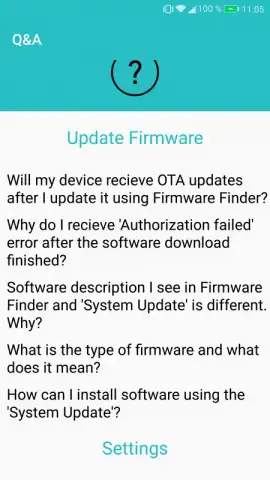
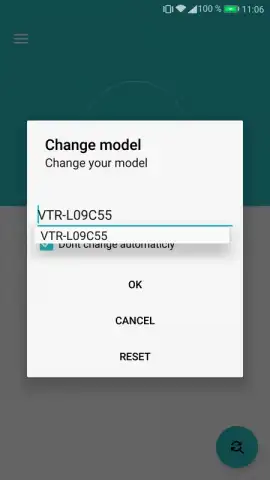
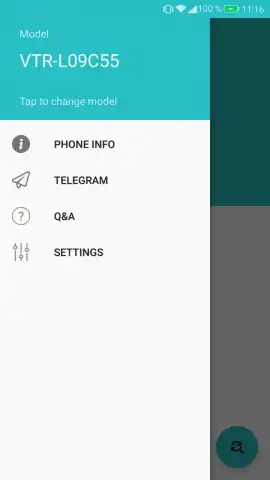
Description Firmware Finder
Firmware Finder Cuts Through Huawei’s Update Delays
For Huawei smartphone owners, waiting weeks for an official firmware update to finally reach your device is a common frustration. Firmware Finder, an unofficial utility developed by gmanrainy from Team MT, directly addresses this systemic rollout delay. It functions as a specialized conduit, granting you immediate access to Huawei’s own published firmware files, allowing you to manually initiate updates the moment they are released by the company. This review examines the mechanics, safety, and practical application of this tool for taking control of your device’s software cycle.
Analysis of Function and Methodology
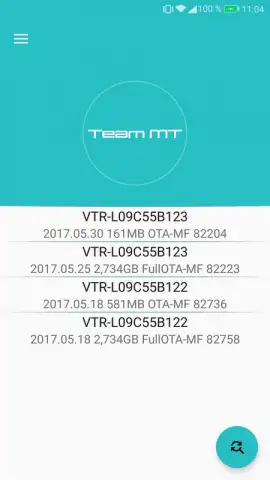
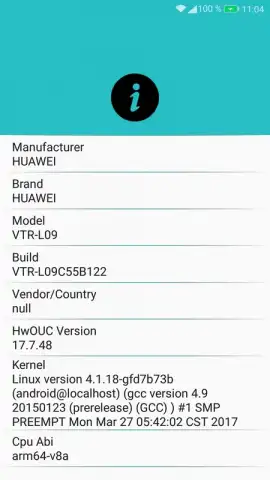
Upon launch, the application automatically identifies your specific Huawei device model and presents a curated list of all compatible firmware packages. Each listing is annotated with the official release date from Huawei, providing clear visibility into what updates your device should technically be eligible for. The core functionality operates by using a proxy method to communicate with Huawei’s own verification servers. This process essentially convinces the server that your device’s turn in the staggered rollout queue has arrived, thereby approving the installation of an update file your device would otherwise not yet see. It is critical to understand the distinction between firmware types listed: full update packages (often exceeding 1GB in size) and smaller OTA (Over-The-Air) incremental patches. The application strongly recommends using full firmware versions for stability, as OTA updates require a specific base version to function correctly and are intended as temporary fixes rather than complete system refreshes.
The utility is designed explicitly for bypassing the carrier- and region-based phased rollout, which can lag by weeks even for identical models in the same country. It does not host or modify software; every file retrieved is the original, cryptographically signed firmware published by Huawei. This makes the process distinct from risky flashing with unofficial ROMs. The primary use case is for users who either wish to update immediately upon public release or who need to resolve issues caused by delayed updates from their specific service provider. The absence of advertisements and the inclusion of a ‘Turbo’ mode for accelerated download processes contribute to a streamlined user experience focused purely on the technical task at hand.
Core Feature Breakdown
- Automatic device model detection instantly filters and displays only compatible, official firmware updates.
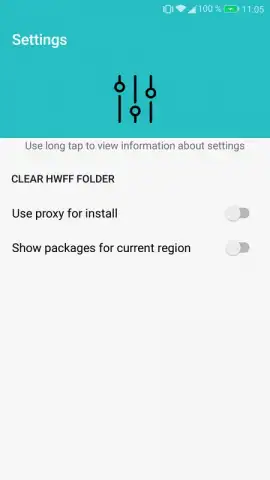
- Direct access to Huawei’s official servers via proxy to bypass staged rollout queues and delays.
- Detailed firmware listings include official release dates and clear labeling of full versus OTA update types.
- Recommended full firmware installation ensures system stability and avoids incremental patch dependency issues.
- Ad-free experience with Turbo mode accelerates download speeds for large update package files.
Do not tolerate unnecessary delays for critical system updates and security patches. If you own a Huawei device, this tool provides immediate, sanctioned access to your manufacturer’s own software. Download Firmware Finder now and take direct control of your smartphone’s update timeline.
Internet required. IAP available.


