

Flick Launcher
Flick Launcher screenshots (8)
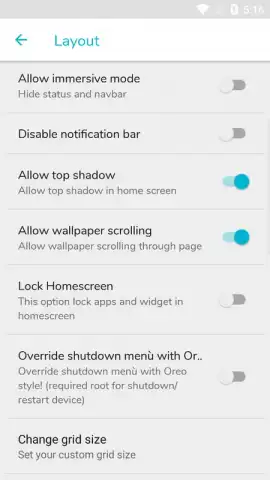
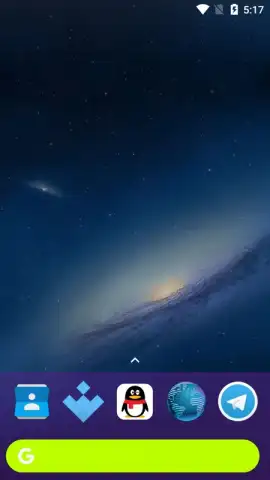
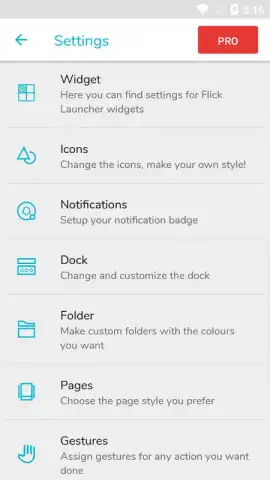
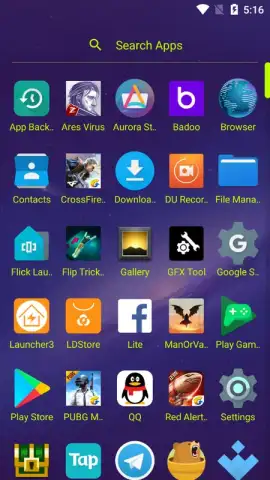
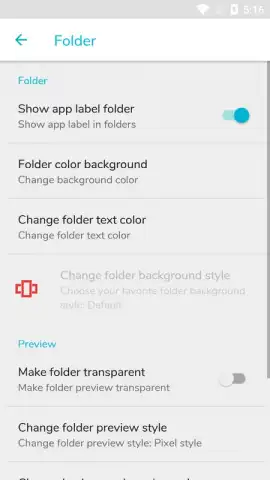
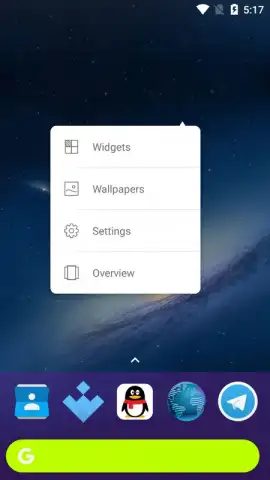
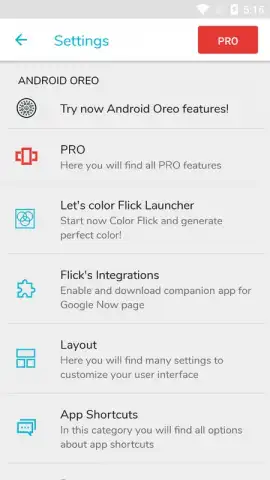
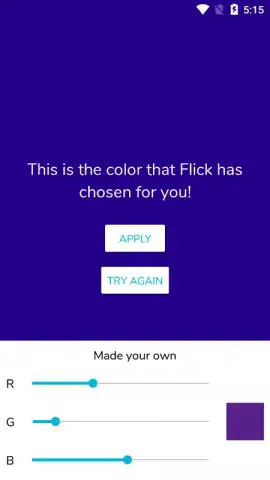
Description Flick Launcher
Imagine your phone’s home screen feeling slow, cluttered, and exactly like everyone else’s. You swipe, you tap, but it never feels truly yours. What if a single gesture could transform it into a fluid, personalized command center?
Flick Launcher reimagines Android navigation by replacing traditional taps with intuitive swipe and flick gestures. Access your favorite apps, contacts, and actions directly from the home screen or app drawer with custom directional swipes. The launcher offers deep theming with icon packs, adaptive folders, and a dynamic search bar that learns your habits. A powerful sidebar provides instant access to tools and shortcuts, while the minimalist design ensures maximum information density without visual clutter.
Core Functionality & Tools
Flick Launcher is built around gesture-based efficiency and extensive customization.
- Gesture Navigation Engine: Assign specific apps, actions, or shortcuts to custom swipe directions on any home screen icon or in the app drawer.
- Dynamic Theming System: Apply icon packs, change grid layouts, adjust folder styles, and modify system accent colors system-wide for a cohesive look.
- Smart Sidebar & Search: Deploy a hidden sidebar for quick tools and contacts, paired with a universal search that indexes apps, settings, and contacts.
Key Advantages
The launcher prioritizes a streamlined user experience with a focus on performance and personal control.
- Reduced Navigation Steps: Execute common tasks in fewer moves by using gestures directly from the home screen.
- Highly Adaptive Interface: The layout and search functionality adapt to your daily usage patterns for quicker access.
- Lightweight Performance: Designed to run smoothly even on devices with older specifications, minimizing battery and memory impact.
Don't settle for a standard home screen. Get exclusive early access to a smarter, faster way to use your phone.
Download Flick Launcher now and transform your device today.
Heads up: you'll need wifi for initial setup and to download icon packs. Some advanced themes and gesture packs are extra. Requires Android 5.0 or higher.





