

Floating Apps
Floating Apps screenshots (22)

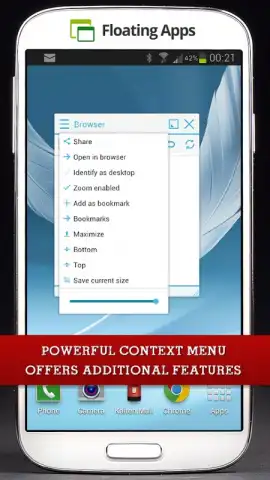
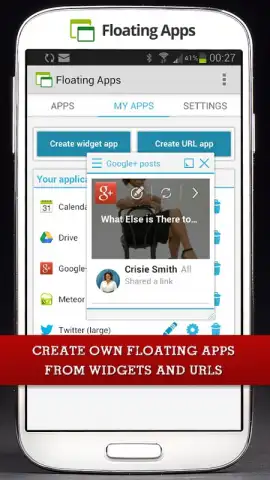
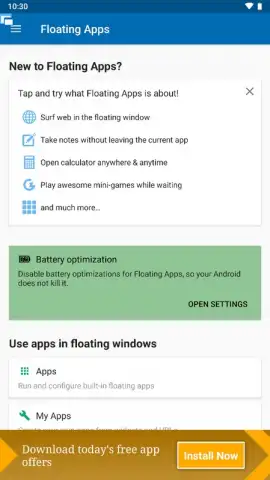
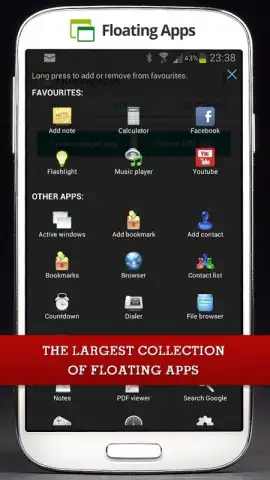
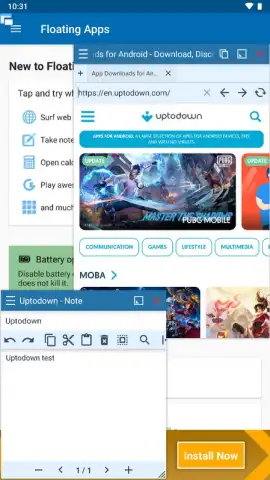
Description Floating Apps
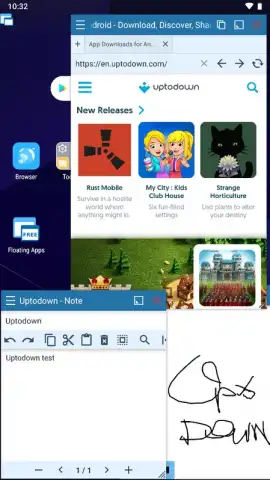
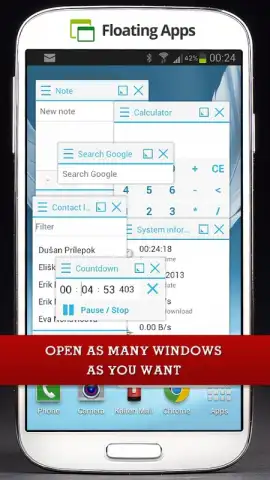
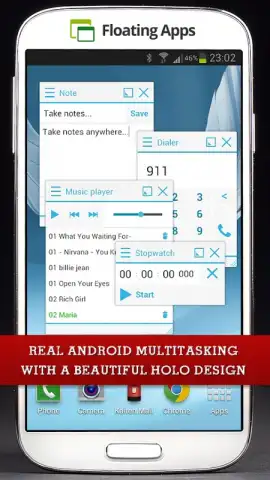
What if you could run multiple apps simultaneously in resizable, movable windows on your Android screen?
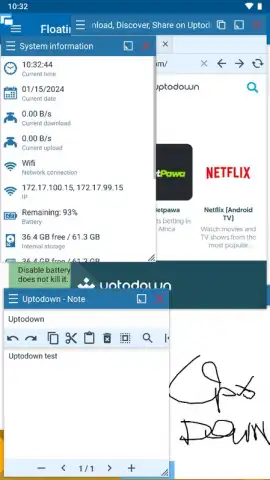
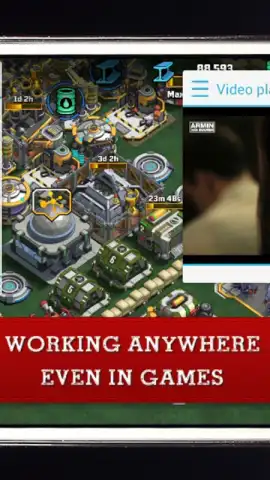
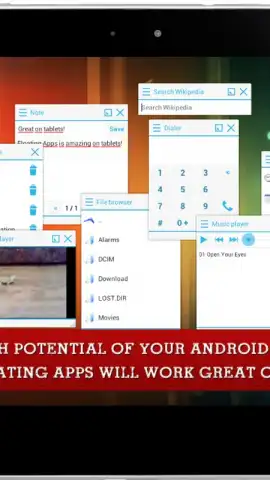
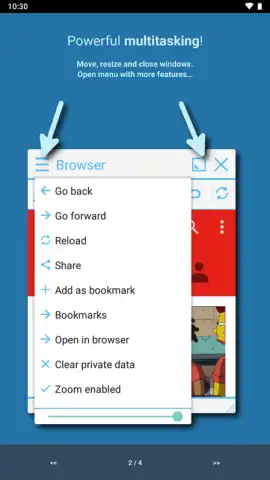
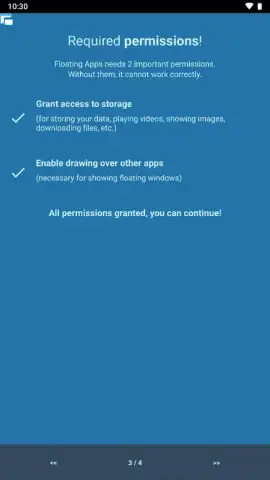
Floating Apps provides a system-level utility that transforms the standard single-app interface of Android into a multi-window workspace. The core function allows any application or website to operate in a persistent, floating window that remains on top of other screen content. This enables practical workflows like taking notes directly over a video tutorial, monitoring a live stream while browsing, or keeping a calculator and document viewer accessible during research. Initial setup requires granting specific Android permissions, including storage access to display local media files and the 'display over other apps' permission essential for the floating window functionality. On devices running Android 7.0 (Nougat) and above, an additional in-app guided process is necessary to enable floating mode for specific applications, such as games or streaming services.
A closer look at the floating toolbox
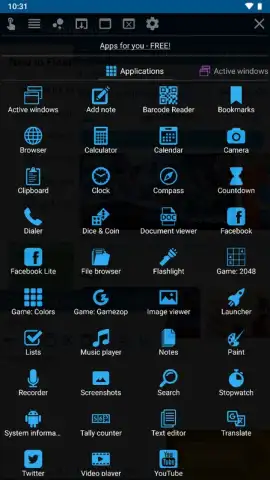
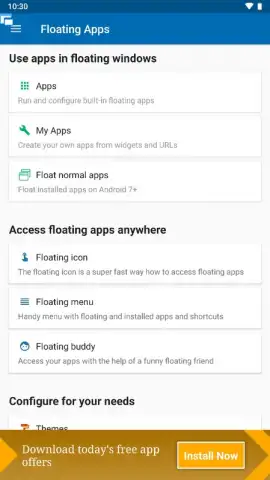
The platform distinguishes itself by including over thirty dedicated, optimized mini-apps within its ecosystem, ready for immediate use without further configuration. These are not just shortcuts but lightweight, standalone utilities designed for floating operation. Beyond this built-in suite, the tool's most powerful feature is its ability to 'float' any installed third-party application or any web URL, creating a custom, always-on-top browser window for sites like YouTube or Instagram. A key operational benefit is the complete absence of banner or video advertisements within the app interface itself, a feature unlocked by the Turbo mode, which also contributes to overall system performance and window responsiveness.
Core feature breakdown
- Extensive Pre-built Mini-App Suite: Access over thirty dedicated floating utilities including a notepad, stopwatch, web browser, calculator, document viewer, calendar, and compass for immediate multitasking.
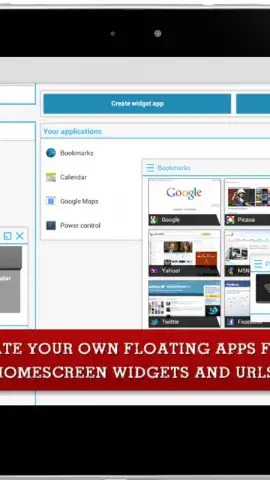
- Universal App & Web Floating: Transform any installed application or any website URL into a customizable, always-on-top window independent of your main screen activity.
- Ad-Free Turbo Environment: Operate all floating windows without disruptive advertisements, with Turbo mode enhancing rendering performance and window management smoothness.
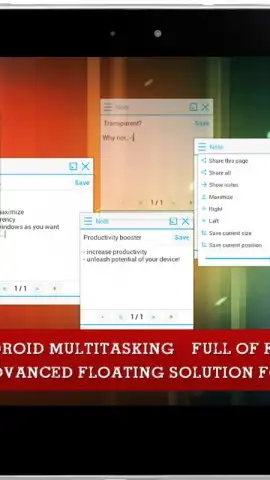
The practical outcome is a significant expansion of your device's functional interface, turning it into a highly efficient multitasking environment. Whether for productivity, where referencing multiple sources simultaneously becomes seamless, or for convenience in media consumption and communication, the app redefines screen real estate utility. The control over window size, transparency, and positioning allows for a fully personalized layout that adapts to different tasks rather than forcing adaptation to a rigid, full-screen model.
Download Floating Apps now and immediately reconfigure your Android device into a powerful, layered workspace! Stop switching between apps and start using them together side-by-side.
Internet required. IAP available.
 GooglePlay


