

Floating Stickies
Floating Stickies screenshots (8)

Description Floating Stickies
Keep Critical Notes Always in View
Managing reminders and information across multiple apps and devices often requires switching screens or searching through cluttered menus. This disrupts workflow and can cause important tasks to be missed. A solution that allows key notes to remain persistently accessible directly on your screen addresses this core productivity challenge.
Core Functionality for Persistent Access
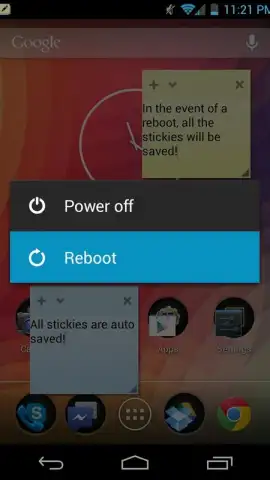
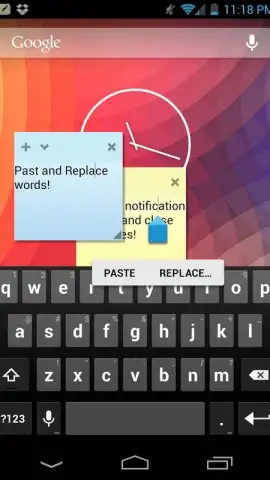
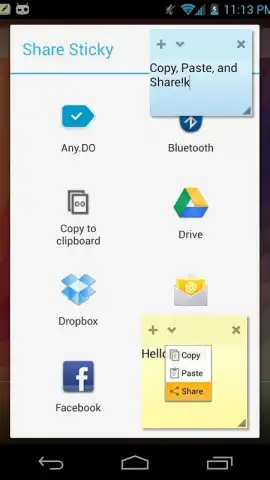
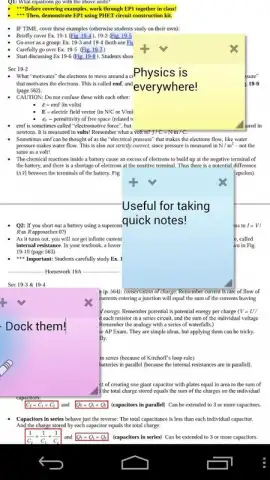
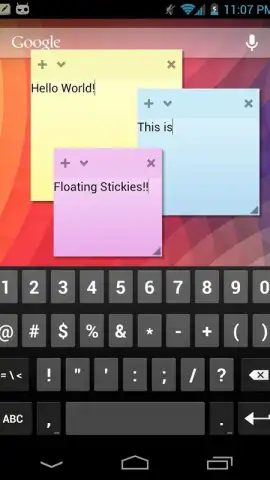
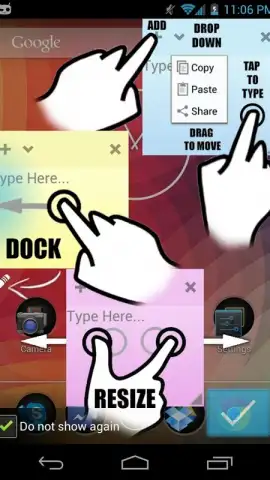
Floating Stickies operates as a utility that creates adhesive note widgets which remain superimposed over other application interfaces. These widgets are not confined to a dedicated app window and maintain their position on the display, providing constant visibility. The primary mechanism involves a drag-and-drop pinning function, allowing users to anchor notes to a preferred screen edge for consistent placement. All content entered into a sticky note is subject to automatic background saving, ensuring no data loss occurs from accidental closure or system interruptions.
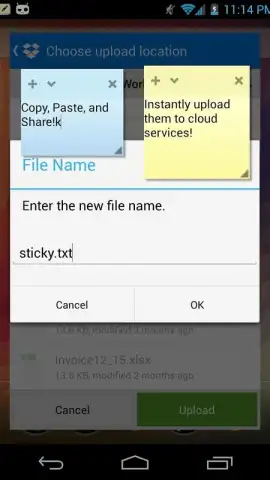
The professional version extends functionality through cloud-based synchronization, which propagates note content across all registered devices linked to a single account. This tier removes any limitation on the total number of active sticky notes that can be created and managed concurrently. It also introduces the capability to assign custom titles to individual notes, moving beyond generic labels to support complex organizational systems and faster visual identification.
Application Specifications
- Persistent Overlay Display: Notes maintain a top-layer position above other active applications and home screens.
- Drag-and-Pin Placement: Intuitive positioning system for organizing notes along screen peripheries.
- Automatic Data Preservation: Continuous background saving secures all text input without manual commands.
We suggest trying Floating Stickies to consolidate your reminders and critical information into a single, always-visible layer. Consider downloading the application to streamline your digital multitasking and note management processes.
Download mobile app now
A stable internet connection is required for initial installation, account registration, and for enabling multi-device synchronization features within the Pro version. The application may offer in-app purchases to access premium functionality.


