

Folder Lock
Folder Lock screenshots (11)


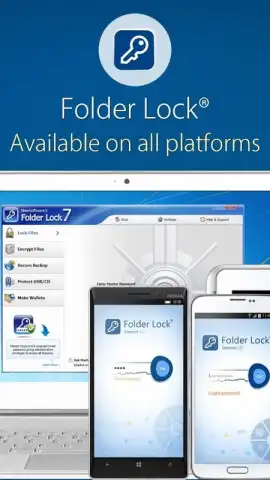
Description Folder Lock
Folder Lock Provides Direct File-Level Encryption for Android Media and Documents
This application functions as a dedicated security vault, applying password protection directly to folders within the Android file system. It operates by creating an encrypted container, ensuring that designated files are inaccessible without correct authentication. The utility extends beyond simple hiding, offering a tangible layer of encryption for personal data.
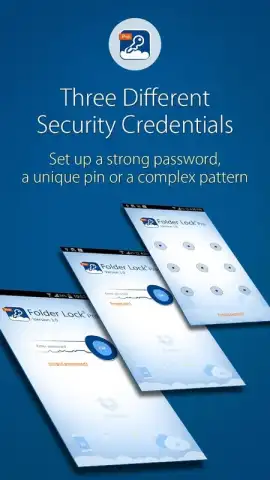
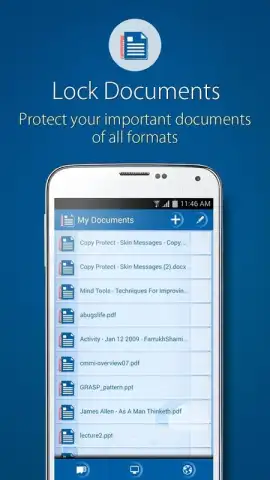
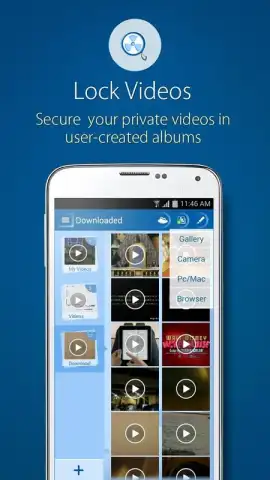
The core mechanism allows users to secure any file type stored locally. While its function is particularly relevant for commonly targeted media like photos and videos, the system is equally effective for text documents, audio recordings including voice memos, and sensitive financial files such as PDF statements. Security is initiated through one of three configurable authentication methods: a traditional alphanumeric password, a pattern-based graphical key, or a numerical PIN code. The absence of advertising within the secured environment and potential performance enhancements contribute to a focused user experience centered on privacy control.
Core Functionality and User Implementation
- Implements direct folder encryption using password, PIN, or pattern lock.
- Secures diverse file types including photos, videos, documents, and audio.
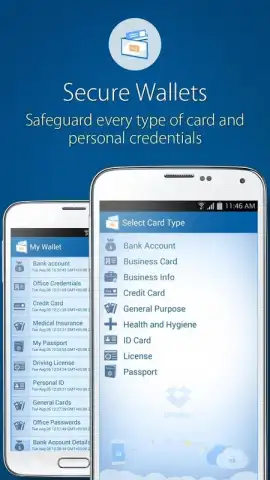
- Creates isolated vaults for sensitive financial records and personal media.
- Operates without advertisements within the primary security interface.
- Provides a straightforward tool for preventing unauthorized file access.
Download the Folder Lock app immediately to encrypt your private folders directly.
Disclaimer: This application requires an internet connection for initial download and potential updates. It may offer in-app purchases for additional features. Use of this tool involves the storage and processing of your device's file data. Please check the product listing for specific age ratings and data privacy details.
 GooglePlay


