
Gallery Lock (Hide pictures)
Gallery Lock (Hide pictures) screenshots (9)
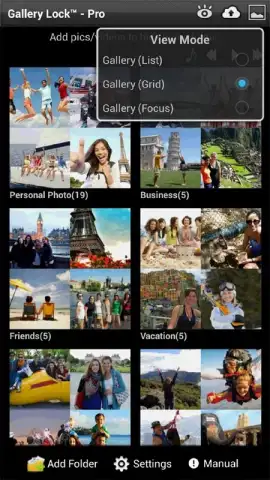
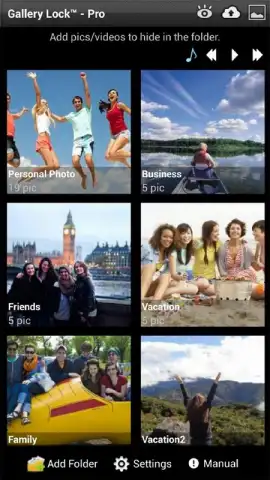
Description Gallery Lock (Hide pictures)
Imagine handing your phone to a friend to show them a vacation photo, only to feel a sudden pang of anxiety. What if they swipe too far? In a world where our devices are extensions of our private lives, Gallery Lock (Hide pictures) by Morrison Software addresses that specific, modern vulnerability. This utility transforms a standard Android gallery into a segmented space, where sensitive images and videos exist behind a secure digital lock, accessible only through a user-defined pattern or PIN code.
Core Functionality and User Experience
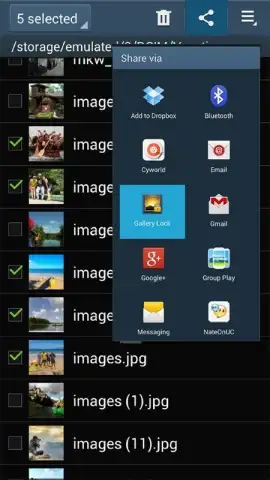
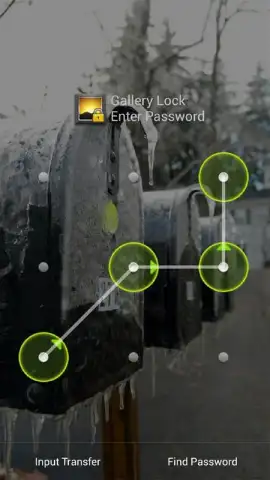
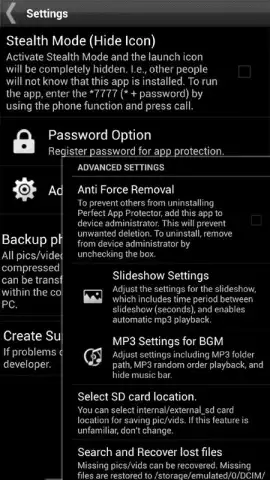
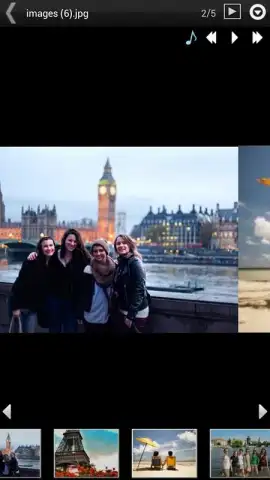
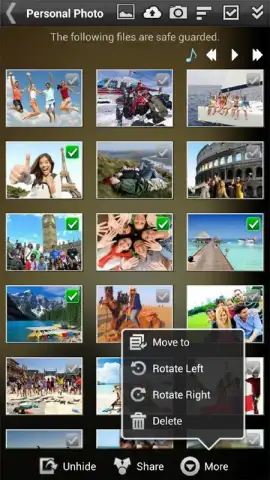
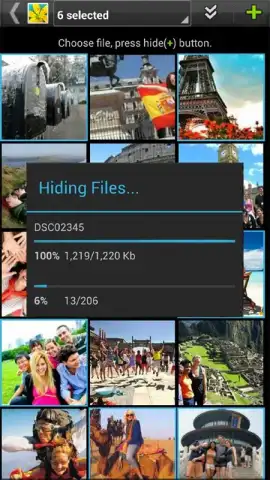
The application operates on a straightforward principle of selective concealment. The user initiates the process by browsing their device's native gallery, tapping to select the specific photos or videos they wish to secure. The software then facilitates the creation of a new, distinct folder—a private gallery that is removed from the standard media viewer. The critical step follows: configuring the access method. Users can opt for a traditional numeric PIN or a more intuitive graphical pattern lock, drawing a unique shape on a grid of dots. Once set, the protected folder becomes a discrete entity. Its contents are not merely hidden; they are encrypted and stored separately, meaning they cannot be accessed, viewed, or discovered through any other application or file manager without first passing through this authentication gate.
Analysis of the Lite Version and Pro Upgrade Path
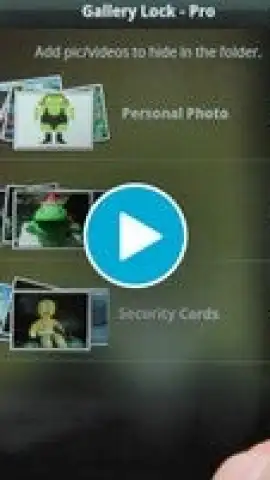
It is important to note that the reviewed version, 5.2.4, is the Lite iteration of the software. This version is fully functional for its core task of creating and accessing locked galleries but is supported by advertising. The in-app upgrade to the Pro version is presented as a pathway to an enhanced experience, primarily framed around the removal of all advertisements. This 'Turbo' mode, as referenced in the app's own messaging, promises uninterrupted usage. The upgrade model is common in the utility category, offering full feature access in the free tier to demonstrate value, while monetizing through an ad-free premium tier. The process is seamless, managed entirely within the app's settings menu.
- Selective Media Protection: Choose individual photos or videos from your main gallery to hide, without moving entire folders.
- Dual Authentication Options: Secure your private gallery with either a classic PIN code or a customizable graphical pattern lock.
- Isolated Secure Storage: Creates an encrypted, separate vault that is invisible to other apps and Android's default file explorers.
For any user who stores confidential documents, personal memories, or private media on their device, this app converts a general-purpose tool into a partitioned space. It effectively mitigates the risk of accidental exposure during casual phone sharing. The value proposition is clear: it provides a dedicated, user-controlled privacy layer within the inherently shared environment of a mobile device.
Download the mobile app now to lock down your private moments. This is a limited-time offer for exclusive, unrestricted access to the core security features for all new users.
Heads up: you'll need wifi for the initial download and for any in-app upgrade process. Some cool stuff, like the permanent ad-free Turbo mode, is extra.
 GooglePlay


