

Ginger Keyboard
Ginger Keyboard screenshots (7)

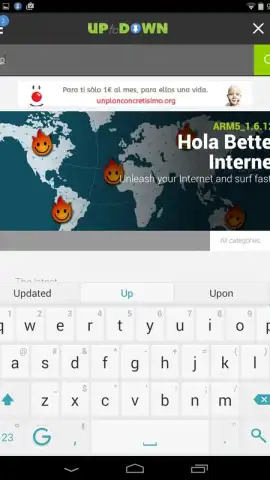
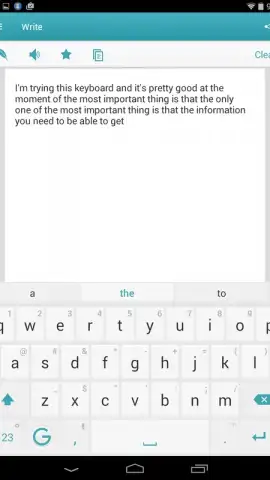
Description Ginger Keyboard
Tired of basic keyboards that slow you down and lack smart tools?
If you find standard mobile keyboards limiting, with clumsy autocorrect and no real utility beyond typing, the Ginger Keyboard transforms your Android input experience. It integrates advanced writing assistance directly into your typing flow, moving far beyond simple text entry to become a comprehensive communication tool. This application combines a powerful predictive engine, a multi-language translator, and extensive customization into one sleek interface, eliminating the need to switch between multiple apps for different tasks.
Core Functionality and User Benefits
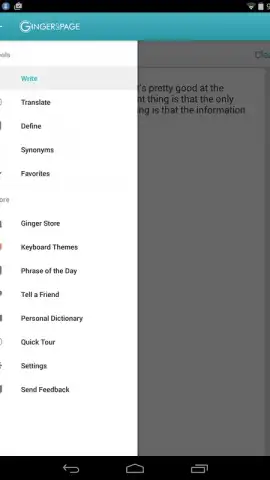
The Ginger Keyboard operates as an intelligent layer over your standard typing, designed to enhance both speed and accuracy. Its standout feature is a deeply contextual word prediction system that analyzes your writing patterns to anticipate entire words and phrases, dramatically reducing keystrokes. The keyboard also hosts a fully integrated translation module capable of processing text between numerous languages in real-time. For creative expression, it provides an extensive theme store alongside a robust set of default visual options, allowing you to personalize every aspect of its appearance without compromising on the clean, elegant default design.
- Contextual word prediction learns your style to suggest complete words and phrases as you type.
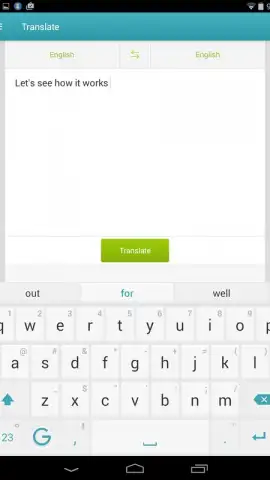
- Integrated multi-language translator instantly converts text without leaving your current app.
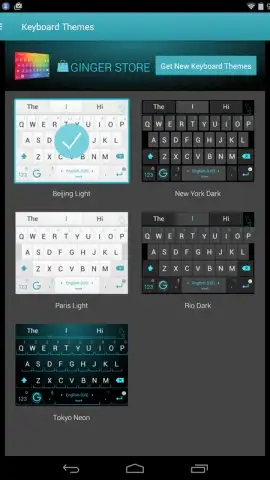
- Extensive theme library and store offers vast visual customization for your keyboard's look.
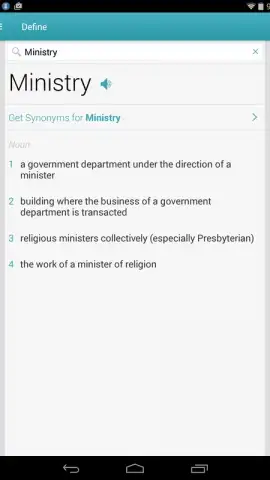
- Built-in dictionary and thesaurus provides definitions and synonyms directly within the keyboard interface.
- Turbo mode removes all advertisements and unlocks premium features for an uninterrupted experience.
We suggest trying Ginger Keyboard to experience a significant upgrade in typing efficiency and functionality on your Android device. Consider downloading it today to unlock faster, smarter, and more personalized communication.
A stable internet connection is required for certain features like translation. The app may offer in-app purchases for premium themes or the Turbo subscription.
 GooglePlay


