
Google Calendar
Google Calendar screenshots (9)
Description Google Calendar
A Seamless Extension of Your Digital Workflow
For anyone embedded in the Google ecosystem, managing time can often feel like a task separate from the flow of communication and collaboration. The official Google Calendar app for Android addresses this by functioning not as a standalone tool, but as the central scheduling nexus for Google Workspace. It integrates silently with Gmail, Contacts, Meet, and Drive, transforming scattered intents into structured events. This application moves beyond simple date-keeping; it acts as an automated personal assistant that scans your digital correspondence for commitments, ensuring that a flight confirmation, a restaurant reservation, or a project deadline never slips through the cracks because you forgot to manually input it. The experience is one of consolidation, where planning becomes a passive byproduct of simply conducting your day-to-day business through Google's services.
Core Functionality and Analytical Viewpoints
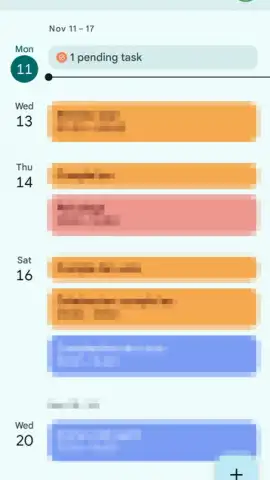
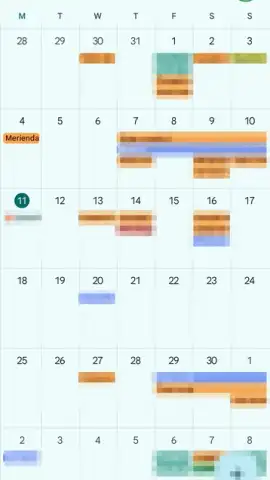
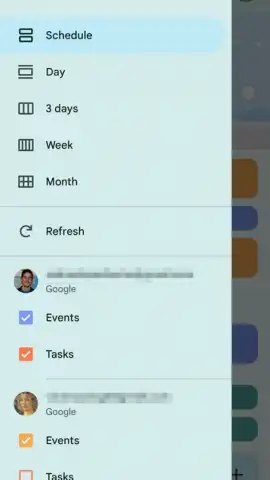
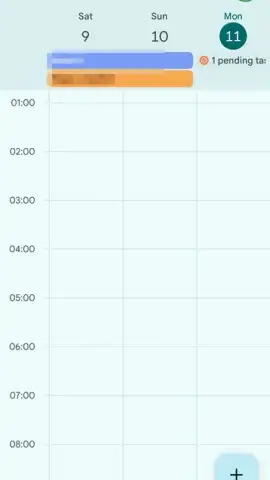
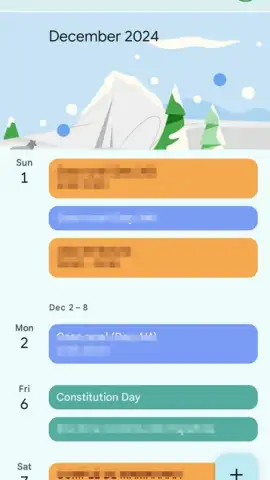
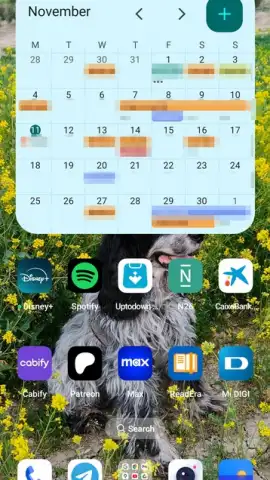
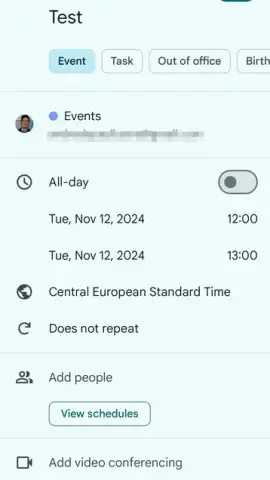
The interface presents multiple calendar view configurations—day, week, month, or a custom schedule view—catering to different planning mentalities. The week view offers a tactical overview of immediate commitments, while the month view provides a strategic landscape for long-term planning. A significant operational advantage is the app’s sophisticated account management. It automatically surfaces all Gmail accounts logged into your device, allowing you to toggle their visibility on or off with a single checkbox. This enables precise boundary-setting between personal, professional, or project-specific calendars, all within a single unified view. The manual event creation suite is remarkably detailed, supporting title, time, location, granular description fields, color-coding for categorical organization, and full recurrence rule sets. Crucially, it facilitates adding participants directly, which instantly schedules a Google Meet video conference and handles invitations, bridging the gap between planning and execution.
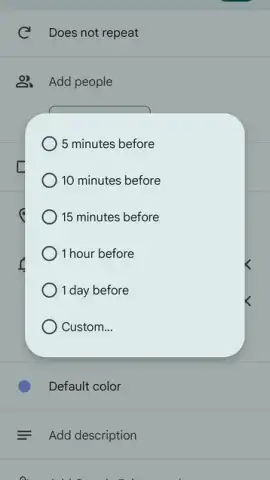
The automation engine is arguably the app's most defining technical feature. By parsing emails for specific data patterns, it creates events complete with relevant details extracted from the confirmation—flight numbers, hotel addresses, reservation times. These auto-generated events are then paired with intelligent, context-aware default reminders. A flight might trigger a notification a day in advance, while a dinner reservation prompts an alert an hour before. This predictive scheduling removes several layers of cognitive load. Furthermore, the app operates entirely without advertising, resulting in a focused, uninterrupted user experience dedicated purely to productivity and time management.
- Multi-Account Aggregation & Toggle: Seamlessly manage and visually isolate events from any number of Gmail accounts logged into your device, enabling clear separation of life domains.
- Intelligent Event Auto-Population: The system automatically creates calendar entries with smart reminders from flight, hotel, restaurant, and event confirmation emails in your Gmail.
- Comprehensive Manual Event Crafting: Build detailed events with custom titles, descriptions, color labels, recurrence patterns, and integrated participant invites for Meet calls.
This application represents less of a traditional calendar and more of a proactive scheduling layer for your digital identity. It is designed for users who seek not just to record time, but to optimize it by connecting disparate streams of commitment into a single, automated, and actionable timeline.
Download the Google Calendar mobile app now and automate your schedule.
Disclaimer: This application requires an internet connection for full synchronization and features. Some functionalities are part of Google Workspace services. The app is free to download and use.
 GooglePlay


