

Google Chrome
Google Chrome screenshots (10)




Description Google Chrome
The Official Google Chrome Browser for Android: Full Synchronization and Secure Browsing
Google Chrome for Android delivers the complete, uncompromised desktop browsing experience directly to your mobile device. This is not a simplified mobile version; it is the full-fledged Chrome browser engineered for touch interfaces, maintaining absolute parity with its Windows and macOS counterparts. Since its initial 2008 release and subsequent expansion to Android, Chrome has established itself through seamless cross-platform functionality. Your browsing session—including open tabs, bookmarks, and history—transitions fluidly between your computer and Android device, creating a unified web experience. The application is built for direct, efficient interaction with web content, incorporating platform-specific optimizations that leverage the capabilities of your Android device.
Core Functionality and User Experience
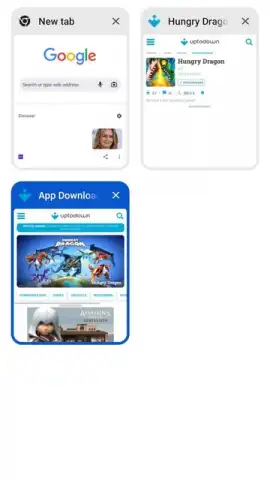
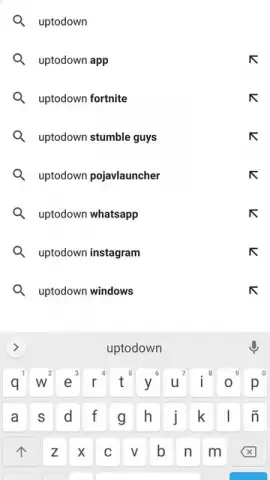
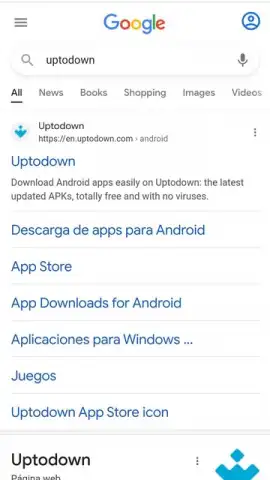
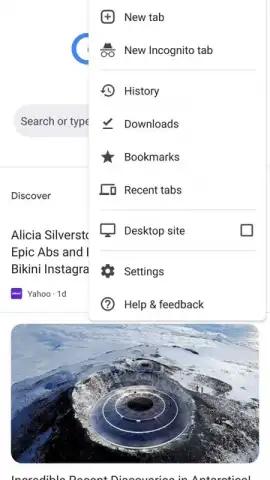
The Android application integrates all fundamental Chrome features within a mobile-optimized framework. The Omnibox serves as a unified address and search bar, enabling direct queries and navigation. Pages load rapidly, aided by pre-rendering technology that anticipates your next move. For private browsing, an Incognito mode opens a separate window where history and cookies are not saved. The interface is managed through intuitive touch gestures, such as swiping horizontally across the toolbar to switch between open tabs or swiping from the edge of the screen to navigate forward or backward in your browsing history. Bookmark management is fully integrated, with automatic folder creation for mobile bookmarks that can be fully customized and edited.
Security and Synchronization Architecture
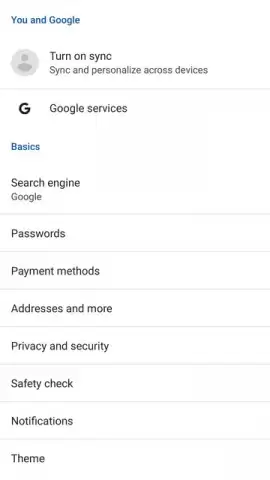
Security is handled by Google's Safe Browsing technology, which operates in real-time. This system proactively identifies and warns you about dangerous websites, social engineering attempts like phishing, and malicious software downloads before any interaction occurs. Protection extends to file downloads, with warnings issued for potentially harmful content. The synchronization engine is central to the Chrome experience. By signing into your Google account, all browsing data—including passwords, autofill information, bookmarks, and open tabs—is encrypted and synced across every device where Chrome is installed. This allows you to send a webpage from your desktop browser directly to your Android device for continued reading.
Feature Overview
- Full desktop and mobile synchronization
- Integrated Google Safe Browsing protection
- Omnibox for combined search and navigation
- Touch gesture controls for tab management
Download the Google Chrome APK now and install the definitive browser for Android. Experience seamless, secure, and synchronized web access immediately. Do not wait—integrate your digital life across all platforms today.
Disclaimer: This application requires an active internet connection for full functionality. It may contain in-app offerings or links to digital content. Data usage applies. User discretion is advised regarding downloaded files and website interactions. Services and features are subject to change.
 GooglePlay




