

Google Keep
Google Keep screenshots (15)



Description Google Keep
Ever Feel Like Your Best Ideas Slip Away Before You Can Write Them Down?
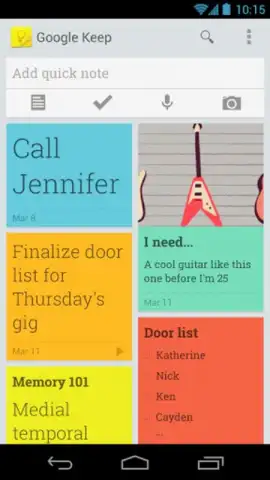
You know the feeling. A crucial phone number is recited to you, but you have no pen. A brilliant thought strikes, only to vanish moments later. Your shopping list is a scattered mess of old receipts. This mental clutter creates unnecessary stress and steals your productivity. What if your Android device could instantly become a seamless extension of your mind, capturing every thought in the exact form it arrives? That’s the precise problem Google Keep is engineered to solve. This official Google app transforms your device into a dynamic, intelligent notebook that’s always with you, synced, and ready to organize your life. It moves far beyond simple text, allowing you to capture information as you naturally think of it—through voice, images, sketches, or lists—and then find it again in seconds.
A Closer Look at Your New Digital Notebook
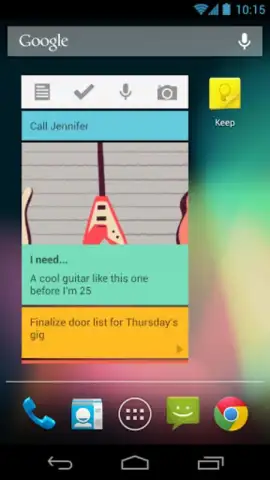
Google Keep operates on a principle of effortless capture and instant retrieval. The interface is deliberately minimal, so you can start noting within seconds of opening the app, with no learning curve. The true power, however, lies in its deep integration with the Google ecosystem and its flexible organization system. Every note you create becomes a living document stored securely in your Google account, accessible from any web browser or device where you’re signed in. This means the recipe you save on your phone during your commute is waiting on your tablet in the kitchen, and the meeting notes you jot down at your desk are available for review on your phone later. It eliminates the friction of traditional note-taking by adapting to your input method of choice.
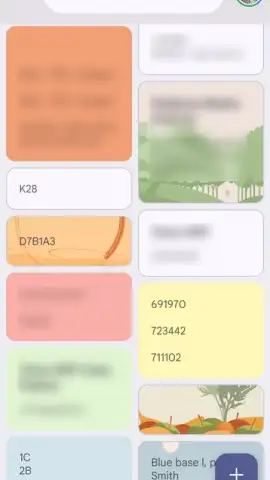
The organizational tools are where Keep shifts from a simple notepad to a powerful personal system. While you can quickly dump information into it, you can also structure that information with intuitive labels and visual cues. This system ensures that a growing collection of notes never becomes an overwhelming digital junk drawer. Instead, each piece of information is tagged and colored, making it filterable and instantly recognizable. Whether you’re managing complex work projects, household chores, travel plans, or creative inspirations, Keep provides a lightweight yet robust framework to keep everything in its place and perfectly in sync.
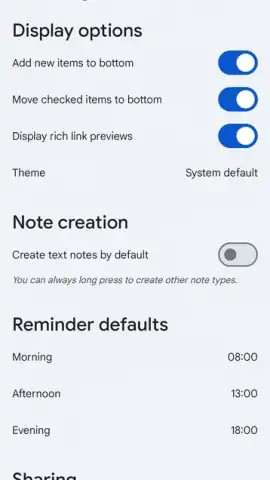
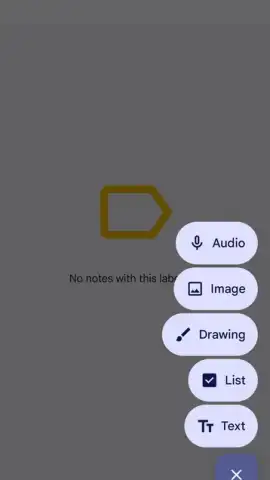
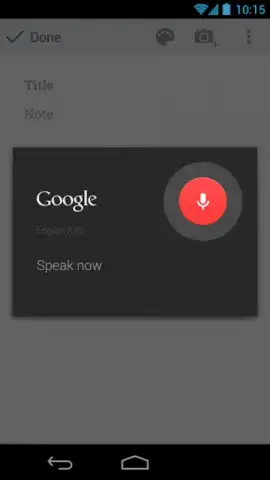
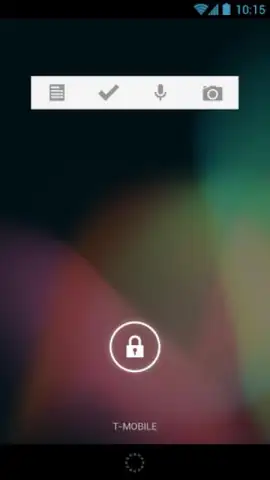
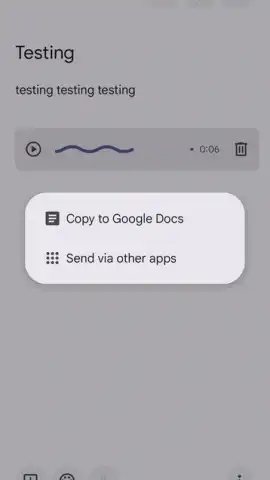
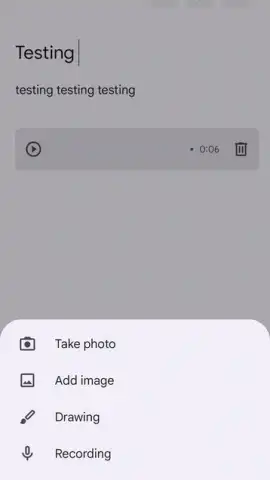
- Capture Ideas in Any Format: Instantly create text notes, dictate voice memos using your device's microphone, draw freehand sketches on a digital canvas, or snap a photo to save visual information.
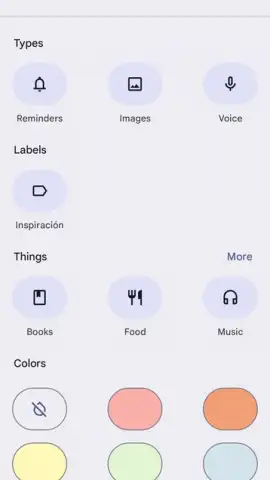
- Organize Instantly with Labels & Colors: Apply custom color coding or create descriptive labels like "Work," "Groceries," or "Ideas" to any note for effortless filtering and visual sorting at a glance.
- Enrich Notes with Rich Attachments: Attach images directly from your gallery, add relevant web links, or connect audio recordings to build comprehensive, context-rich notes beyond plain text.
- Universal Access with Cloud Sync: All notes automatically and securely sync to your Google account, providing real-time access and editing from any device via the app or a web browser.
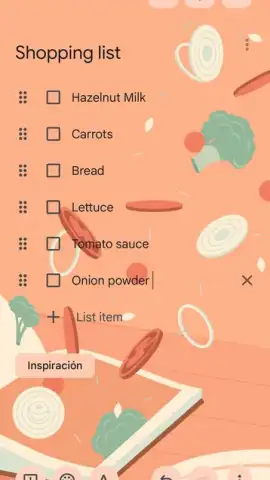
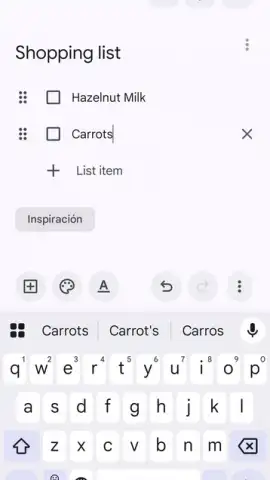
- Share & Collaborate on Lists: Easily share individual notes or entire checklists with others, allowing for real-time collaboration on shopping lists, trip planning, or project tasks.
Streamline Your Thoughts and Master Your Day
Stop letting disorganization hold you back. Google Keep is the definitive tool to offload your mental clutter into a system that works across your entire digital life. It replaces the scattered sticky notes, forgotten voice memos, and lost scraps of paper with a unified, searchable, and always-available command center for your thoughts. Experience the relief of knowing every important detail is captured and the efficiency of finding anything you need in moments.
Download Google Keep now and transform your device into the organized, proactive assistant you need.
Requires an internet connection for synchronization and initial download. The app is free to use and integrates with your Google account.
 GooglePlay


