

Google Meet
Google Meet screenshots (16)
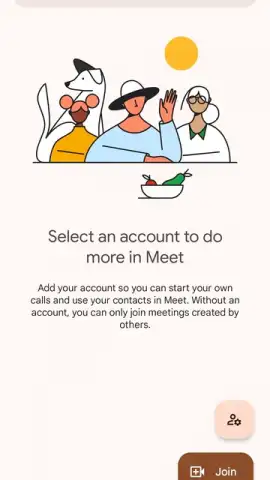

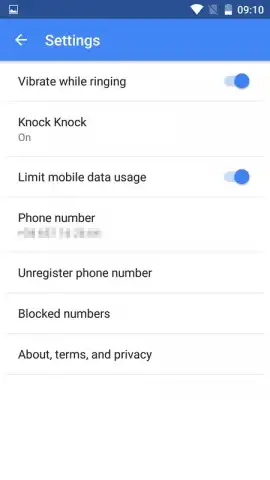
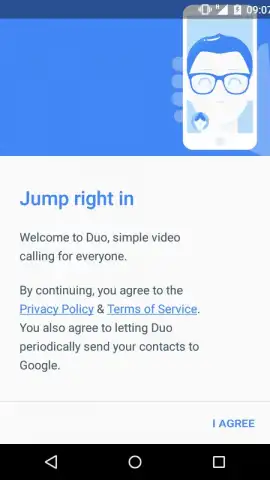

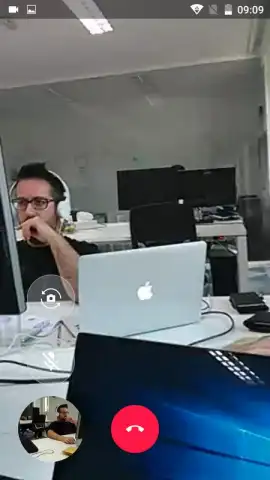




Description Google Meet
Your Next Meeting, Anywhere, Starts Here
Imagine you're about to lead a project kickoff, but your team is scattered across three different cities. Or perhaps you're catching up with far-flung family, and you want everyone to see the same smiles in crisp detail. In these moments, you need a video call tool that simply works—no fuss, no friction, and no last-minute panic. Google Meet transforms your Android device into that reliable, high-definition meeting hub, engineered by Google to handle everything from a quick one-on-one chat to a structured team briefing with dozens of participants. It’s the streamlined, secure, and surprisingly powerful solution built for the way we connect today.
Engineered for Clear, Uninterrupted Communication
Google Meet delivers a professional-grade video conferencing experience by focusing on core functionalities that enhance every call. The interface is deliberately minimal, putting controls for muting, video, and participant management within immediate reach so you can focus on the conversation, not the software. It leverages Google's robust infrastructure to maintain stable HD video and clear audio, even on varying network conditions. Beyond the basics, the app integrates deeply with the Google ecosystem, turning your smartphone into a command center for scheduled collaboration.
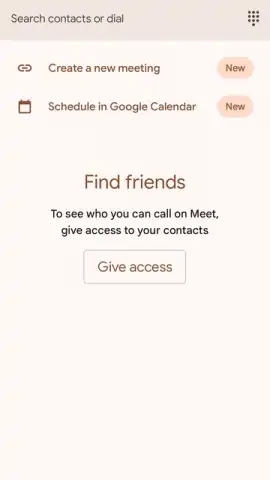
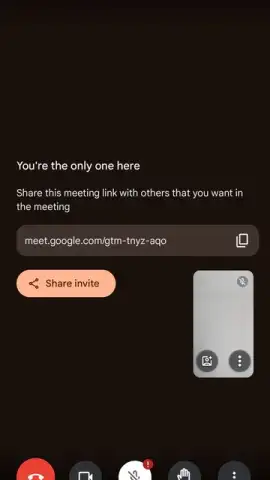
- Join or Host Meetings Instantly: Start a new meeting directly from the app's home screen with a single tap to generate a unique, shareable link. Alternatively, join any existing meeting by simply entering the provided code or clicking a link, eliminating complicated login procedures.
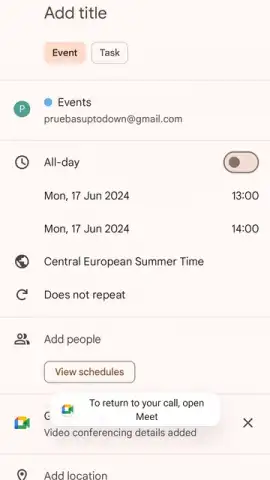
- Advanced Scheduling via Google Calendar: Seamlessly schedule, manage, and join all your video meetings directly within Google Calendar. Set precise start and end times, add agendas, and receive automatic reminders, ensuring you never miss a scheduled conference call.
- Customizable Visual Environment: Protect your privacy or simply have fun by selecting a custom avatar to represent you on camera. Furthermore, apply a variety of virtual backgrounds to blur your actual surroundings or replace them entirely, maintaining professionalism or adding a personal touch.
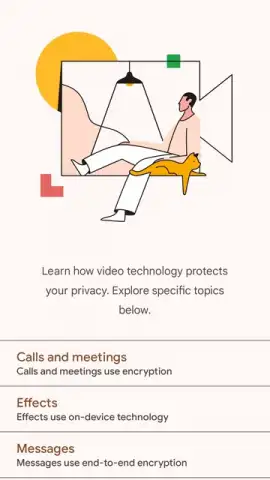
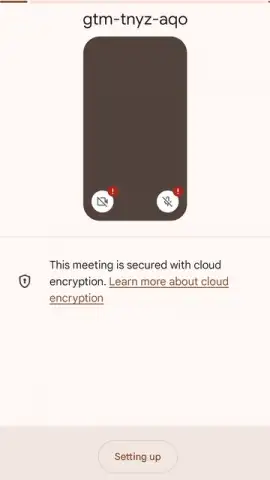
- Enterprise-Grade Security Protocols: Every Google Meet call is protected with advanced encryption. The app requests standard permissions for microphone and camera access to function, and optional contact book access streamlines the invitation process without compromising data security.
Core Feature Breakdown
- Schedule meetings directly in Google Calendar
- Use virtual backgrounds and custom avatars
- Generate secure, shareable meeting links
- Enjoy encrypted, high-quality video calls
We suggest trying Google Meet to experience a video call platform that balances powerful features with exceptional ease of use. Consider downloading it for your most important personal and professional connections.
Download the Google Meet mobile app now to start your next conversation.
Heads up: you'll need a stable Wi-Fi or mobile data connection for optimal video quality. Some advanced features, like certain meeting recording options or larger participant capacities for extended durations, may require a Google Workspace subscription.
 GooglePlay


