

Google On
Google On screenshots (7)
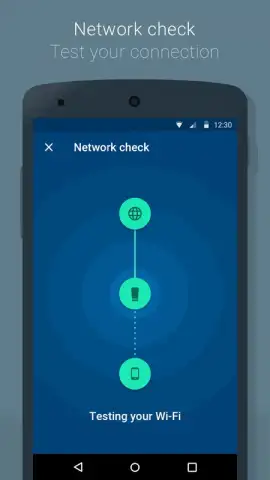
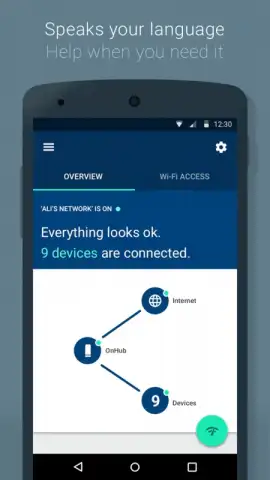
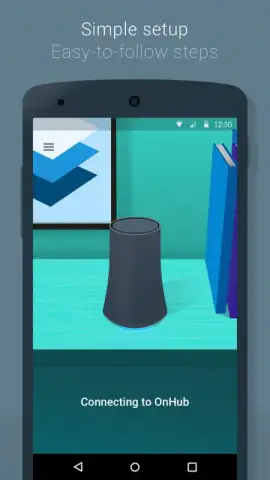
Description Google On
Take Control of Your Home Network
Managing your home Wi-Fi often feels like a technical chore, with confusing router settings and devices that drop connections at the worst times. What if you could oversee your entire network from your phone with the same simplicity as checking your email? This is the central promise of the official Google On app, designed specifically for Google's OnHub and Google WiFi hardware. It transforms network management from a complex task into a streamlined, visual experience you handle from the palm of your hand.
The app provides a clear, centralized dashboard for your home's connectivity. You gain immediate visibility into every device connected to your network, from phones and laptops to smart speakers and TVs. This clarity is the foundation for powerful control, allowing you to prioritize bandwidth for important tasks like video calls or gaming, ensuring a smooth experience. When you need a distraction-free environment or want to manage screen time, you can pause the internet on specific devices with a single tap. For visitors, creating a separate, secure guest network is a quick and simple process, keeping your main network private. All these advanced functions are wrapped in an intuitive interface that feels elegant and straightforward, removing the typical frustration associated with router settings.
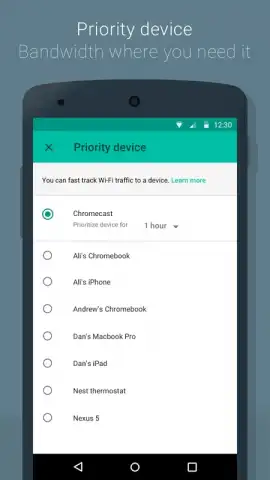
- Assign network priority to specific devices for lag-free streaming and gaming.
- Instantly pause internet access on any connected device with one tap.
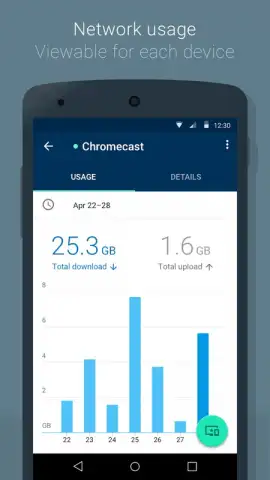
- View a complete, real-time list of all devices using your Wi-Fi network.
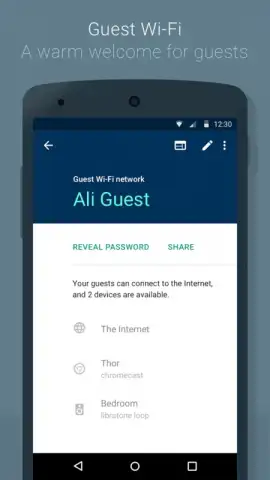
- Generate a secure, separate Wi-Fi password for guests in seconds.
- Navigate all features through a clean, simple, and visually intuitive interface.
Consider downloading the Google On app now to experience this level of effortless network management. It’s the essential tool to optimize, secure, and understand your home Wi-Fi.
Heads up: you'll need a Google OnHub or Google WiFi device to use this app. Some advanced features may require a compatible setup.


