

Google Play
Google Play screenshots (18)




Description Google Play
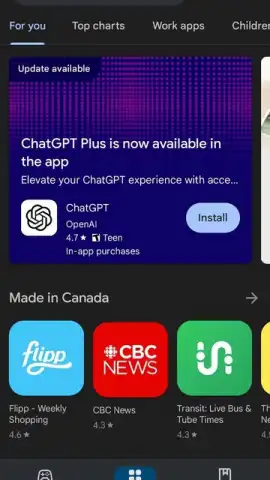
What is the definitive digital distribution platform for the Android ecosystem, serving as its central hub for software, media, and literature? The Google Play Store, developed by Google LLC, functions as the official and primary content marketplace pre-installed on Android devices. This application provides a unified portal for discovering, purchasing, and managing a vast array of digital products, from mobile games and productivity tools to eBooks and audiobooks. All acquisitions are permanently licensed to your Google Account, enabling unlimited downloads across any compatible Android device without repurchase, establishing a persistent digital library.
Core Platform Functionality and Account Integration
Access to the Google Play Store is contingent upon a Google Account, which serves as your universal login for the entire platform. Account creation is a streamlined, cost-free process requiring basic personal details for verification, including a name, date of birth, and a contact method such as a phone number. The procedure concludes with the acceptance of Google's standard terms of service. This account is not only your storefront key but also the secure repository for your payment methods, purchase history, and family library settings. The platform operates without display advertising within its core browsing interface, presenting a clean environment focused on content discovery rather than promoted interruptions.
Interface Design and Content Discovery Mechanics
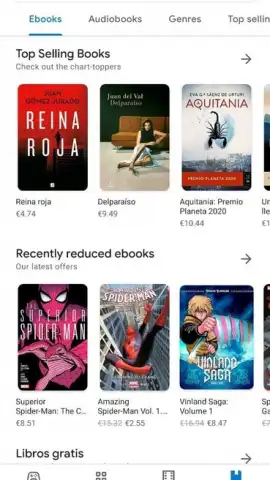
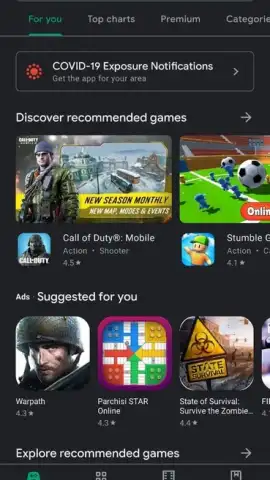
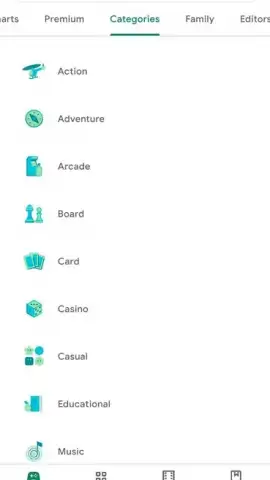
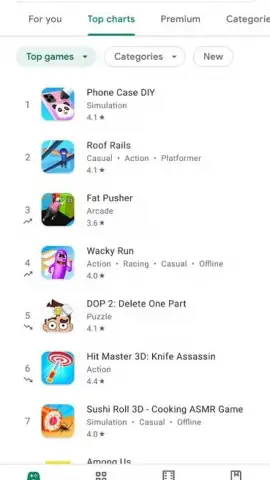
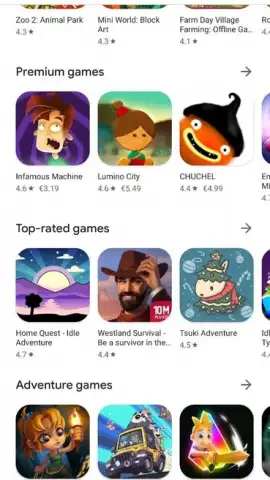
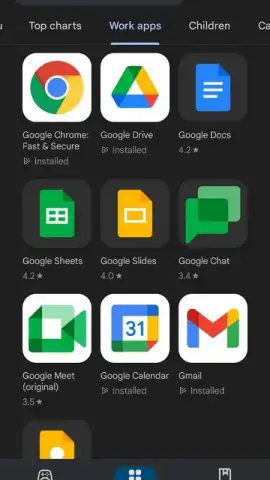
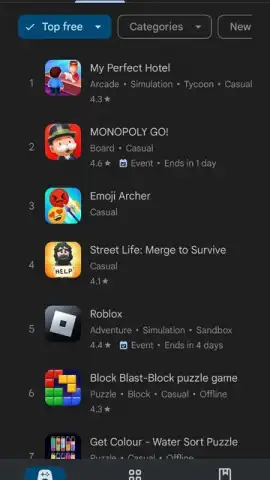
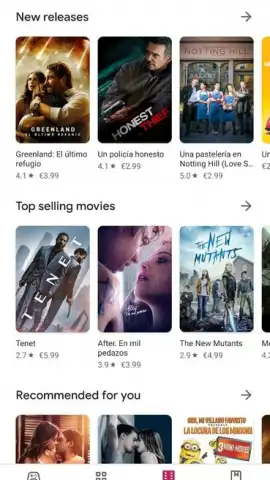
The application employs a characteristically minimalist Google design philosophy, prioritizing utility and rapid navigation. A persistent bottom navigation bar provides immediate access to the primary content silos: Games, Apps, and Books. The default landing tab, 'Games,' dynamically surfaces new releases, upcoming titles, and curated charts of popular games. The 'Apps' section mirrors this layout, dedicated to utility, social media, and entertainment applications like WhatsApp or Netflix. The 'Books' tab grants direct entry into Google's extensive eBook and audiobook catalog, featuring a comprehensive collection of titles available for instant purchase and download. Each category utilizes algorithmic and editorial curation to highlight content based on trends, user preferences, and seasonal promotions.
Detailed Product Pages and Informed Decision-Making
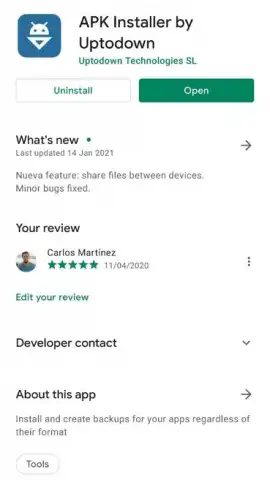
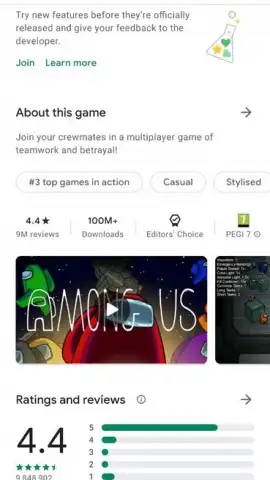
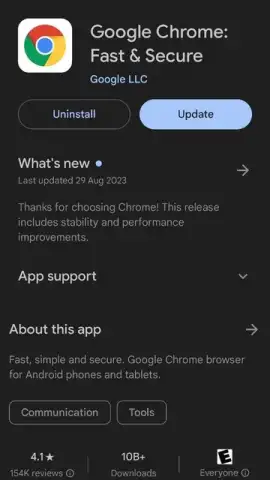
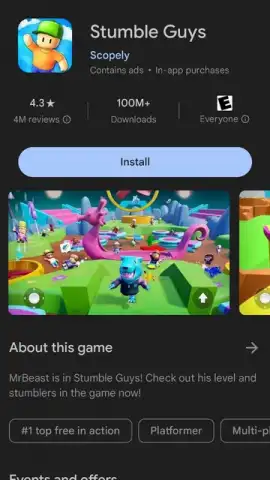
Every application, game, or book listing features a dedicated product page designed to provide exhaustive information prior to download. Key metrics are displayed prominently, including approximate download counts, age ratings, and aggregate user review scores. The page is populated with media assets—screenshots and promotional videos—supplied directly by the developer, alongside a detailed description of functionality. It is critical to note this content is publisher-provided and not editorially verified by Google. Furthermore, the page includes essential technical data: the specific permissions the app requests, the download file size, and the minimum Android OS version required for operation, allowing for precise compatibility checks.
Application Management and Device Administration
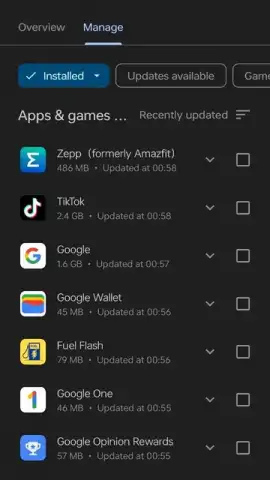
Through the user profile menu, accessible from the top corner of the interface, users can efficiently manage their installed software portfolio. The 'Manage apps & device' section provides centralized control for updating all applications with pending patches. It also features robust storage management tools. Users can review device storage allocation and swiftly uninstall multiple applications to reclaim space. This bulk removal process is a simple matter of selecting items from a list. A note of caution: removing certain apps, particularly messaging or social media clients, may delete associated cached data or local files not backed up to a cloud service, so selective cleanup is advised.
Essential Features of the Platform
- Centralized Android app marketplace
- Integrated eBook and audiobook store
- Permanent cloud-linked purchase library
- Advanced application management tools
This platform is an indispensable component of the Android experience, having evolved significantly from its original 'Android Market' incarnation. It remains the most secure and comprehensive source for vetted Android software and digital content. For many premium games and services, the Google Play Store app itself is a required component for licensing and updates.
Download this essential mobile app now to unlock the full potential of your Android device!
Disclaimer: This application requires a persistent internet connection for browsing, downloads, and updates. It facilitates in-app purchases and transactions for paid content.


