
Google Slides
Google Slides screenshots (11)


Description Google Slides
Tired of Presentation Hassles? Your Ideas Deserve a Better Stage
You have a brilliant idea, a crucial project update, or a creative vision that needs to be shared. The last thing you need is complicated software that locks your work to a single device or creates version chaos when your team tries to collaborate. You need your presentations to be as dynamic and flexible as your workflow, accessible whether you're at your desk, on a train, or walking into a meeting room. This is where a truly integrated, cloud-native tool changes everything, transforming a solitary task into a seamless, collective effort.
Experience Uninterrupted Creative Flow
This application is built for the modern way of working, where your office is anywhere and your team is often remote. It starts with a foundation of real-time collaboration, allowing multiple people to write, edit, and design on the same slide deck simultaneously from their phones, tablets, or computers. You will see cursors and edits appear live, turning presentation building into a dynamic conversation. Every single change is saved automatically to the cloud, so the fear of losing work after hours of effort is completely eliminated. Advanced features like threaded comments, direct user mentions, and a detailed version history ensure every piece of feedback is tracked and integrated smoothly, keeping the entire team perfectly aligned without endless email chains.
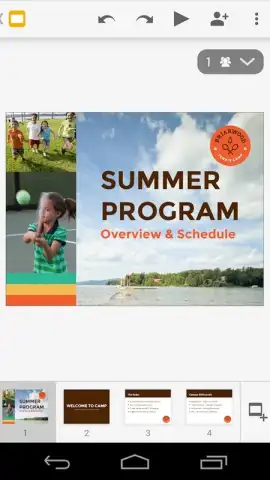
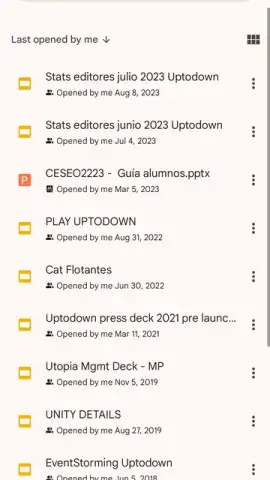
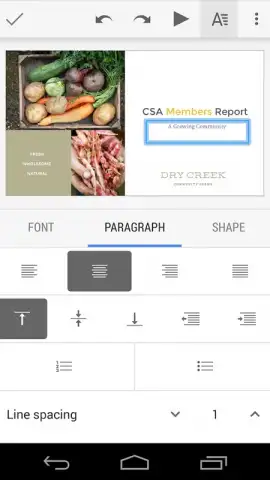
The design experience is crafted for clarity and impact on any screen. You will find a comprehensive suite of tools to build visually compelling narratives. Insert high-resolution images, create custom charts, embed videos directly into slides, and apply smooth animated transitions between them. The interface adapts intuitively to your touchscreen or mouse, with easy access to custom fonts, curated color palettes, and a vast library of professionally designed templates. This means you can craft a polished, boardroom-ready presentation entirely from your mobile device, without needing auxiliary desktop software.
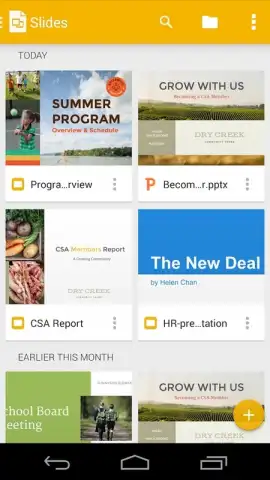
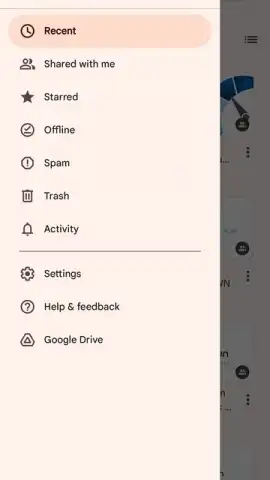
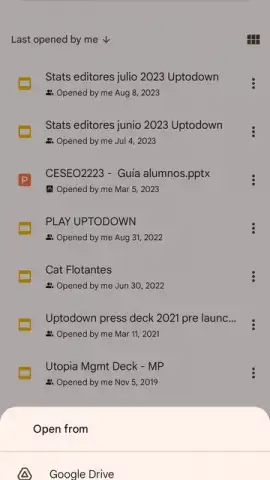
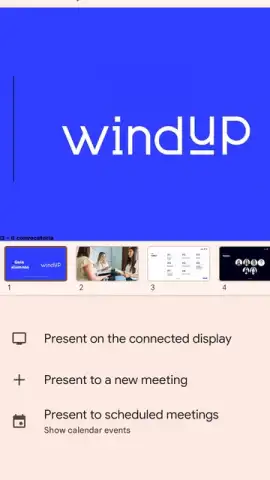
Your work is never out of reach. With deep integration into a cloud storage ecosystem, all your presentations live securely online. You can start a deck on your office laptop, refine visuals on your tablet during your commute, and run through final talking points on your phone right before you present. Full offline support means you can continue editing slides even without an internet connection; all your progress syncs silently the moment you reconnect. When it's time to present, a dedicated, optimized presentation mode ensures flawless delivery. You can project wirelessly to a TV via Chromecast, share your screen seamlessly during a Google Meet video call, or present directly from your smartphone. The speaker notes feature gives you a private teleprompter, displaying your talking points on your device while the audience sees only the clean slide.
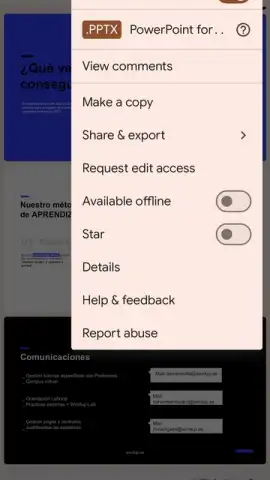
For those working in hybrid environments, compatibility is non-negotiable. The application provides full support for Microsoft PowerPoint (.PPTX) files. You can open, edit, and save PowerPoint presentations directly, maintaining all formatting and eliminating cumbersome file conversion steps. When you need to share or publish, flexible export options let you download your entire deck or individual slides as PDFs, PNG, or JPG files, ready for any platform or print material.
- Live Multi-User Collaboration: Edit simultaneously with teammates, watching changes happen in real time with automatic cloud save.
- Advanced Co-Editing Tools: Use comments, @mentions, and full version history to streamline communication and track every edit.
- Professional Design Suite: Access templates, custom fonts, color themes, image editing, video embedding, and animation tools.
- Universal Access & Offline Mode: Open and edit files from any device; work without internet and sync changes later.
- Optimized Presentation Mode: Present smoothly from mobile, cast to Chromecast, or present within Google Meet calls.
- Private Speaker Notes: View your personal notes on your device while the audience sees only the slides.
- Full PowerPoint (.PPTX) Compatibility: Open, edit, and save Microsoft PowerPoint files without format loss.
- Multi-Format Export: Download your presentations as PDF, PNG, or JPG files for easy distribution.
Download the Mobile App Now – Exclusive Access for First Users
Stop letting clunky software slow down your ideas. This is your chance to upgrade your entire workflow with the tool that sets the standard for collaborative creation. For a limited time, new users experience the full, unrestricted power of seamless presentation design. Install now and transform how you create, share, and present—today only, direct from the official source.
Disclaimer: This application requires an internet connection for initial setup, real-time collaboration, cloud sync, and certain features. Some advanced templates or assets may be subject to in-app purchases. The service is governed by the developer's Terms of Service and Privacy Policy. Data usage applies for online synchronization and streaming. Compatible with devices running modern operating systems; check official stores for specific version requirements. Account registration may be necessary for full functionality.
 GooglePlay


