
Google Translate
Google Translate screenshots (16)
Description Google Translate
Ever found yourself staring at a foreign menu, struggling to decipher a sign while traveling, or needing to communicate instantly across a language barrier? That moment of confusion or hesitation is exactly where Google Translate steps in, transforming your mobile device into a personal, pocket-sized interpreter capable of bridging gaps between over 100 languages.
Your Pocket-Sized Global Interpreter
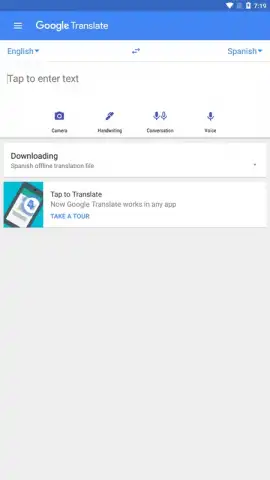
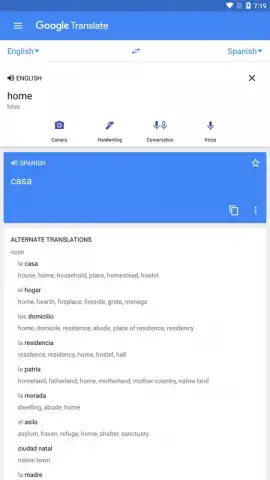
Imagine having the ability to understand and be understood anywhere in the world. This official Google application places that power directly in your hands. You can seamlessly translate between the world's most common language pairs, such as English and Spanish, English and Chinese, English and French, or Spanish and English, alongside dozens of other combinations. The core experience is built for instant, on-the-go communication, whether you're typing, speaking, or even pointing your camera.
Breaking Down Language Walls in Real Time
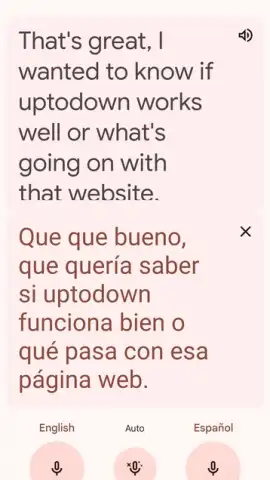
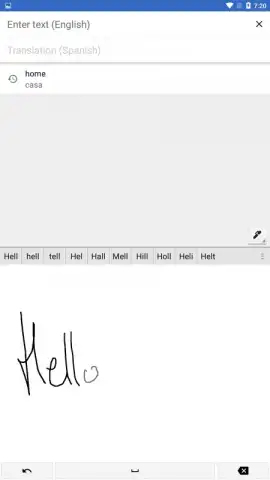
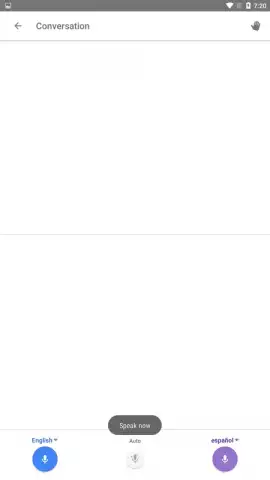
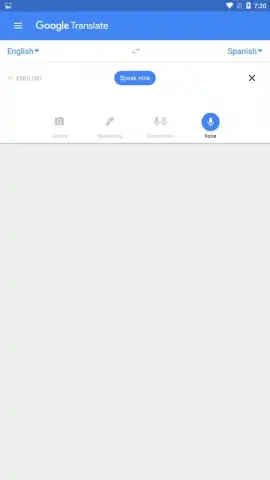
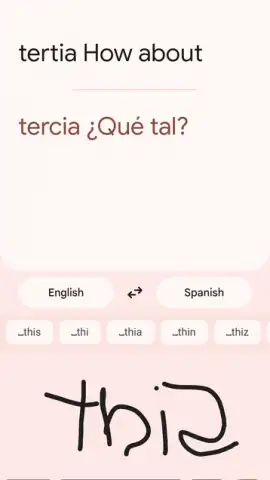
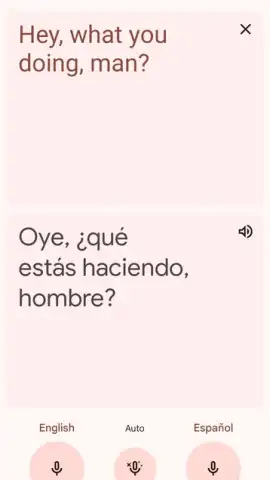
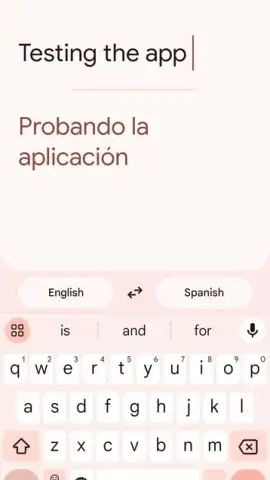
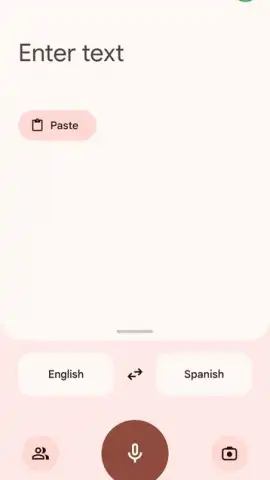
The text translation function acts as your instant scribe. You can directly type text, paste from your clipboard, or use the intuitive handwriting tool to draw characters with your fingertip for a more natural input method. For live conversations, the voice translation feature is remarkably powerful. Tapping the conversation mode initiates real-time, two-way translation across more than seventy languages. The speed of the translation allows for fluid, back-and-forth dialogue, effectively letting you hold a bilingual conversation through your device. The app intelligently manages both languages in the exchange, so you can focus on the person, not the process.
See the World in Your Language
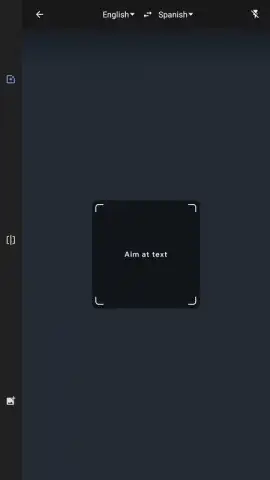
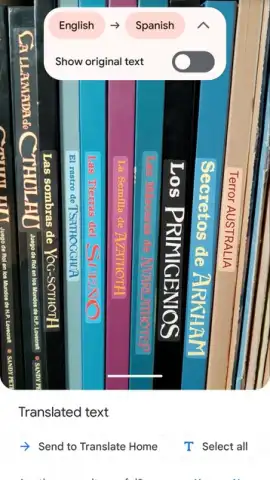
One of the most futuristic features involves using your device's camera as a translation lens. Simply point your camera at text—be it a street sign, a restaurant menu, or a document—and watch as the translated text overlays the original on your screen almost magically. You can select specific portions of the text within the image and choose your target language. This feature extends to photos already stored in your gallery; import any image containing text for an immediate, clear translation, ensuring you never miss crucial information.
Smart Tools for Smarter Travel
Beyond instant translation, the app includes powerful organizational tools for frequent travelers. The starred phrases feature, often underutilized, lets you build a personalized phrasebook. By tapping the star icon on any translation, you save it to a dedicated favorites list. This is perfect for saving essential phrases, like declaring a food allergy or asking for directions, in multiple languages ahead of a trip. Having these key translations saved and ready to access offline can save significant time and reduce stress in unfamiliar situations.
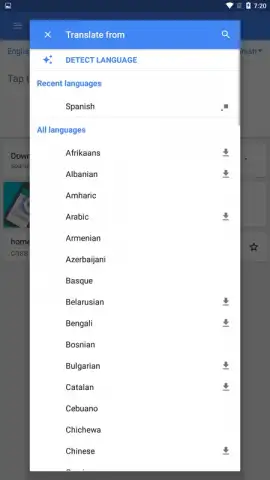
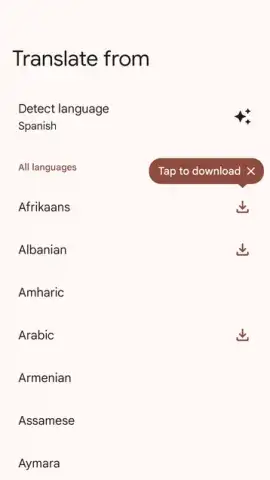
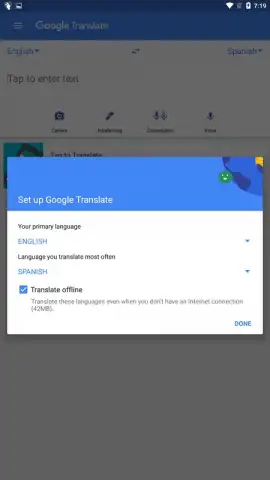
To ensure constant access, you can download full language packs for over fifty languages. This offline mode means you can perform accurate translations without an internet connection, making the app truly reliable anywhere—on a remote hike, in a subway, or in a country with limited data coverage. The entire experience is designed to be comprehensive and ad-free, providing a smooth, uninterrupted service.
- Translate text, voice, and images
- Real-time conversation mode
- Offline language packs available
- Save and organize favorite phrases
Stop letting language be an obstacle. Turn every encounter, document, and journey into an understandable experience. Download Google Translate now and unlock the world.
Download the mobile app now!
Note: An internet connection is required for certain features like camera and voice translation. Some functionalities may involve in-app purchases. Offline use requires downloading language packs in advance.
 GooglePlay


