

GxFonts - Custom fonts for Samsung Galaxy
GxFonts - Custom fonts for Samsung Galaxy screenshots (4)
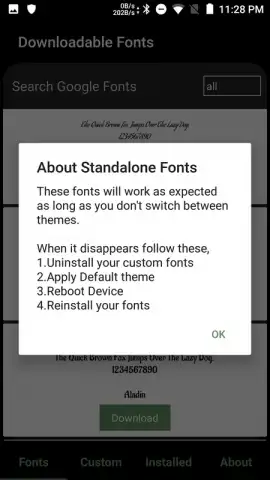
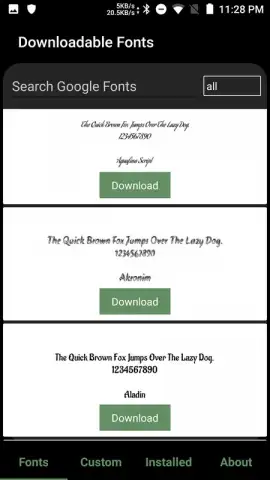
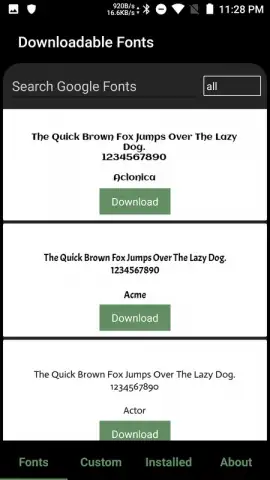
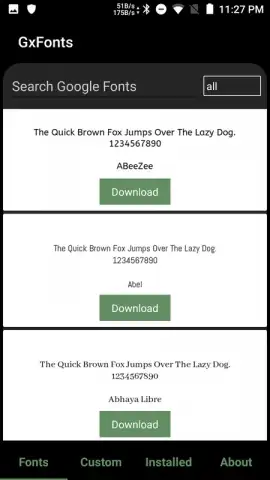
Description GxFonts - Custom fonts for Samsung Galaxy
Looking to personalize the interface of your Samsung Galaxy beyond the standard system fonts? GxFonts provides a direct method to replace your device's default typography with a wide selection of alternative fonts, requiring no complex procedures or system modifications.
The application operates through a streamlined three-step process: browse the integrated catalog, select a desired typeface, and apply it directly from within the app. This functionality is built upon the native theming capabilities of Samsung's One UI, eliminating any need for rooting the device. The core mechanic involves the app packaging the selected font into a format recognized by the Samsung Themes service for seamless installation. Upgrading to the PRO version unlocks the utility's most significant feature: the ability to import, convert, and apply custom font files (such as .TTF or .OTF) from your local storage. This transforms the tool from a curated gallery into a comprehensive typography management system for your smartphone.
- Direct System Integration: Applies selected fonts through the official Samsung Themes framework without requiring root access or complicated workarounds.
- Custom Font Import Function: The PRO version enables uploading and conversion of personal font files for full creative control over your device's text display.
- Simplified Management Interface: Offers a centralized hub to browse, preview, install, and manage all your fonts without navigating multiple system settings menus.
Claim your visual advantage now and redefine your device's personality with a single tap.
Disclaimer: This application requires an internet connection for browsing and downloading font catalogues. The PRO version is a paid upgrade with a one-time purchase. The app utilizes the official Samsung theming system and is intended for compatible Samsung Galaxy devices. Some system-level font changes may not apply to all third-party applications. Please be aware of your device's specific model and Android/One UI version compatibility. User data may be used for core functionality, such as applying theme packages.


