

HD FileManager
HD FileManager screenshots (13)

Description HD FileManager
A Practical Tool for Managing Device Storage
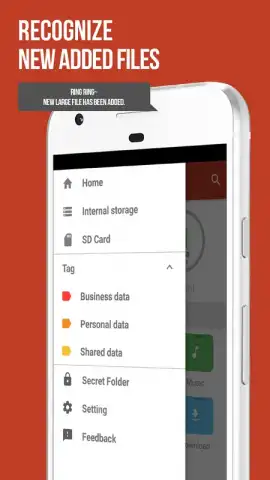
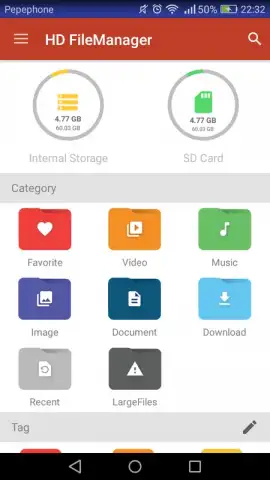
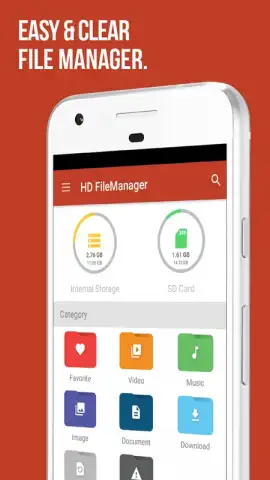
Managing files across a smartphone's internal and external storage can become a disorganized process, often requiring multiple apps to view different file types. HD FileManager addresses this by consolidating all device content into a single, searchable interface. The application functions as a centralized hub, enabling users to filter and sort files by storage location, data type, and user-assigned tags for systematic access.
Core Functionality and Organizational Features
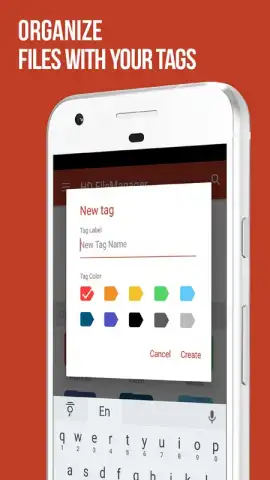
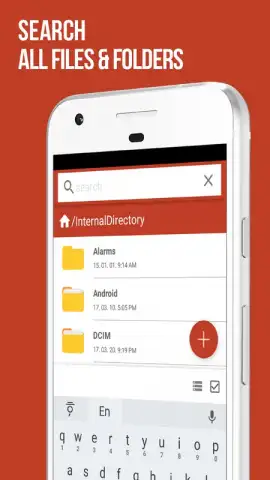
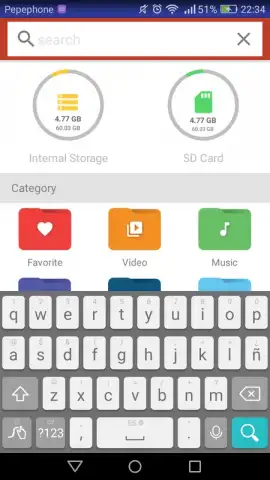
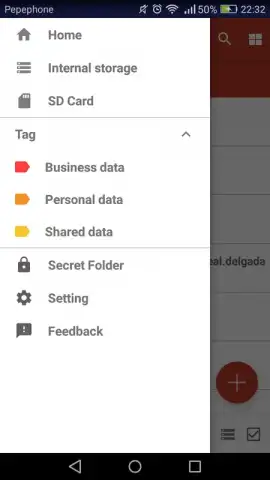
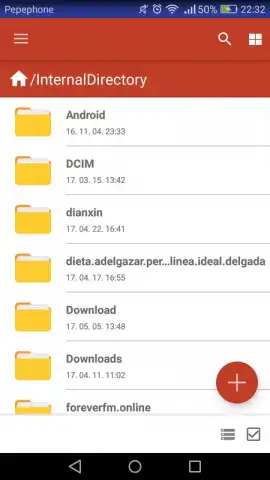
The primary operation of HD FileManager is built around a unified file explorer that displays content from all accessible directories. Its organizational system allows for dynamic filtering; you can isolate files residing specifically on an SD card or within internal storage, then further refine the view to show only documents, audio, or other categories. The tagging feature adds a manual layer of organization, permitting custom categorization beyond default system types. For direct access, a search function operates across all directories and file metadata to locate specific items.
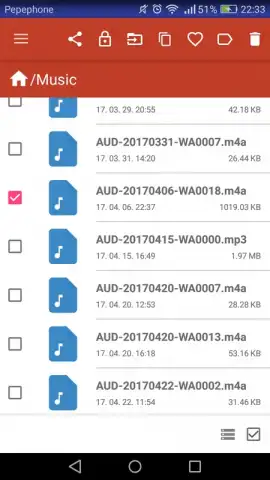
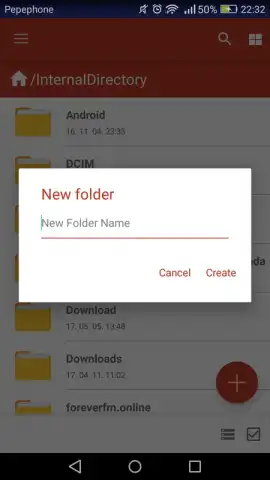
Beyond viewing, the app provides standard file manipulation tools within its framework. This includes creating new folders to restructure storage, deleting unwanted files in bulk or individually, and sharing multiple selected items directly to other applications. The absence of advertising within the core file management workflows is a noted aspect of the user experience.
- Unified File Explorer: Access and manage content from both internal and external storage in a single, consolidated view.
- Advanced Filtering & Tagging: Sort files by location, type, or custom tags to quickly isolate audio, documents, and other data.
- Integrated File Operations: Perform actions like create, delete, and share directly from the app without switching tools.
We suggest trying HD FileManager if you require a straightforward tool to bring order to device storage without navigating through multiple system menus.
Download mobile app now
Disclaimer: This application requires an internet connection for initial download and potential updates. It may request permissions to access device storage for core functionality. Data usage depends on file management activities. Always review the app's terms and privacy policy for details on data handling.


