

HD image
HD image screenshots (4)
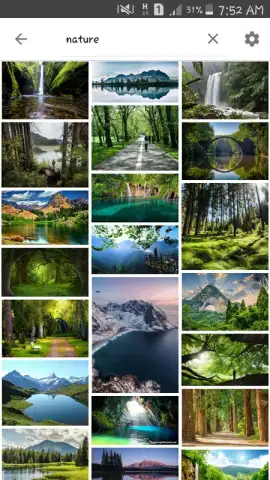
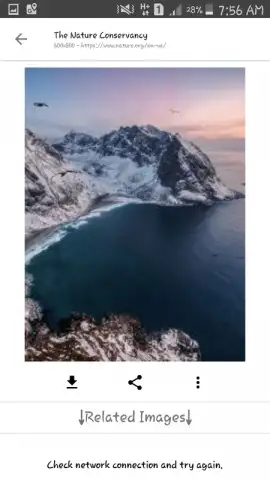
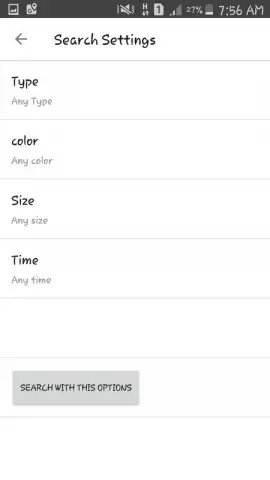
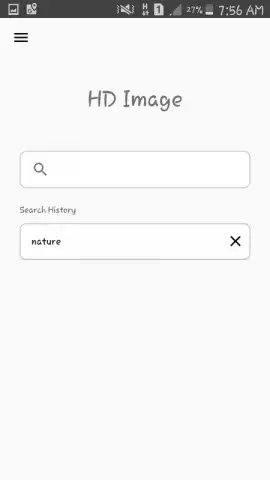
Description HD image
A New Standard for Mobile Image Clarity and Control
For photographers and enthusiasts frustrated by the limitations of standard camera apps, HD Image provides a professional-grade toolkit directly on your Android device. This application moves beyond automatic presets, offering granular control over every aspect of image capture and processing to transform your smartphone into a capable imaging device. It addresses the core need for detail preservation, allowing users to capture, enhance, and export photographs with exceptional fidelity that standard social media compression often destroys.
Core Imaging Tools and Workflow Mechanics
The application operates on a principle of non-destructive editing and high-bit-depth processing. Upon launch, the interface presents a clean, modal workspace where the primary shooting parameters—shutter speed, ISO, focus, and white balance—can be manually adjusted in real-time. For post-processing, it employs a layer-based correction system, allowing for selective adjustments to exposure, color balance, and sharpness without degrading the original image data. A key mechanic is the dedicated upscaling and noise-reduction engine, which uses algorithmic interpolation to intelligently enhance resolution and reduce grain in low-light shots, making it distinct from simple filter apps.
Key Advantages in User Experience and Output
The primary advantage lies in its export flexibility and preservation of quality. Users can process and save images in multiple high-fidelity formats, including uncompressed PNG and high-quality JPEG, with full control over the compression level. The UX is designed for efficiency, storing custom preset configurations for different shooting scenarios, such as landscape or portrait, which can be applied with one tap. Performance is optimized for devices running Android 4.0.3 and above, ensuring stable operation without excessive battery drain or lag during image rendering, making advanced photography accessible on a wider range of hardware.
- Manual Camera Controls: Take full command over ISO, shutter speed, focus, and white balance for perfect exposure.
- Non-Destructive Layer Editing: Apply corrections and filters on separate layers without altering the original photo data.
- Advanced AI Upscaling: Enlarge images while intelligently preserving edge detail and reducing pixelation artifacts.
- Multi-Format Export Options: Save your work in PNG, JPEG, and WebP with customizable compression and quality settings.
- Custom Shooting Presets: Create and instantly apply your own configurations for different photography styles and lighting conditions.
Claim your advantage now and start creating gallery-quality images directly from your phone. Download the mobile app today to unlock professional control.
Internet required. IAP available.


