

Headphones Equalizer
Headphones Equalizer screenshots (14)
Description Headphones Equalizer
The Problem with Standard Audio on Android
Many Android devices deliver a generic audio profile that fails to account for the specific acoustic characteristics of different headphones. This one-size-fits-all approach often results in flat, unbalanced, or muddy sound, regardless of the quality of your headphones or audio files. The core issue is the lack of system-level, granular control to tailor output to your exact hardware and listening preferences, forcing users to accept the device's default and often lackluster sound signature.
Detailed Analysis of Headphones Equalizer
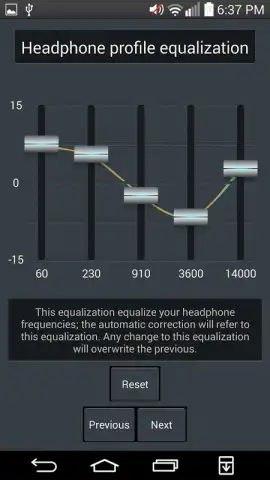
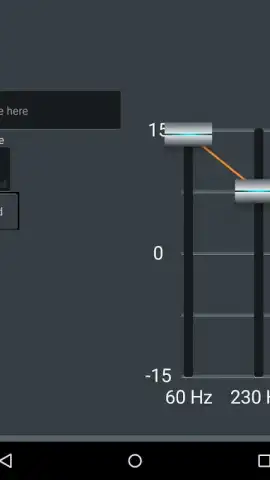
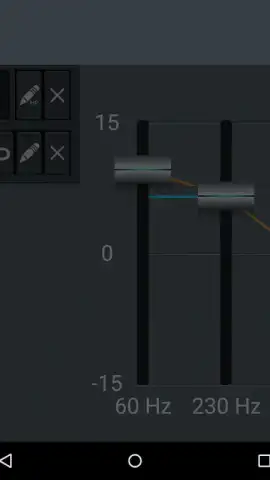
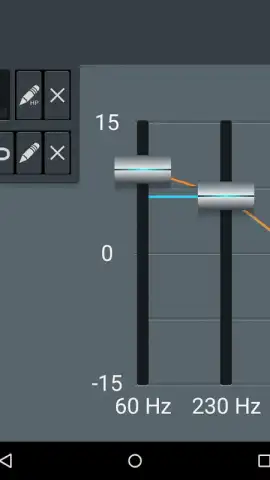
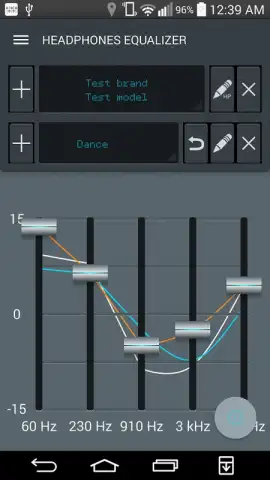
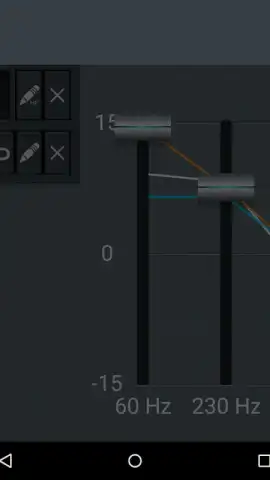
Headphones Equalizer by ManyThingsDev addresses this by functioning as a comprehensive system-wide audio processing tool. It inserts a customizable digital signal processor (DSP) between your Android's audio output and your headphones, allowing for precise correction and enhancement. The application's primary mechanism is a professional-grade parametric equalizer, which provides control over specific frequency bands far beyond typical presets. Users can adjust center frequency, bandwidth (Q factor), and gain for each band, enabling surgical correction of frequency response deficiencies in their headphones.
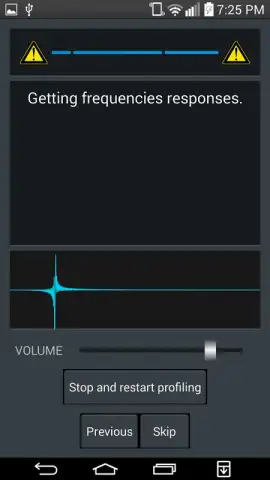
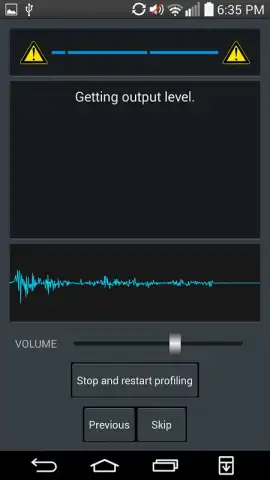
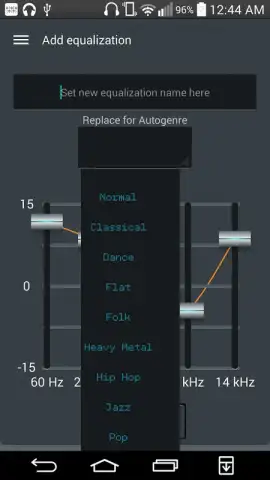
A central operational feature is the creation and management of multiple custom audio profiles. Each profile saves all equalizer settings, bass levels, and virtualizer configurations, allowing for instant switching between optimized setups for different headphones, IEMs, or even different use cases like gaming, podcast listening, or music genres. The integrated audio player and volume booster consolidate functionality, eliminating the need for separate apps to play local files while applying these high-fidelity adjustments. The absence of advertisements in the core interface ensures an uninterrupted focus on audio tuning, a notable distinction in the Music & Audio category.
Core Feature Set
- Multi-Profile Management: Create and save distinct custom EQ profiles for each pair of headphones or audio scenario, enabling instant switching with full parameter recall.
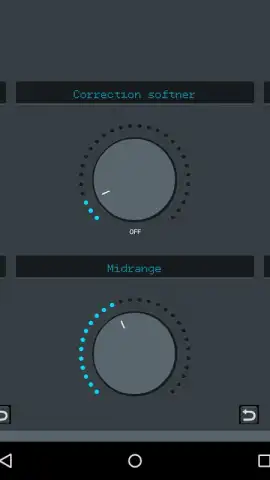
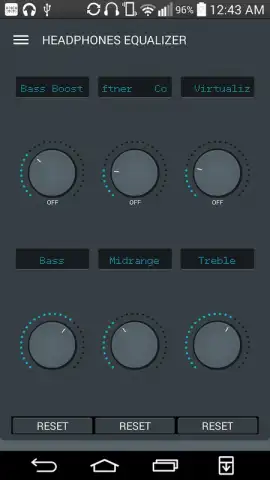
- Parametric Equalizer with Manual Controls: Adjust frequency, gain, and Q factor for multiple bands alongside dedicated bass enhancement and pre-amplification level controls for precise sound shaping.
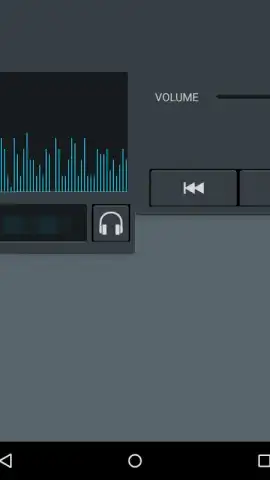
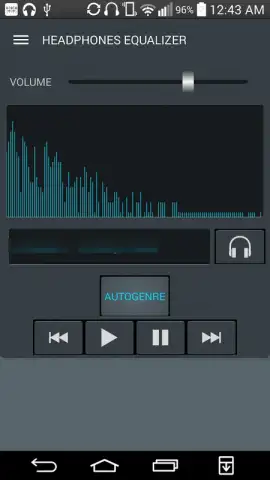
- Integrated Audio Playback System: A built-in music player with volume regulation applies your custom EQ profiles directly to local files, functioning as an all-in-one audio solution.
The application provides several genre-based presets as starting points, but its value is in the deep manual customization it unlocks. The processing operates at the system level, meaning adjustments apply to all audio—streaming apps, games, and videos—not just within its own player. For users with a collection of headphones, each with unique sonic signatures, this tool transforms an Android device into a highly adaptable audio source.
Download the Headphones Equalizer mobile app now and take definitive control of your device's audio output. Stop compromising on sound quality and configure your listening experience precisely to your hardware.
Disclaimer: This application requires an internet connection for initial download and potential updates. It may offer in-app purchases for advanced features or a premium version. Use of system-level audio processing and volume boosting features should be done responsibly to avoid potential hearing damage. The app may require permissions to access media files for its integrated player and modify audio settings. Data usage may apply for online functionality. Please check the product page for specific age ratings and permissions required by your device.
 GooglePlay


