

Hexy Launcher
Hexy Launcher screenshots (7)
Description Hexy Launcher
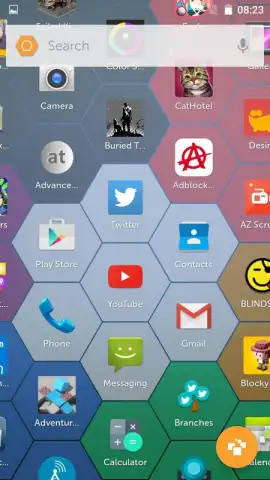
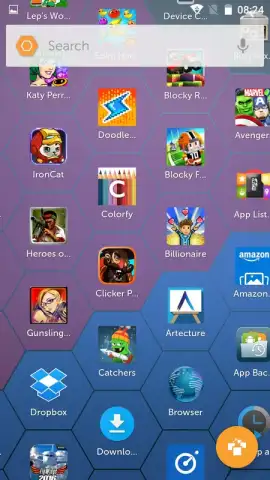
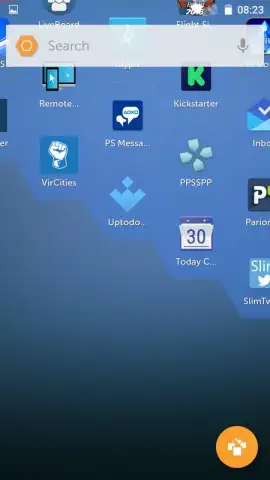
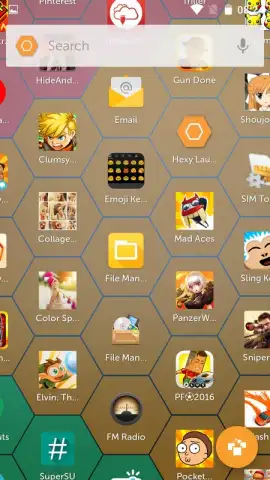
Looking for a way to transform your Android home screen from a cluttered grid into a visually organized mosaic? Hexy Launcher redefines personalization by automatically sorting your app icons into a dynamic hexagonal honeycomb, arranged intuitively by their dominant colors.
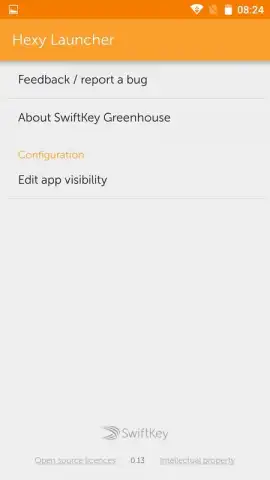
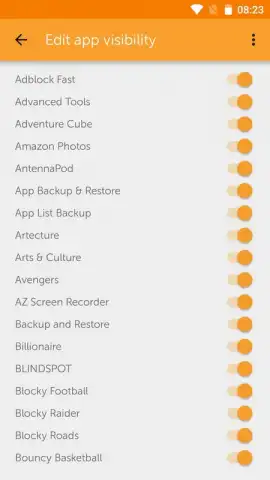
This launcher, developed by SwiftKey Greenhouse, moves beyond traditional rows and columns. Upon setting Hexy Launcher as your default, it scans your installed applications. You simply select which apps to display on your home screen versus hiding in the drawer. The launcher then processes each icon, analyzing its color profile to place it within the corresponding color-based hexagonal cluster. This creates a gradient-like effect across your desktop, where apps are grouped visually rather than by arbitrary manual folders. The system becomes particularly effective and striking when managing a large library of applications, as the color-based categorization provides immediate visual cues for location.
Customization of the hexagonal grid layout is straightforward within the settings. While the primary and most visually distinct mode organizes by color, an alternative alphabetical sorting option is available for functional preference. A persistent search bar is positioned by default at the top of the screen for direct app access. The experience is streamlined with no advertisement interruptions, and potential performance enhancements are noted. The initial adjustment to navigating a field of hexagons instead of standard squares presents a unique learning curve, but results in a highly distinctive and artistic desktop environment.
- Color-Based Hexagonal Grid
- Alphabetical Sort Alternative
- Persistent Search Functionality
We suggest trying Hexy Launcher to experience a fundamentally different approach to Android home screen organization and visual design.
Download Hexy Launcher now
Disclaimer: This launcher requires setting as the default home application. An internet connection may be required for initial setup and certain features. The product is in active development (version 0.13). Be aware that future updates may introduce changes, in-app purchases, or adjust data usage policies. Please review the app permissions and the developer's privacy policy before installation.


