

HiOS Launcher
HiOS Launcher screenshots (5)

Description HiOS Launcher
Tired of your Android’s default, static interface?
HiOS Launcher replaces the standard Android home screen with a fully customizable environment. This tool provides granular control over visual layout, transition effects, and notification styles, effectively transforming the device’s core user interaction model. Users begin with a pre-configured default setup but can immediately modify all on-screen elements, from application icon placement to folder creation, through direct touch and gesture controls.
Core functional modules and system integration
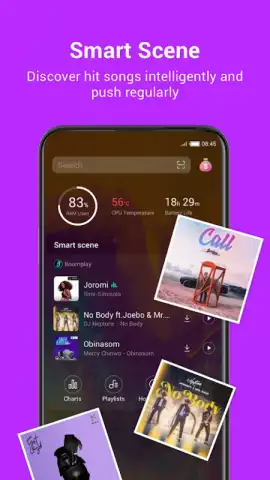
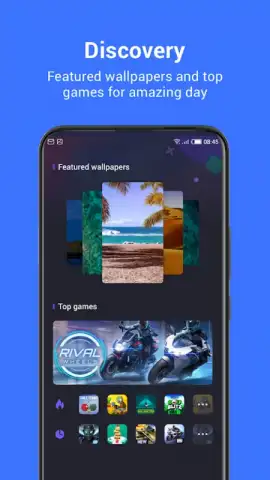
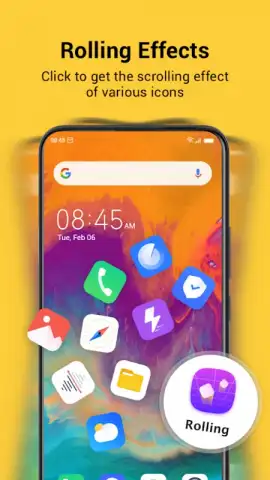
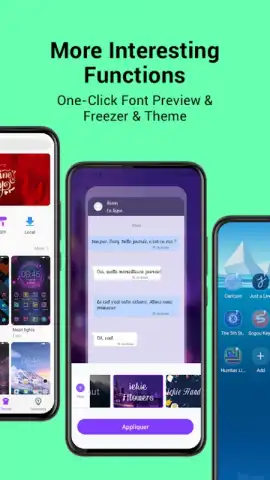
The launcher operates through several integrated subsystems. A primary customization engine allows for real-time rearrangement of app icons and widgets via long-press and drag gestures. A separate transition effects module applies visual animations during home screen swipes and icon movements. The integrated music identification system runs in the background, analyzing ambient audio to detect and display song metadata. A dedicated gaming discovery tab aggregates and suggests new titles, functioning as a curated portal.
Key feature breakdown
- Complete home screen visual customization
- Gesture-controlled icon and folder management
- Background music identification service
- Integrated new game discovery feed
- Multiple animated screen transition effects
- Ad-free experience with Turbo optimization
We suggest trying HiOS Launcher to directly modify your device's interaction layer and access its integrated media tools. Consider downloading the app to deploy a different home screen architecture.
Heads up: you'll need wifi for most features. Some cool stuff is extra.
 GooglePlay


