

Home Up
Home Up screenshots (4)
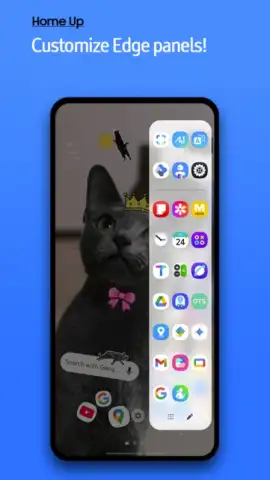
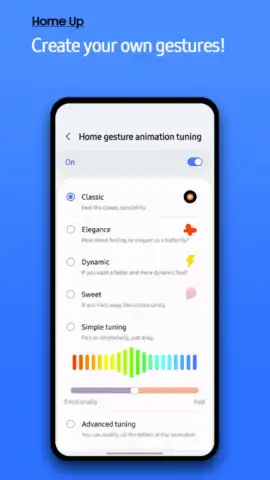
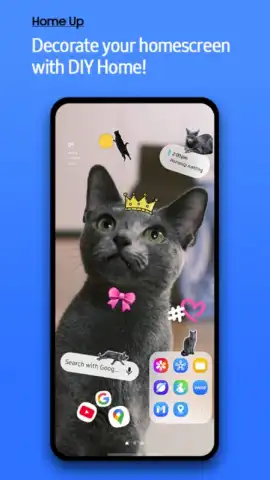
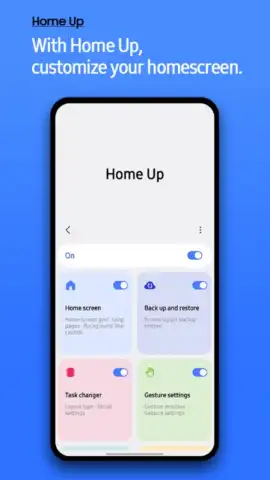
Description Home Up
Unlock the Full Potential of Your Samsung Galaxy with Home Up
Stop settling for a generic smartphone interface. Home Up is the definitive system application from Samsung Electronics, designed for users who demand complete control over their device's aesthetics and functionality. As a core module within the renowned Good Lock ecosystem, this tool transforms your Galaxy's home screen, app drawer, and folders from standard layouts into a deeply personalized digital environment. It’s not just about changing wallpapers; it’s about re-engineering the fundamental structure and behavior of your phone's most-used spaces to match your workflow and style perfectly.
To begin, you must first install the gateway application, either Good Lock (available in Samsung's Galaxy Store) or the alternative Fine Lock. Once this foundation is set, Home Up integrates seamlessly, offering a suite of powerful customization modules. The application operates without any advertising interruptions, ensuring a clean and focused user experience. Dive into settings that allow you to define the exact grid density for your home screen, determining how many app icons are displayed in a single view for maximum efficiency or minimalist style.
Comprehensive Customization at Your Fingertips
Home Up provides granular control over every visual element. Redefine your app drawer by applying custom categorization methods, altering transition animations, and even enabling a list view for easier navigation. The folder customization is particularly robust, allowing you to move beyond the default circles or squares. You can select unique folder shapes, implement dynamic opening animations, and set specific background colors or transparency levels for each folder, making your home screen not only organized but visually cohesive.
The functionality extends to system-level tweaks that enhance daily use. Adjust task changer styles in your recent apps menu for improved multitasking, and modify home screen scrolling effects for a smoother, more responsive feel. Every adjustment is applied in real-time, letting you experiment with different setups until you craft an interface that feels uniquely yours, all without requiring advanced technical knowledge.
- Total Home Screen Grid Control
- Advanced Folder Style & Animation
- Custom App Drawer Organization
- Enhanced System Task Management
Don't wait to transform your Samsung device from a standard tool into a personalized command center. Download Home Up now and start your customization journey immediately! This is the upgrade your Galaxy has been waiting for.
Heads up: You'll need the main Good Lock or Fine Lock app installed first for full functionality. Some advanced customization modules within Home Up may be downloaded separately. A stable Wi-Fi connection is recommended for initial setup and accessing all features.



