

HTC Calendar
HTC Calendar screenshots (7)
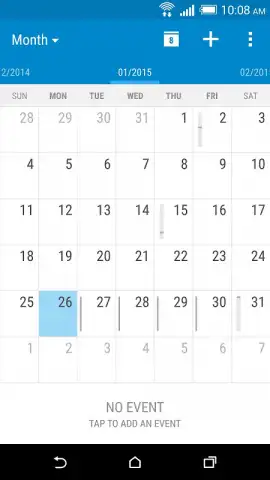
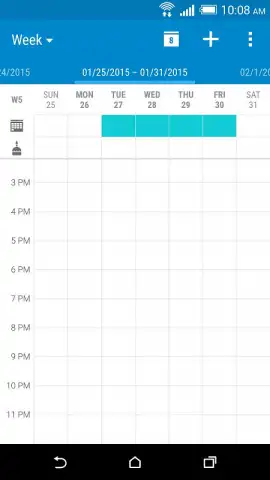
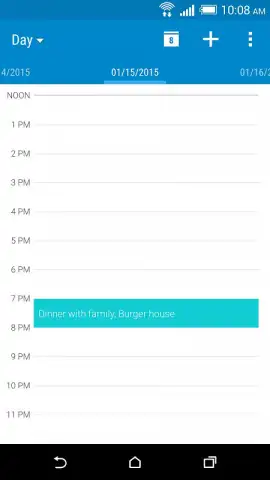
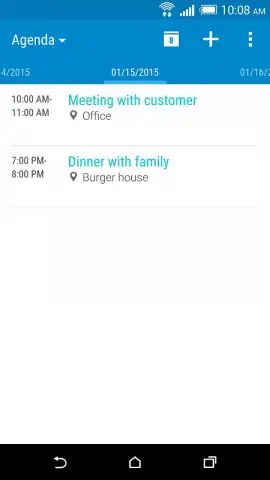
Description HTC Calendar
Streamline Your Schedule with a Truly Integrated Calendar Experience
Managing appointments across multiple platforms often results in a fragmented view of your day, requiring constant switching between email clients, social apps, and work tools. The HTC Calendar addresses this core organizational challenge by functioning as a central hub, pulling events from various accounts into a single, coherent timeline. It eliminates the manual entry of routine meetings and social engagements, providing a consolidated overview that is essential for effective time management.
Core Functionality and System Integration
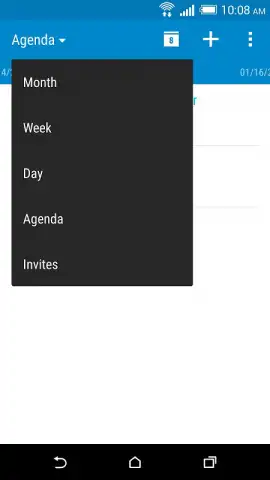
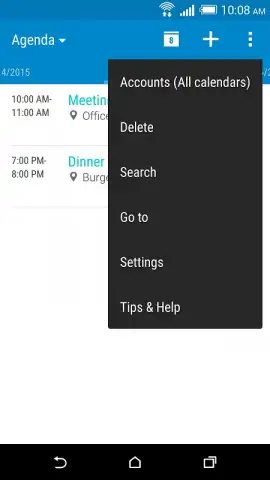
The application operates by synchronizing with your existing Google, Exchange, and other supported accounts to aggregate all calendar entries. Its primary mechanic involves intelligent event parsing and display, presenting information in daily, weekly, monthly, or agenda list formats. A key operational feature is its deep integration with the device's contact list and messaging applications, allowing you to convert message-based plans into calendar events with minimal input. The interface is built around a clean, widget-supported design that prioritizes glanceable information, enabling quick schedule checks directly from the home screen without opening the full application.
Key Advantages for Daily Use
The utility of this calendar is defined by its focus on reducing friction in schedule management and enhancing visual clarity.
- Unified Event Aggregation: Automatically imports and merges events from all connected email and social accounts into one master schedule.
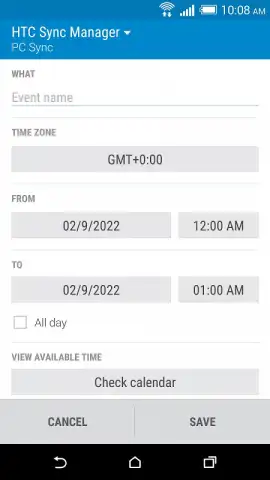
- Context-Aware Event Creation: Generates new calendar entries with location and attendee suggestions pulled from your messages and contacts.
- Customizable Widget Ecosystem: Offers multiple home screen widget sizes and styles for instant, at-a-glance access to your upcoming agenda.
Download the HTC Calendar now and centralize your time management! Stop juggling between apps and get a clear view of your day immediately.
Requires an internet connection for initial account synchronization and ongoing updates. The application is free to download and use; certain advanced features or integrations may vary. Compatible with devices running Android 6.0 and above. Data usage depends on sync frequency and volume of calendar data. User discretion is advised.


