

Huion Sketch
Huion Sketch screenshots (10)
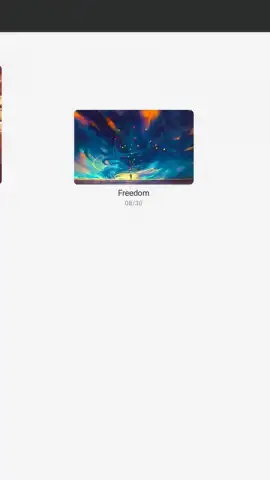
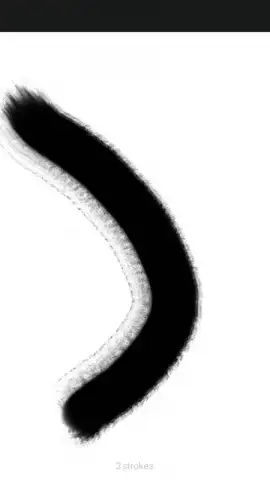

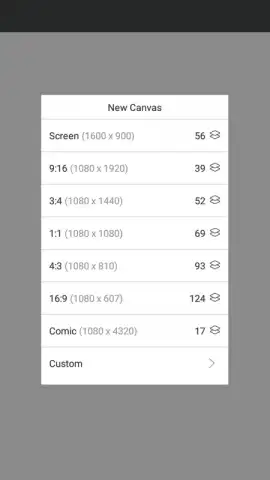





Description Huion Sketch
Looking for a professional-grade digital sketching tool that doesn't require a desktop setup? Huion Sketch transforms your Android device into a portable, fully-featured drawing studio, directly leveraging Huion's hardware expertise to deliver an authentic pen-on-paper experience.
Core Functionality & Tools
This application serves as a dedicated digital canvas, optimized for use with Huion styluses but fully functional with any capacitive touch input. The core workflow centers around creating new projects on customizable canvases with various preset dimensions and DPI settings. The brush engine is a central component, offering a library of realistic digital brushes that simulate pencils, inks, markers, and watercolors, each with adjustable parameters like size, opacity, and flow. Layer support is implemented with standard blending modes such as multiply, overlay, and screen, allowing for non-destructive editing and complex composition. The interface provides essential transformation tools for scaling, rotating, and moving selections, alongside gradient fills and text insertion capabilities for illustrative design work.
Key Technical Advantages
The primary advantage of Huion Sketch is its optimized performance and minimal input lag, which is critical for a natural drawing feel, especially when paired with compatible active styluses. The user interface is designed to be customizable, with floating tool palettes that can be repositioned to avoid obscuring the artwork. File management is straightforward, supporting export in multiple standard formats including PNG, JPG, and PSD for seamless transfer to desktop software like Photoshop. The app operates efficiently on hardware meeting the minimum requirement, maintaining stability even with multiple high-resolution layers.
- Advanced Brush System: Customize pressure sensitivity, texture, and spacing for dozens of brush types.
- Comprehensive Layer Management: Utilize multiple layers with blending modes and individual opacity controls.
- Precision Drawing Aids: Employ stabilizers for smooth lines, rulers, and shape tools for accurate geometry.
- Professional Export Workflow: Save or share your work in PSD, PNG, or JPG while preserving layers.
- Customizable Workspace: Rearrange toolbars and quick shortcuts to fit your personal drawing style.
Consider downloading Huion Sketch if you require a serious, no-frills drawing application that prioritizes responsive performance and professional export compatibility for your mobile artwork.
Internet required. IAP available.


