

iA Writer
iA Writer screenshots (7)
Description iA Writer
A Minimalist Writing App That Removes Everything Between Thought and Text
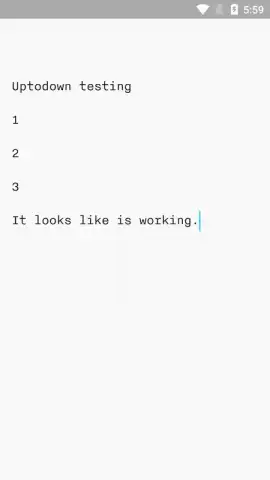
iA Writer for Android establishes itself not merely as another note-taking application, but as a focused writing environment engineered to eliminate digital clutter. Its core proposition is a stark, customizable interface that forces concentration onto the words themselves, stripping away the formatting ribbons and complex menus typical of word processors. This review examines the mechanics of how iA Writer facilitates a direct, uninterrupted workflow from initial idea to finalized document, supporting a range of publishing and syncing needs without compromising its foundational principle of simplicity.
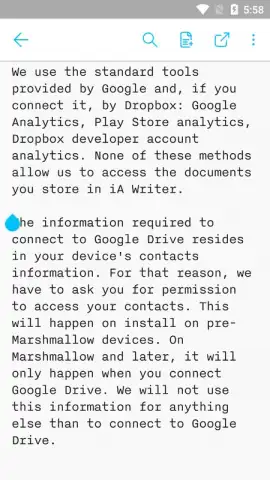
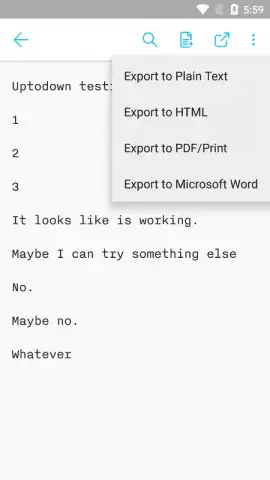
The application’s functionality is built around a seamless, local-first writing experience that integrates with established cloud ecosystems. You begin with a completely blank canvas, employing a versatile plain text editor that handles everything from quick memos to structured long-form content. The true utility emerges in the export and synchronization layers; completing a document allows for one-tap export to multiple formats including clean HTML, standardized PDF, and Microsoft Word (.docx), making the text immediately usable for web publishing, printing, or collaborative editing. Crucially, iA Writer operates with a permanent auto-save function, recording every keystroke locally to prevent data loss.
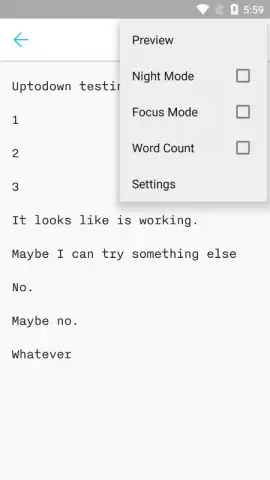
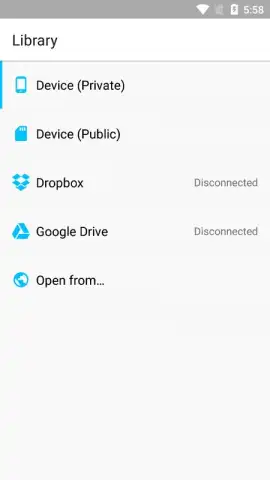
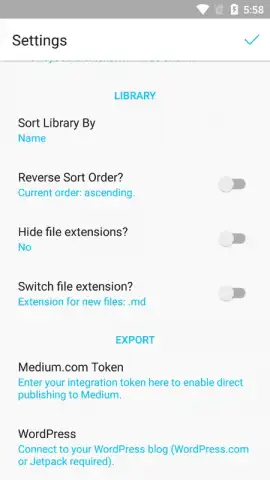
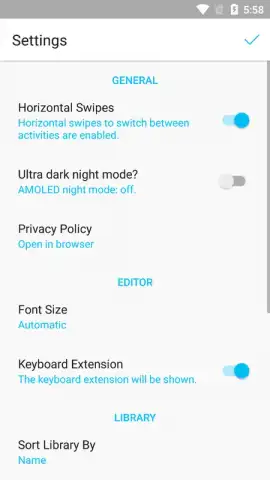
Beyond the core writing pad, the app provides a suite of focused tools to tailor the environment to your working conditions. The settings menu offers a choice between a standard light and a true dark interface mode, reducing eye strain during extended writing sessions in low light. You can adjust font size for optimal readability and toggle a full-height keyboard display to maximize screen real estate for text on smaller devices. The integration with Google Drive and Dropbox is implemented as a background sync engine, ensuring every edit made on your Android device is automatically and silently versioned to your chosen cloud storage, enabling a reliable workflow across multiple platforms.
- Plain Text Focus & Multi-Format Export: Write without formatting distractions and export finished work directly to HTML, PDF, or Word.
- Fully Customizable Visual Interface: Switch between light and dark themes and adjust font size or keyboard layout for comfort.
- Automatic Cloud Sync & Backup: Seamlessly synchronize all documents with Google Drive or Dropbox for safe, accessible off-device storage.
We suggest trying iA Writer if you require a disciplined, advertising-free space for writing that prioritizes the text over the tool. Consider downloading it to experience a streamlined process where your content is always saved, always accessible, and easily portable.
Internet required for cloud sync. IAP available for advanced features.


