
iControl
iControl screenshots (8)


Description iControl
Tired of your phone looking and feeling exactly like everyone else's? What if you could command a powerful control center and design a breathtaking keyboard, all from one sleek app? iControl transforms your Android device into a true extension of your personality, merging deep system customization with creative keyboard theming for a uniquely powerful experience.
Master Your Device with a Smart Control Hub
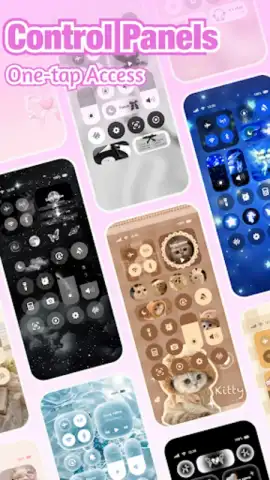
iControl goes beyond simple themes by integrating a sophisticated smart control panel directly into your interface. This isn't just a toggle switch collection; it's a designed hub for real device mastery. Instantly adjust screen brightness and media volume with precision sliders, toggle Dark Mode for comfortable nighttime viewing, and manage all connectivity like Wi-Fi, Bluetooth, and Mobile Data without digging into settings. The panel also includes essential utilities: activate a one-tap flashlight, enable Do Not Disturb for focused sessions, lock screen rotation, or switch to Airplane Mode. This seamless integration streamlines multitasking and puts critical functions literally at your fingertips, enhancing daily navigation and efficiency.
Unleash Total Keyboard Creativity
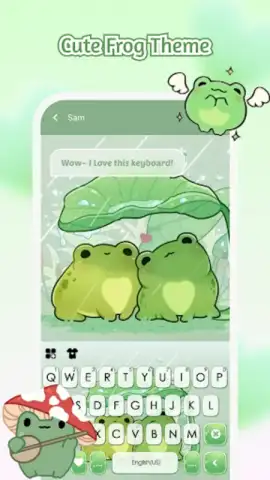
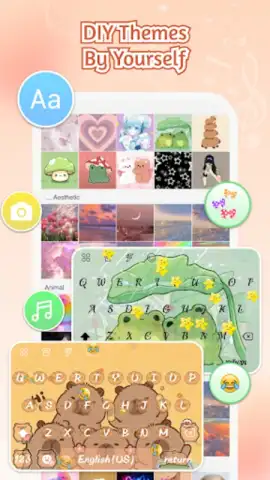
Express yourself with every tap using iControl's extensive keyboard customization engine. Build a truly personal typing interface by applying high-definition themes from a vast, ever-growing library or creating your own from scratch. Use your favorite photos as a background, design custom key layouts with your chosen color palettes and gradient effects, and even apply dynamic visual feedback. The keyboard is built for speed and intelligence, featuring glide-typing for swift one-handed input, context-aware word predictions, and a robust clipboard manager for copying multiple items. With support for over 150 input languages, it's a global tool for personalized communication.
A Unified Aesthetic with Powerful DIY Tools
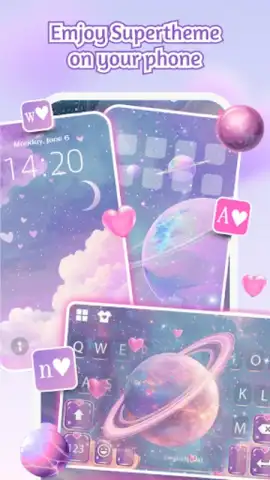
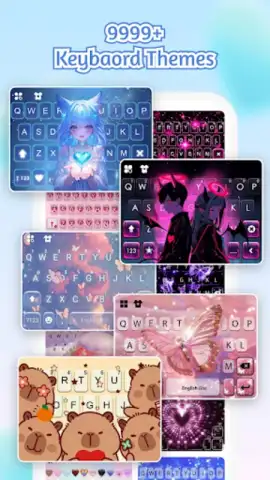
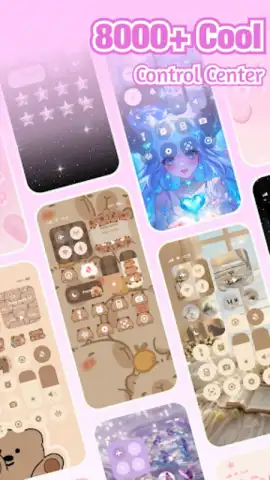
Achieve a perfectly cohesive look across your device with iControl's unified theming system. The app provides a curated collection of over 500 designer-crafted templates, with new packs added regularly to match trends and seasons. For ultimate creative control, use the DIY studio to modify individual key shapes, integrate unique AI-generated artwork, and apply your creations system-wide with a single tap. This synergy between home screen elements and keyboard design ensures every interaction is visually harmonious.
- Smart Control Center: Integrates brightness/volume sliders, Dark Mode, connectivity toggles (Wi-Fi/Bluetooth), flashlight, and rotation lock into one panel.
- Advanced Keyboard Designer: Create themes with personal photos, custom colors, and effects, backed by gesture typing and multi-language support.
- Massive Theme Library & DIY Studio: Access 500+ templates and use tools to edit keys, add AI art, and apply unified styles instantly.
Don't just customize your phone—command it. Transform your everyday interaction into a stylish and efficient experience that is uniquely yours. Download iControl now and take full control of your Android's look and feel!
Heads up: you'll need wifi for downloading new themes and assets. Some premium themes and advanced DIY tools are extra.
 GooglePlay


