
iLovePDF
iLovePDF screenshots (14)

Description iLovePDF
Your Digital PDF Toolkit, Always in Your Pocket
Imagine you're about to send a crucial proposal, but the PDF is too large for email. Or you've just scanned a dozen pages that need to be merged into a single, professional document. Perhaps you need to quickly extract a chart from a report as an image. These moments of digital friction are now a thing of the past. The iLovePDF mobile app transforms your smartphone or tablet into a comprehensive document hub, placing every essential PDF tool directly at your fingertips. No more switching between different websites or desktop software; the power to manipulate documents travels with you, turning idle moments into productive ones.
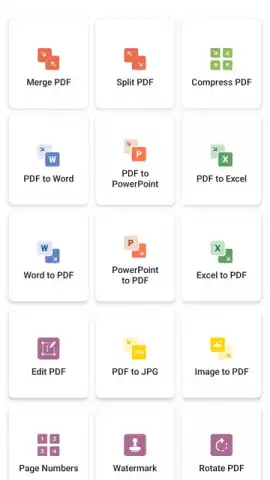
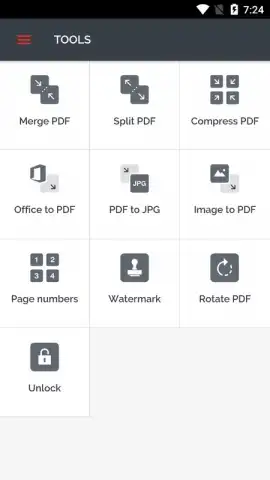
The application delivers a remarkably complete suite of functions for managing PDF files. You can seamlessly combine multiple documents into one or split a large file into individual chapters and pages. Reduce file sizes dramatically with intelligent compression, making sharing effortless. Convert Word, Excel, or PowerPoint files into polished PDFs with a single tap, and just as easily transform any PDF page into high-quality JPG images for use in presentations or websites. Further refine your documents by adding watermarks for branding, rotating misplaced pages, or locking sensitive files with password protection for secure distribution.
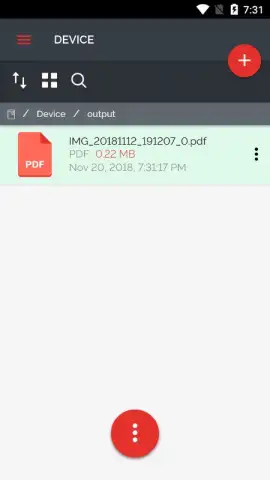
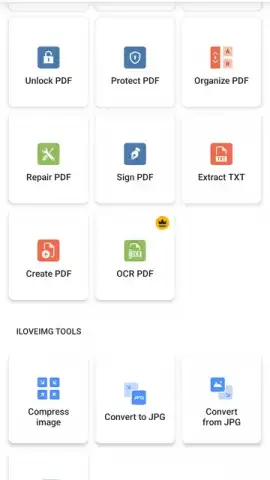
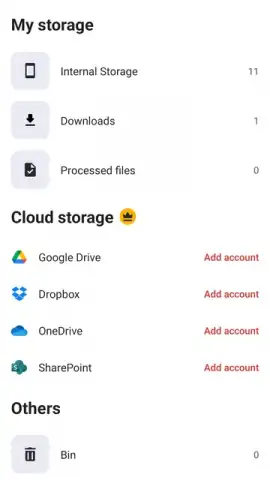
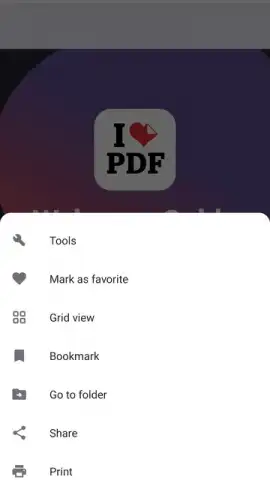
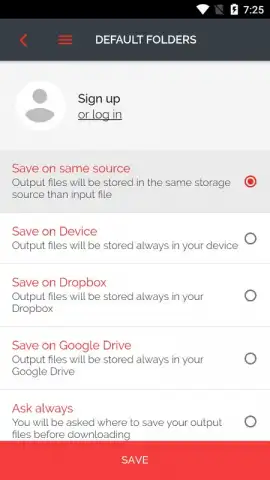
Accessing these tools is designed for ultimate speed. The main menu presents every option clearly, allowing you to initiate any task in seconds. Your workflow is incredibly flexible, as you can pull files directly from your device's local storage or connect to your cloud accounts like Google Drive and Dropbox to access and save documents without cluttering your phone's memory.
- Merge & Split PDFs: Combine reports or separate chapters effortlessly.
- Smart Compression: Shrink file sizes without significant quality loss.
- Office to PDF Conversion: Create PDFs instantly from Word, Excel, PPT.
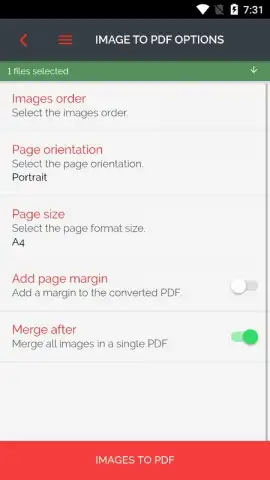
- PDF to JPG & Image to PDF: Extract images or create PDFs from photos.
- Document Security: Add password protection to control access.
- Page Management: Rotate, delete, or reorganize pages intuitively.
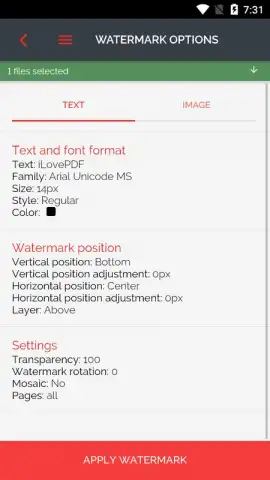
- Watermarking: Brand documents with custom text or image marks.
- Cloud Integration: Work directly with files from Google Drive and Dropbox.
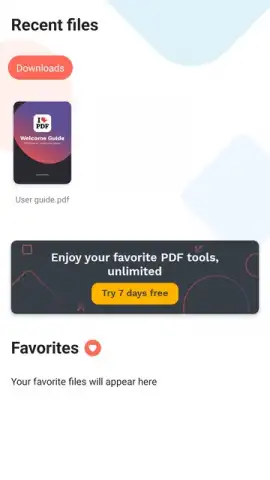
- Premium Turbo Mode: Unlock unlimited tasks, priority processing, and advanced tools for the most demanding workflows.
Stop struggling with cumbersome documents on a small screen. Take full control of your PDFs anywhere, anytime. Download the iLovePDF mobile app now and transform how you handle documents forever!
Heads up: you'll need wifi for cloud operations and uploading larger files. The core toolkit is free, while the unlimited, ad-free Turbo experience and some advanced features require a premium subscription.
 GooglePlay


