
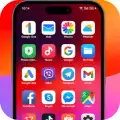
iOS 17 Launcher - Phone 15 Pro
iOS 17 Launcher - Phone 15 Pro screenshots (8)
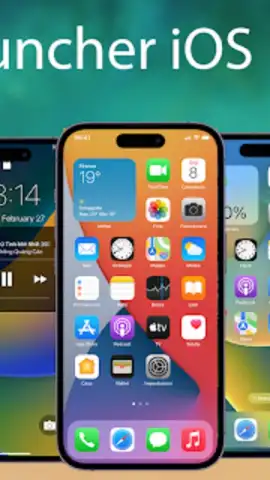
Description iOS 17 Launcher - Phone 15 Pro
Transform Your Android Into the Latest iPhone Experience Instantly
Ever wished your Android device could mirror the sleek, intuitive interface of an iPhone 15 Pro? Stop dreaming and start experiencing. iOS 17 Launcher - Phone 15 Pro seamlessly transplants the iconic iOS 17 design language onto your Android system, delivering a premium look and feel without the premium price tag. This is not just a theme; it's a comprehensive interface overhaul that brings the sophistication of Apple's latest operating system to the palm of your hand, redefining your daily interaction with your device.
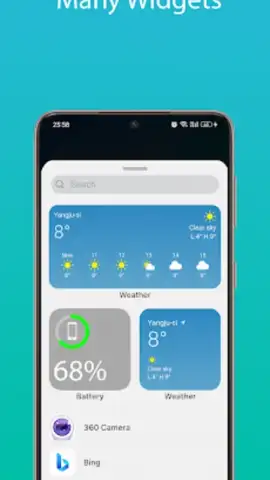
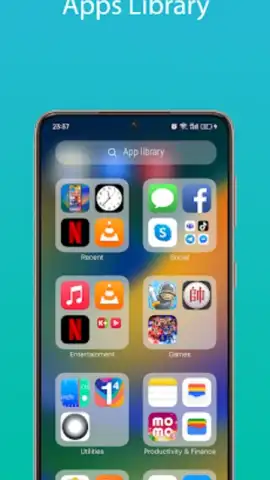
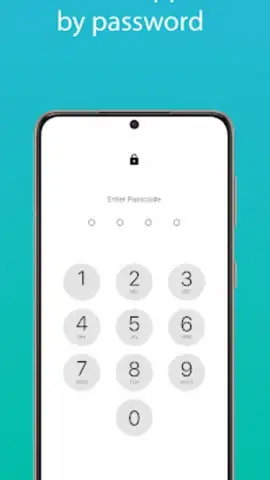
This launcher meticulously replicates the core visual and functional elements of iOS 17. You get the distinctive app library with automatic categorization, a customizable lock screen with dynamic widgets, and the fluid gesture navigation system iPhone users love. The control center slides up with familiar toggles for WiFi, Bluetooth, and screen brightness, while the notification center groups alerts cleanly. Every icon, animation, and system sound is engineered for authenticity, creating a cohesive and polished environment that makes your Android phone operate with iOS elegance.
Why This Launcher Stands Out
The magic lies in the detail and performance. This isn't a static skin that slows down your phone; it's an optimized application built for smooth operation. The interface is responsive and lightweight, ensuring your device's performance remains snappy. It offers deep customization, allowing you to personalize your home screen layout, widget styles, and app dock to match your preference, all while maintaining the authentic iOS aesthetic. The experience is designed for instant familiarity and effortless daily use.
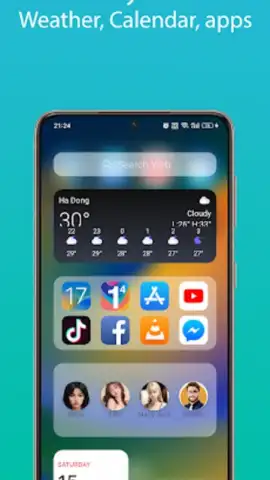
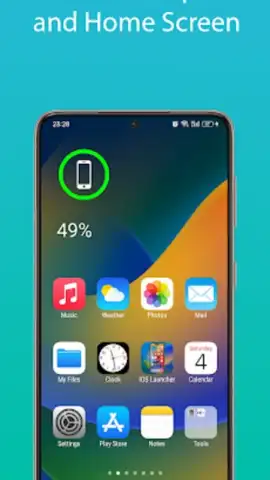
- Authentic iOS 17 Home & Lock Screen: Get the precise widget stack, font, and clock style from the iPhone 15 Pro, fully interactive on your device.
- Fluid App Library & Notification Center: Apps auto-sort into categories, and notifications are grouped intelligently just like in iOS.
- Redesigned Control Center & Settings Menu: Access a perfect replica of the iOS control panel and settings app with all familiar options.
- Smooth iOS-Style Gestures & Animations: Navigate with classic swipe gestures accompanied by fluid parallax and opening animations.
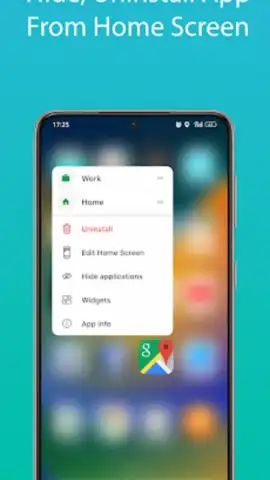
- Extensive Customization Hub: Personalize icons, folders, dock apps, and system sounds to fine-tune your unique iOS-style interface.
Don't just customize your phone—completely reinvent it. Elevate your Android experience to the cutting edge of design with the most authentic iOS 17 launcher available.
Download the mobile app now!
Requires an internet connection for initial setup and access to certain features. The app may offer in-app purchases for additional customization options.


