
iOS Launcher
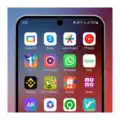
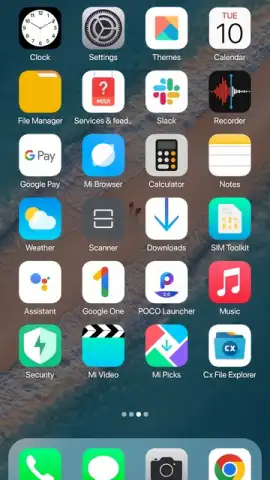
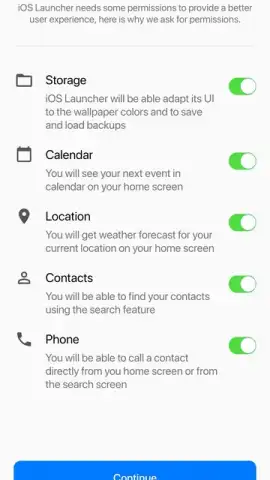
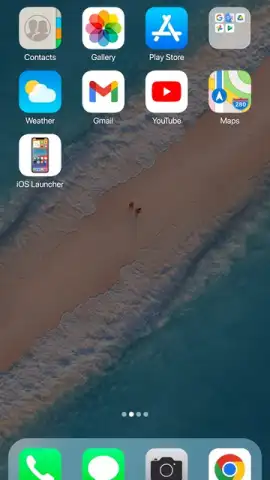
iOS Launcher screenshots (10)
Description iOS Launcher
The Android Experience, Reimagined
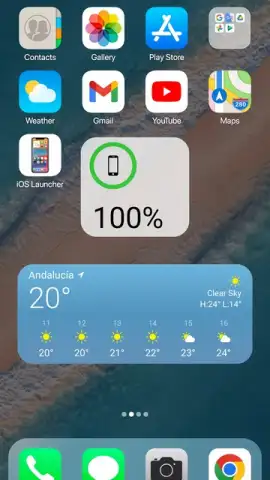
For years, Android users have admired the cohesive, intuitive design language of iOS, often feeling it was locked behind a different ecosystem. The frustration of wanting that streamlined aesthetic without switching devices is a common sentiment. iOS Launcher bridges that gap directly, transforming your Android home screen and interface into a remarkably faithful and functional homage to Apple's mobile OS. It’s not merely a skin; it’s a comprehensive visual and interactive overhaul that delivers the polished iOS feel to your Android hardware.
A Deep Dive into the iOS Interface Translation
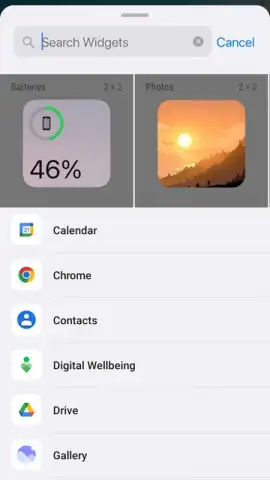
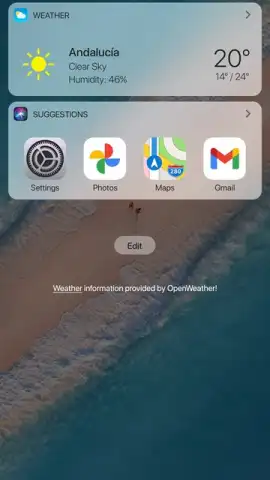
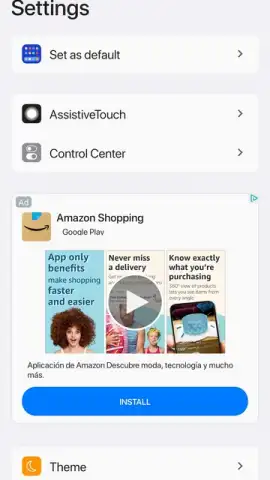
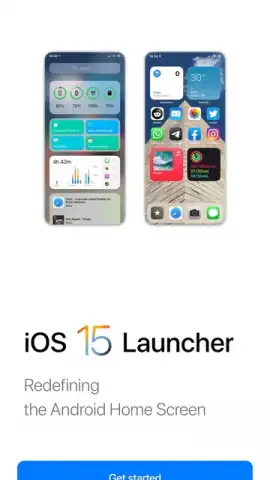
This application meticulously replicates the core iOS experience. Upon activation, it replaces your default launcher with an interface featuring the iconic grid of rounded app icons, a familiar dock at the bottom, and the signature iOS-style notification badges. The control center, accessible with a swipe, mirrors its Apple counterpart with toggles for Wi-Fi, Bluetooth, screen brightness, and audio controls. The app library, a hallmark of recent iOS versions, is implemented to automatically categorize your applications, reducing home screen clutter. Beyond static visuals, the launcher incorporates nuanced animations for opening and closing apps, providing a fluid sense of navigation that goes beyond simple icon replacement. The settings menu is restructured to echo iOS's layout, and even system widgets are styled to match Apple's design principles, ensuring visual consistency across your entire device.
Key Advantages of the Launcher
The primary strength of iOS Launcher lies in its attention to detail and commitment to a seamless user experience. It doesn’t just apply a superficial theme; it re-engineers the interaction model.
- Pixel-perfect icon and widget theming for a unified, authentic iOS aesthetic across your device.
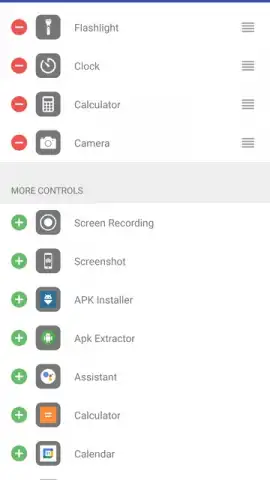
- Fully functional Control Center with quick settings and media controls accessible from any screen.
- Intelligent App Library that automatically sorts all applications into categorized folders for tidy access.
- Smooth, refined animations that replicate the characteristic fluidity and responsiveness of iOS navigation.
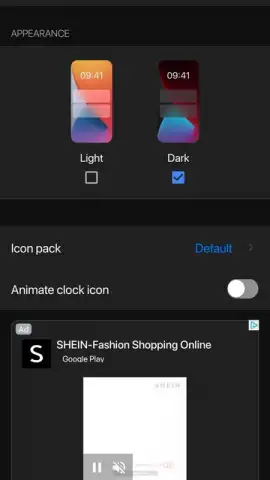
- High degree of customization allowing you to adjust icon layouts, dock apps, and folder styles to your preference.
Download the Mobile App Now
The desire for a clean, sophisticated interface is universal. For a limited time, experience the definitive iOS transformation on your Android device. This is exclusive access for first users to a level of design integration previously unavailable. Install iOS Launcher today and complete your phone's aesthetic evolution.
Internet required. IAP available.
 GooglePlay


