
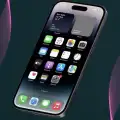
iPhone 14 Pro Max Launcher
iPhone 14 Pro Max Launcher screenshots (5)
Description iPhone 14 Pro Max Launcher
Transform Your Android Interface with Premium iOS Design
Android users seeking the refined aesthetic and functional layout of Apple's ecosystem can now replicate the experience without switching hardware. This launcher application meticulously reconstructs the iPhone 14 Pro Max interface, delivering its signature visual clarity and navigational logic to Android devices. It addresses the common desire for a cohesive, minimalist design language, providing an alternative to standard Android home screen paradigms.
Core Features and Customization Mechanics
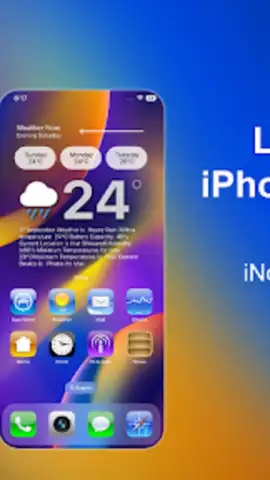
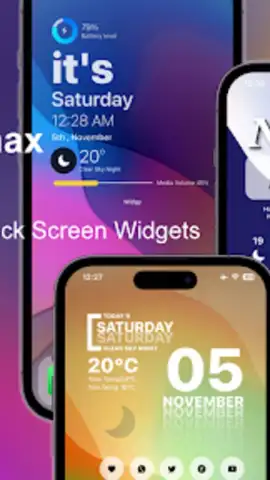
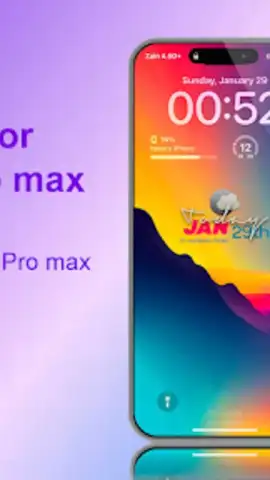
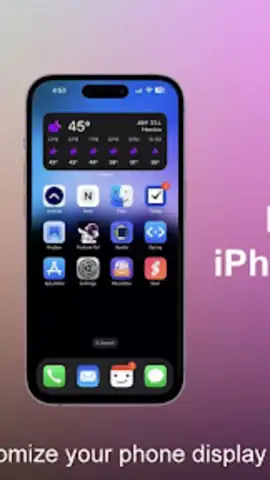
The application functions as a complete system launcher, replacing your default home screen with an iOS-style environment. It implements the iconic grid of rounded app icons, the familiar dock at the bottom of the screen, and the distinctive iOS notification badges. Users can apply dynamic wallpapers that mimic the iPhone 14 Pro Max's always-on display and lock screen customization options. The app includes a dedicated settings panel to adjust icon size, grid layout, and animation effects, such as the iOS-style app opening and closing animations.
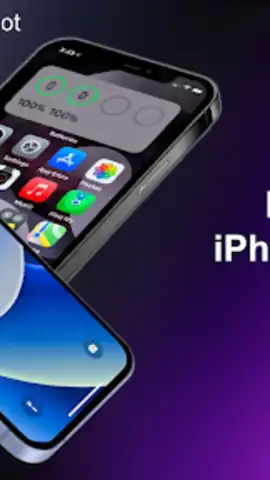
Beyond static imitation, the launcher incorporates interactive elements from iOS. This includes a control center accessible with a swipe, featuring toggles for Wi-Fi, Bluetooth, and screen brightness modeled on the iOS design. The app drawer is reimagined into an iOS-like App Library that automatically categorizes applications. Gesture controls can be configured to mirror iOS navigation, allowing users to swipe from the left edge to go back or use a swipe-up gesture to return to the home screen.
Key Advantages of the Launcher Experience
- Authentic Visual Fidelity: Achieves a high-accuracy replication of iOS icons, widgets, fonts, and system colors for a seamless visual transfer.
- Performance-Optimized Framework: Engineered to run smoothly on Android 7.0 and above without causing significant battery drain or lag.
- Extensive Personalization Hub: Offers deep customization for app icons, folder styles, and status bar information to fine-tune the experience.
Get your bonus of a premium, streamlined interface and elevate your device's aesthetics today.
Download mobile app now
Requires a stable internet connection for initial setup and access to additional theme packs. The app may contain optional in-app purchases for premium wallpapers and advanced customization features.


