

iShot Video Editor
iShot Video Editor screenshots (16)






Description iShot Video Editor
A Professional-Grade Video Editor That Fits in Your Pocket
The assertion that sophisticated video editing requires a desktop workstation is definitively overturned by iShot Video Editor from Lyrebird Studio. This Android application consolidates a comprehensive suite of post-production tools into a mobile interface, engineered for both rapid social media clips and more deliberate, polished projects. It operates on a principle of streamlined complexity, granting users granular control over every aspect of their video—from basic trimming to multi-layered audio-visual compositing—without the associated bloat or steep learning curve of professional software. The process is a direct conduit from raw footage to refined content, executed entirely on-device.
Core Mechanics and Analytical Workflow
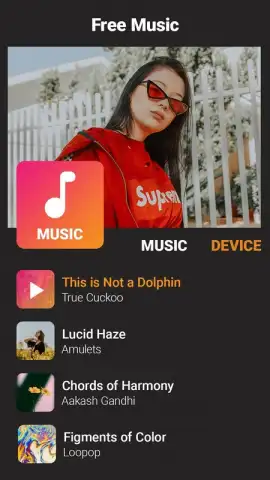
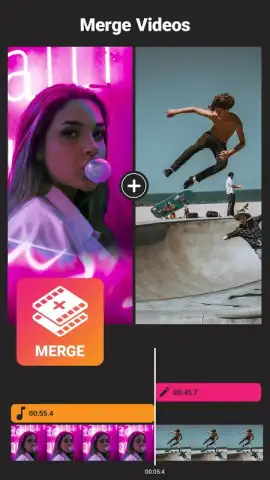
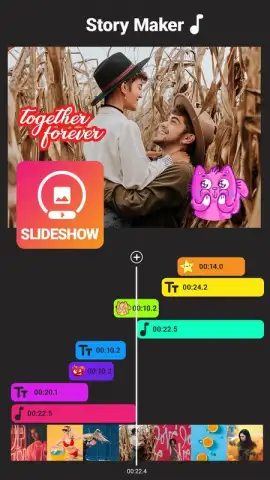
Operation begins with a universal 'Upload Video' prompt, providing immediate access to the device's media library. The selection interface is utilitarian, focusing on swift file retrieval. Once a clip is loaded, the editor presents a modular timeline and a toolbar of editing modes. The trimming function is precise, allowing frame-by-frame adjustment for clean cuts. The merging utility supports seamless splicing of multiple clips, enabling basic narrative sequencing. A distinct analytical strength is the non-destructive editing environment; original files remain untouched, and all applied effects—filters, stickers, text overlays, subtitles—exist as adjustable layers. This allows for real-time experimentation with visual tones and narrative accents without committing to permanent changes. The audio implementation is particularly notable, permitting the detachment of native audio, its replacement with imported music tracks, and fine-tuning of volume levels to balance dialogue and soundtrack.
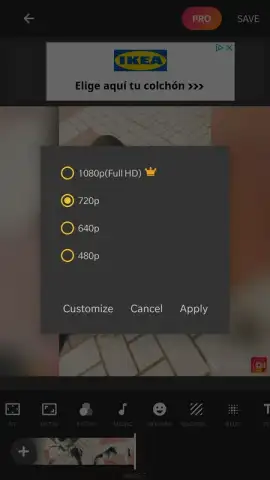
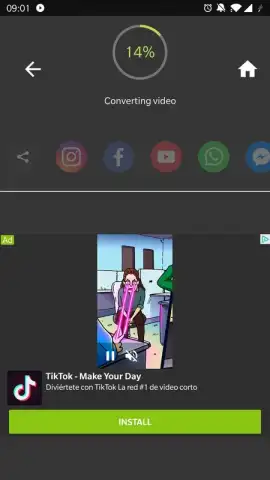
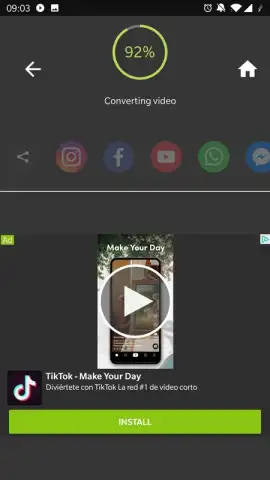
The export engine is the final, critical component. Upon hitting 'Done', the application renders all layered edits into a single video file. Render time is inherently variable, scaling directly with project complexity, clip duration, and the number of active effects. For extensive projects, this processing phase is the sole significant wait, a necessary computational trade-off for achieving a 'professional-level' output on mobile hardware. The absence of disruptive advertising, especially with the optional Turbo enhancement, maintains focus throughout this entire creative and technical process, from initial import to final save.
- Frame-Accurate Trimming & Multi-Clip Merging: Precisely cut videos and seamlessly combine segments for flawless sequencing.
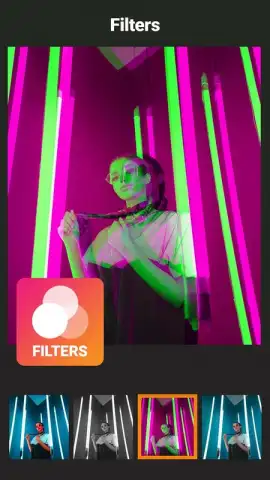
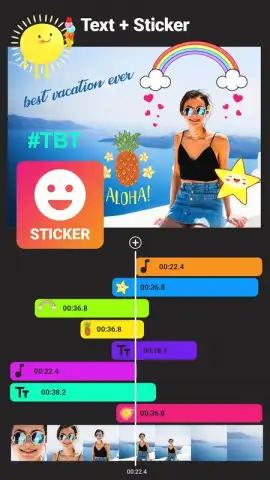
- Layered Visual Effects Suite: Apply filters, dynamic stickers, and customizable text or subtitle overlays independently.
- Advanced Audio Mixing Tools: Detach original audio, add music tracks, and balance multiple audio layers with volume control.
- Non-Destructive Editing Workflow: Experiment freely with all edits, as changes are layered and reversible at any point.
- High-Quality Export Engine: Render finished videos in high definition, with processing time scaling to project complexity.
This is not merely another basic editor. For a limited time, new users gain exclusive early access to the full, ad-minimized toolkit. Download iShot Video Editor now to transform your device into a portable production studio—this streamlined professional advantage is today's opportunity.
Disclaimer: This application requires an internet connection for certain features and potential updates. It may contain optional in-app purchases. Please be aware of your mobile data usage. The app is intended for general audiences; parental guidance is advised for younger users. User data may be collected in accordance with the developer's privacy policy.


