

Kcin Launcher
Kcin Launcher screenshots (6)
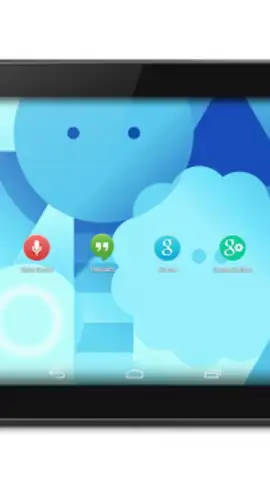
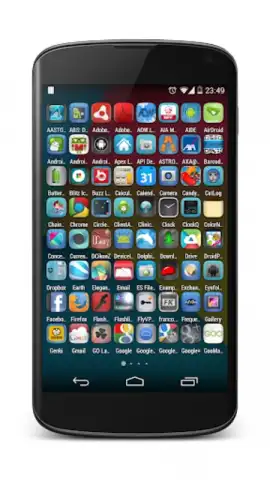
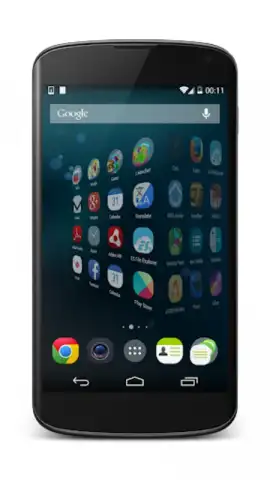
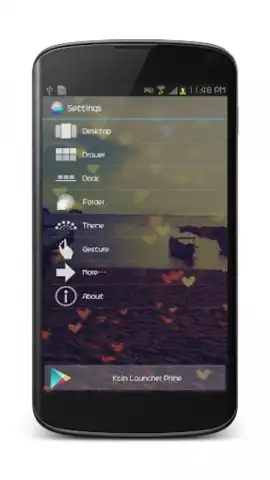
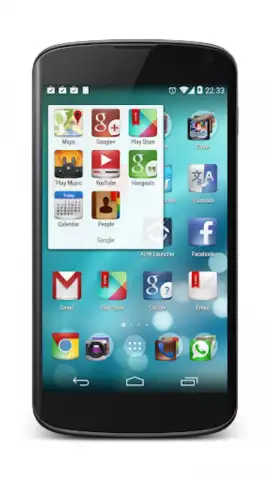
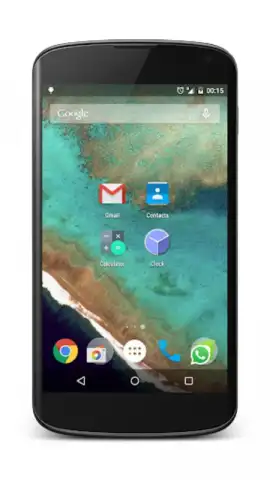
Description Kcin Launcher
What if your phone's interface could be as unique as your fingerprint?
The Kcin Launcher redefines Android personalization by moving beyond static themes and widgets. It provides a foundational toolset that transforms your device's home screen into a dynamic, highly functional workspace tailored to your daily patterns. This launcher addresses the common frustration of cluttered, inefficient interfaces by prioritizing deep customization and user-centric design, allowing for a genuinely individualized mobile experience.
Core Customization Mechanics and Tools
Operating as a complete home screen replacement, the Kcin Launcher grants granular control over every visual and interactive element. Users can modify icon packs, adjust grid sizes for apps and widgets with pixel precision, and apply custom fonts system-wide. A central mechanic involves creating and switching between distinct "profiles" or scenes—allowing you to have a minimalist work setup, a media-rich entertainment layout, and a productivity-focused configuration, all accessible with a single tap. The launcher integrates gesture controls, enabling actions like double-tap to sleep or swipe gestures to open specific apps or panels, reducing reliance on the standard navigation bar.
Key Functional Advantages
The primary strength of the Kcin Launcher lies in its balance of power and stability. It offers extensive customization typically found in more complex, resource-heavy launchers but maintains a lightweight footprint for consistent performance, even on older hardware. The user interface for managing these customizations is logically structured, preventing the feeling of being overwhelmed by options. Furthermore, the launcher emphasizes information density and accessibility, enabling users to place vital information and frequent actions directly on the home screen without sacrificing a clean aesthetic.
- Adaptive Layout Engine: Dynamically arranges icons and widgets based on usage frequency and time of day.
- Gesture Command Center: Assign custom actions to swipe, pinch, and double-tap gestures on the home screen.
- Integrated Smart Search: Provides unified search across apps, contacts, and web directly from the home screen.
We suggest trying Kcin Launcher if you seek to move beyond superficial theming and construct a truly efficient, personalized device interface.
Download the mobile app now.
Internet required. IAP available.


