

Khandi
Khandi screenshots (10)
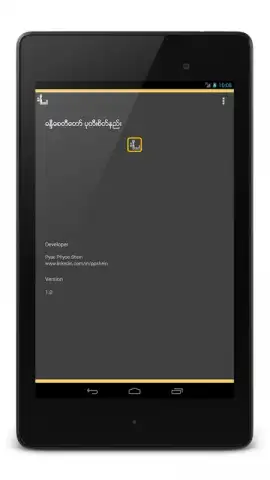
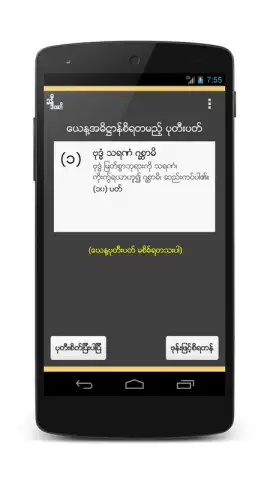
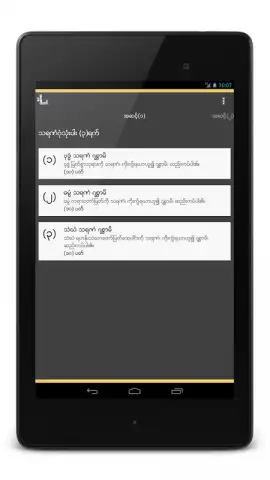
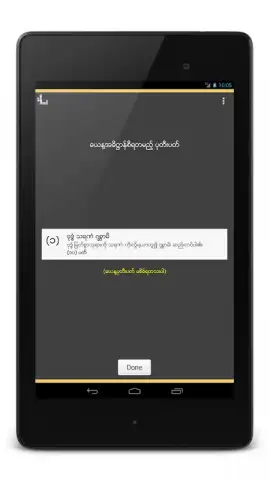
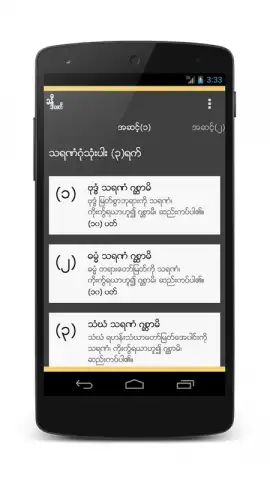
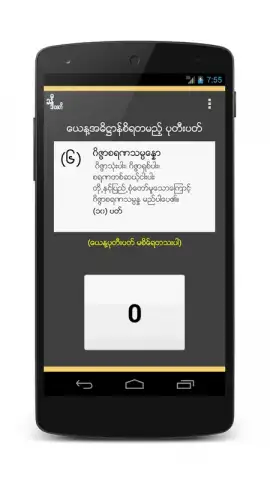
Description Khandi
Struggling to Organize Your Digital Life Across Countless Apps?
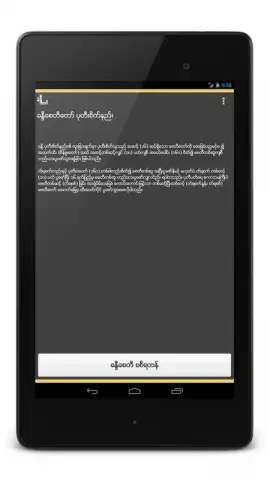
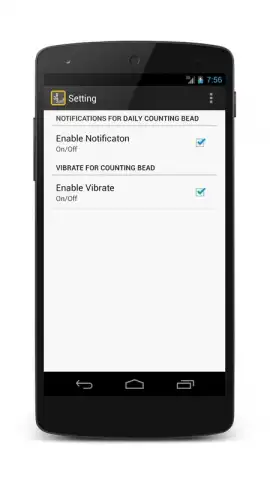
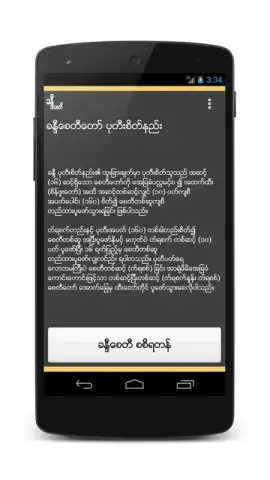
Khandi presents itself as a unified hub, designed to streamline the scattered digital tools and information we interact with daily. It functions as a centralized platform for managing tasks, notes, reminders, and personal data, reducing the need to constantly switch between disparate applications. The core mechanic revolves around customizable modules or "cards" that you can arrange on a personal dashboard, pulling in live data, checklists, or quick-access links tailored to your workflow. This approach aims to replace a folder of single-purpose apps with a single, adaptable interface that you configure once and use for everything from grocery lists to project milestones.
Features / Gameplay
The app operates on a principle of modular flexibility. Upon opening, you are presented with a blank canvas or a set of default template layouts. You then populate this space by adding, removing, and resizing functional widgets—each representing a different tool. One widget might be a simple notepad, another a countdown timer, a third a curated RSS feed viewer, or a direct shortcut to a specific website function. The interaction is primarily about curation and quick access; you spend minimal time in the app configuring, and maximum time using it as a launchpad for your daily digital routines. The experience is less about linear progression and more about creating a personalized command center that evolves with your needs.
Key Advantages
- Fully Customizable Dashboard: Drag, drop, and resize widgets to create a layout that matches your unique mental model and daily priorities perfectly.
- Cross-Function Integration: Consolidate tasks, notes, web clips, and reminders in one glanceable screen to minimize app-switching fatigue.
- Lightweight and Responsive Performance: Built for speed on even older Android versions, ensuring quick launches and instant widget interactions without lag.
- Clean, Distraction-Free Visual Design: A neutral, minimalist interface that puts your content first, avoiding unnecessary visual clutter and animations.
- Offline-Capable Core Features: Access and edit your key notes, tasks, and lists without an internet connection, with seamless sync when you reconnect.
Start building your perfect productivity hub today and reclaim control over your digital workflow.
Download mobile app now
Internet required for some features. IAP available.


