

Kiwi Browser
Kiwi Browser screenshots (12)

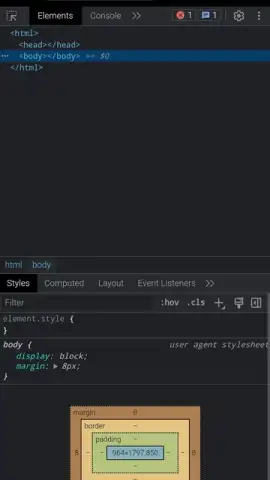


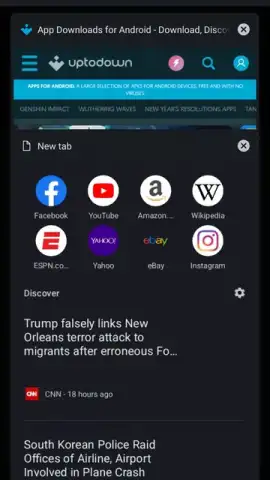
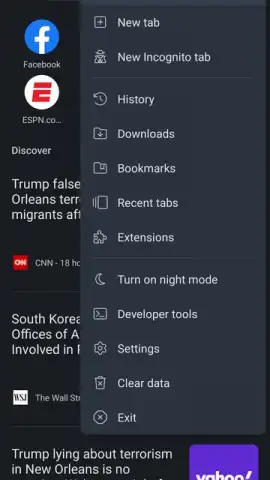
Description Kiwi Browser
Tired of Limited Mobile Browsers? Experience Desktop-Level Power on Your Android Device.
If you feel constrained by the basic functionality of standard mobile browsers, Kiwi Browser delivers a transformative solution. Built on the robust Chromium and WebKit engines, this Android browser integrates advanced features typically reserved for desktop software, directly onto your phone or tablet. It transforms your mobile browsing from a simple activity into a highly customizable, efficient, and secure experience, putting unparalleled control at your fingertips. Forget about compromises; this browser is engineered for users who demand more from their mobile internet, merging raw power with thoughtful design to handle everything from casual reading to intensive web applications seamlessly.
Engineered for Performance and Deep Customization
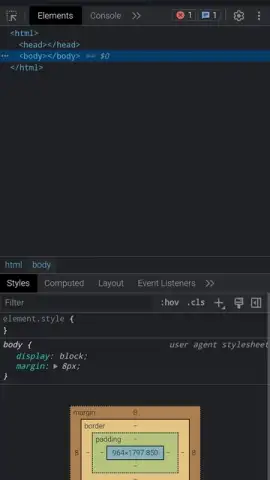
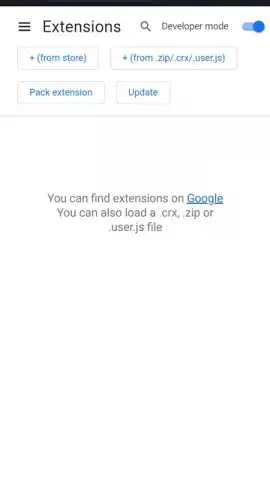
Kiwi Browser is not just another interface to the web; it's a comprehensive toolkit. It begins by granting you genuine control over your start page, where an adaptive algorithm curates top news stories based on your selected region and evolving interests. Beyond news, you can pin your most-visited sites for instant access or choose to resume previous sessions automatically. The integrated ad and pop-up blocker operates with precision, stripping away intrusive, layout-breaking advertisements and malicious pop-ups while allowing non-intrusive content, resulting in significantly faster page loads and a cleaner visual experience. Crucially, Kiwi Browser unlocks the vast ecosystem of Chrome extensions, enabling you to install tools for password management, productivity, and content filtering directly from the Chrome Web Store or via CRX files, effectively tailoring the browser's capabilities to your exact workflow.
- Desktop-Grade Extension Support: Install virtually any Chrome extension directly from the official store, adding powerful tools for ad-blocking, privacy, note-taking, and workflow automation to your mobile browser.
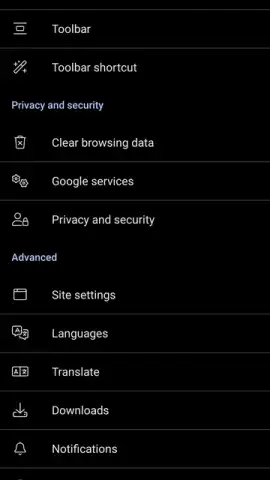
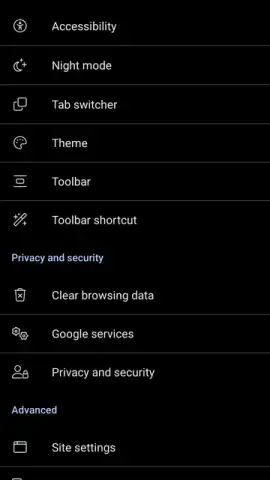
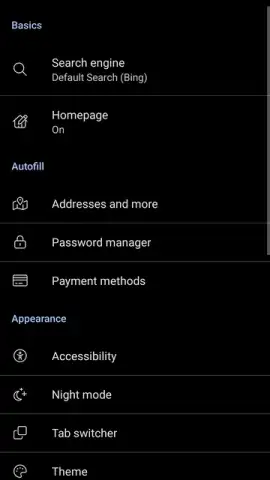
- Advanced Customizable Night Mode: Apply a true dark theme globally, forcing websites into a dark mode with adjustable contrast and AMOLED-optimized settings to reduce eye strain in low light.
- Bottom Address Bar & Crypto-Jacking Protection: Place the URL bar at the bottom for one-thumb ergonomic access on large screens, while built-in security shields prevent unauthorized cryptocurrency mining on your device.
The browser's ergonomic design is highlighted by the optional bottom placement of the address and tab bar, making one-handed navigation on modern large-screen phones intuitive and strain-free. For privacy, a robust Incognito Mode ensures no history, cookies, or site data is stored post-session. Simultaneously, an active cryptojacking protection system monitors and blocks scripts that attempt to hijack your device's resources for unauthorized cryptocurrency mining. Every feature, from the granular night mode settings to the powerful ad blocker, is designed to provide a faster, safer, and more personalized web environment that actively works for you.
Download Kiwi Browser APK now and permanently upgrade your mobile internet experience!
Internet required. IAP available.


