

Koloro
Koloro screenshots (10)



Description Koloro
Struggling with Lightroom's Complexity? A Curated Preset Library Awaits
Adobe Lightroom is the industry standard for a reason, offering a near-infinite depth of editing controls. However, this very strength can become its greatest weakness for photographers and content creators who need consistent, high-quality results quickly. The time spent manually adjusting sliders to achieve a specific color grade or mood is time not spent shooting or sharing. This gap between professional aspiration and practical workflow is where Koloro, developed by cerdillac, positions itself not as another editor, but as a specialized accelerator.
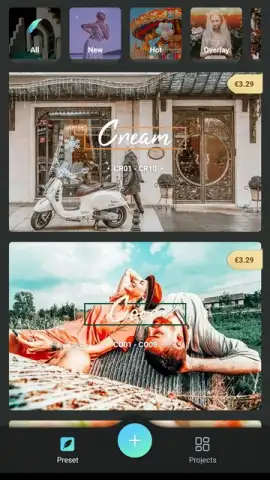
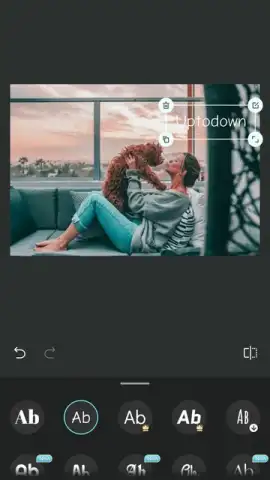
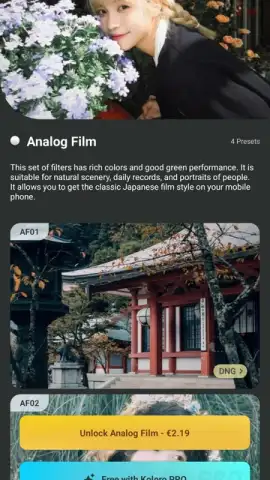
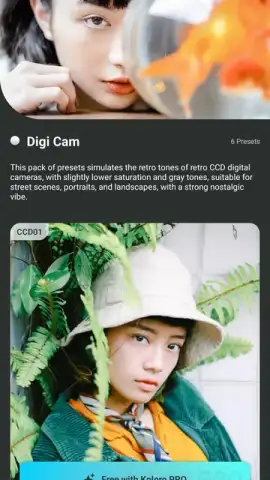
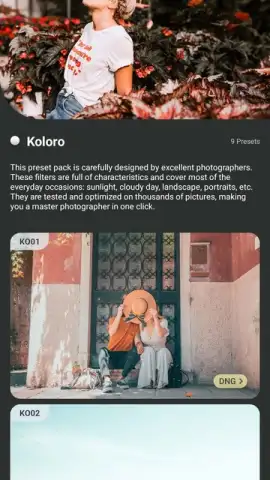
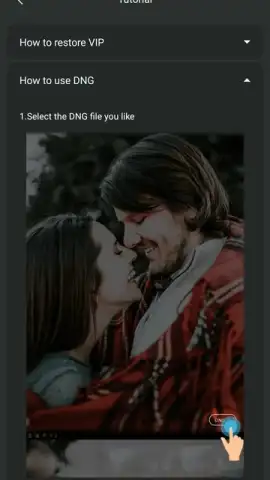
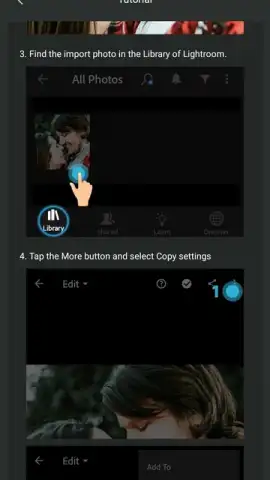
Koloro functions as a dedicated repository and application tool for Lightroom-compatible presets. Its core proposition is the elimination of guesswork and repetitive adjustment. Instead of building a look from scratch, users browse, download, and apply community-generated filters directly to their image library. The application's interface is deliberately minimalistic, focusing on curation and discovery. Presets are displayed in a streamlined gallery within the main menu, each serving as a one-tap transformation. The critical differentiator is that applying a preset is not the final step. Koloro fully respects the non-destructive editing philosophy of Lightroom; after a filter is applied, the entire suite of manual fine-tuning controls remains available. This allows users to start from a sophisticated baseline—be it a muted cinematic tone, a vibrant urban aesthetic, or a clean portrait enhancement—and then make precise adjustments to exposure, contrast, or color balance to perfect the image for its specific context.
The value is in the aggregation and accessibility. Sourcing reliable, high-quality presets across the web is a fragmented process. Koloro consolidates this into a single, ad-free environment, particularly for users of the Turbo version. This creates a focused workflow: discover a visual style, apply it instantly to gauge its effect, and then proceed to micro-adjustments only where absolutely necessary. For social media managers, real estate photographers, or anyone requiring batch consistency across a project, this methodology can drastically reduce editing time while elevating the perceived professionalism of the output. It turns complex color grading from a technical skill into a more intuitive process of selection and refinement.
- Vast library of Lightroom presets
- One-tap apply and fine-tune workflow
- Ad-free browsing and application
- Community-driven filter discovery
Don't waste another hour sliding controls aimlessly. Gain exclusive early access to a streamlined editing workflow that delivers professional-grade results in seconds. Download the Koloro mobile app now and transform your photo library today—this curated collection won't remain a secret for long.
Heads up: you'll need wifi for most features. Some cool stuff is extra.
 GooglePlay


