

Kore
Kore screenshots (11)



Description Kore
What if your entire media library could be controlled from the palm of your hand?
Imagine settling into your favorite chair, the movie ready on your big screen, but the remote is just out of reach. Or perhaps you’re searching for a specific song in a vast collection, scrolling endlessly through lists on the TV. Kore eliminates that friction, transforming your smartphone into a powerful, intuitive remote control designed specifically for your Kodi media center. You gain direct command over your entertainment universe without ever having to leave your seat, making every interaction smooth and immediate.
Seamless Control for Your Media Hub
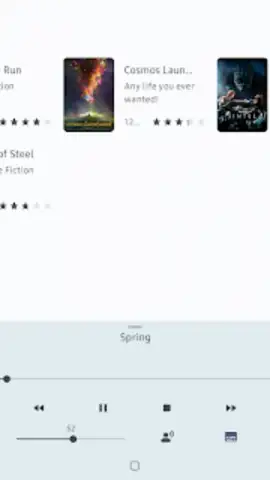
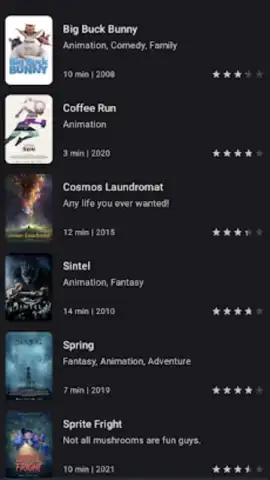
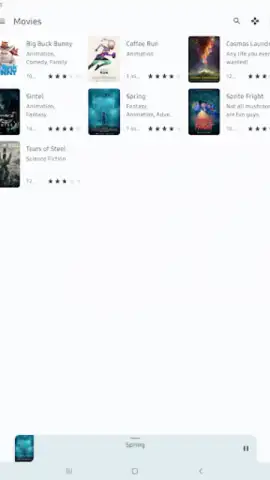
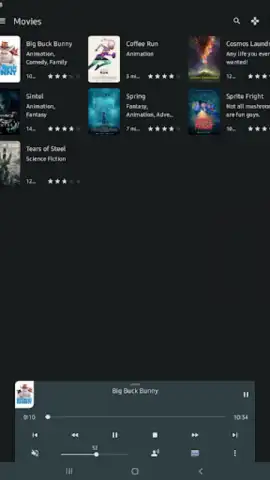
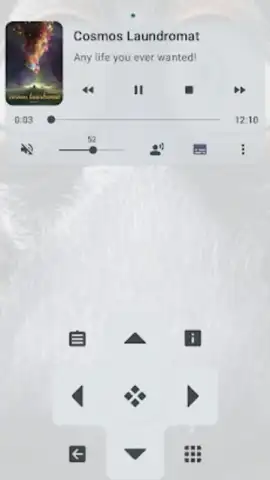
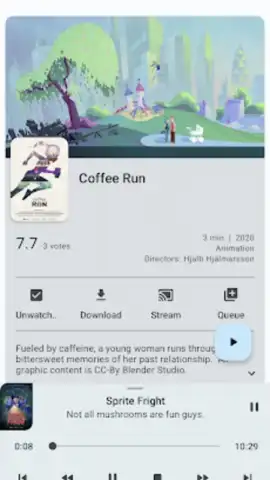
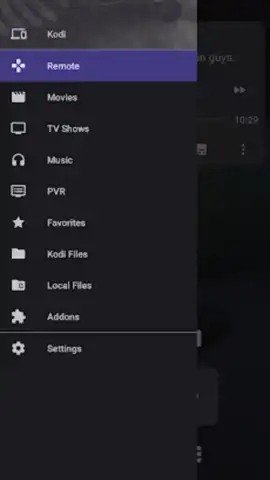
Kore connects directly to your Kodi installation, offering a comprehensive remote experience that goes far beyond simple play/pause. You can browse your entire library—movies, TV shows, music, and photos—directly from your device. Find what you want to watch or listen to, check detailed synopses and artwork, and send it to play on the big screen with a single tap. The app also provides full playback control, volume adjustment, and even a built-in keyboard for effortless text input when searching. It’s designed to be the definitive companion for anyone who uses Kodi, putting every function you need right in your pocket.
Key Advantages of Your New Media Remote
- Complete Library Browsing: Navigate your entire Kodi media collection from your phone. Browse by genre, recently added, or search directly to find exactly what you want to play next.
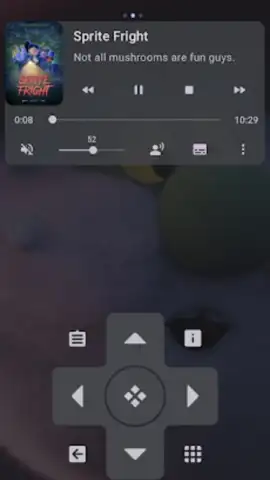
- Direct Playback Control: Manage playback seamlessly with play, pause, stop, skip, and volume controls. You can even view progress bars and player information in real-time.
- Integrated Keyboard & Input: Effortlessly type search terms, URLs, or text fields on Kodi using your phone’s keyboard, saving you from tedious on-screen navigation.
- Powerful System Management: Control more than just media. Send system commands to reboot, shut down, or update the Kodi library directly from the app.
- Clean & Responsive Interface: Enjoy a user-friendly design that is fast and intuitive, providing quick access to all controls without clutter or lag.
- Multi-Platform Compatibility: Works seamlessly with Kodi installations on various platforms, including Windows, macOS, Linux, and Android TV devices.
We suggest trying Kore to experience the ultimate convenience in managing your Kodi media center. Consider downloading it to unlock a new level of control over your home entertainment.
Download mobile app now
Disclaimer: This application requires an active internet connection for initial setup and communication with your Kodi media center. The app is a remote control utility and does not contain or stream media content itself. It is intended for use with a personal Kodi installation. Data usage depends on your interaction with the library metadata. Requires Kodi (formerly XBMC) to be installed and configured on your local network. Compatible with Android 7.0 and above.
 GooglePlay


