

Launcher iOS 18
Launcher iOS 18 screenshots (11)
Description Launcher iOS 18
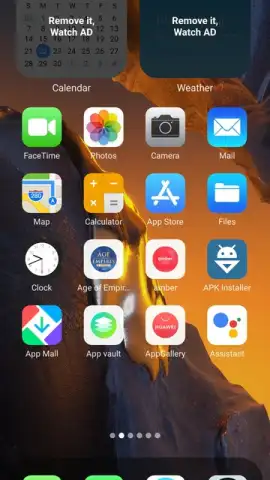
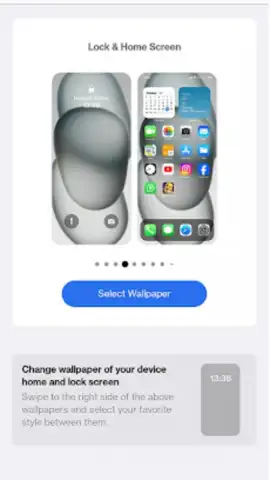
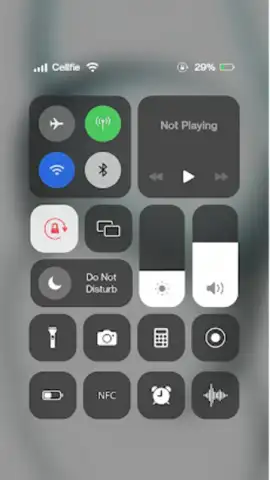
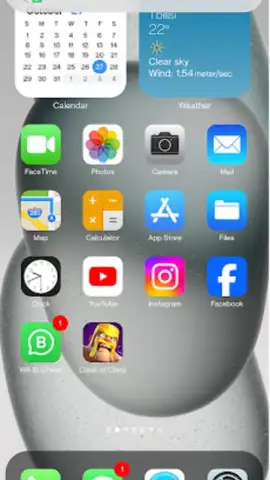
Imagine holding the sleek, refined iPhone 15 Pro Max in your hands, only to glance down and remember you’re using an Android. What if you could bridge that gap instantly? Launcher iOS 18 makes this a vivid reality, transforming your Android device’s interface into a precise replica of Apple’s latest iOS experience. This powerful customization tool goes beyond simple themes, offering a deep system-level overhaul that replaces your home screen, app icons, and widget ecosystem with the iconic iOS 18 look and feel. Dive into a seamless simulation that delivers the premium aesthetic and intuitive layout iPhone users enjoy, all without ever leaving your Android phone.
Core Functionality & Setup
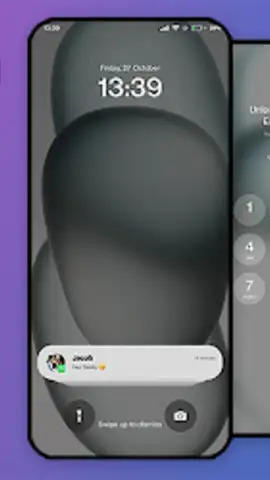
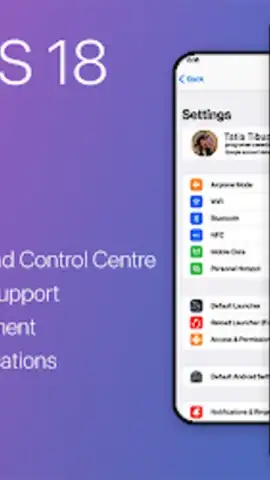
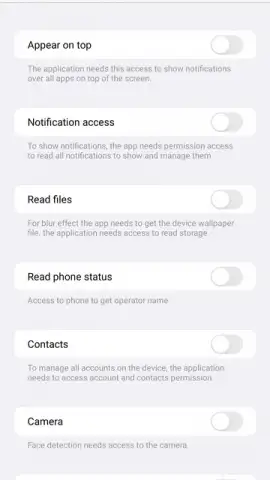
Transformation begins with a straightforward installation and permission grant. Launcher iOS 18 requires specific accessibility permissions to run unlimited foreground processes and manage system interface elements. This one-time setup, conducted on a clear, guided screen, allows the launcher to dynamically alter your device’s graphical environment. You maintain full control, able to permit or deny access to specific functions. The tool also centralizes notification management for all your installed applications, providing a unified, iOS-style notification center that enhances both visual consistency and organizational control.
Unlocking Premium Features with Turbo Mode
The application operates on a value-exchange model to access its most desirable features. While the core launcher and interface transformation are free, you can enhance your experience by engaging with optional advertising content.
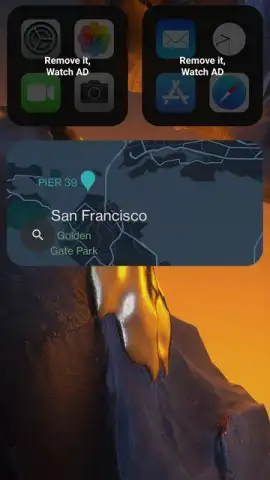
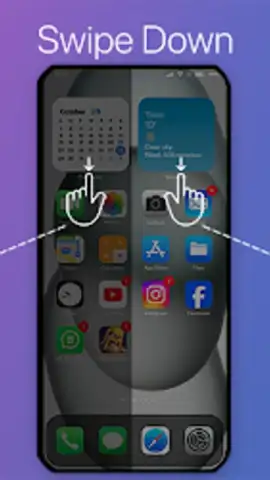
- Widget Unlocking: You can add authentic iOS-style widgets—such as the detailed Apple Calendar or the elegant Weather app widget—by choosing to view video advertisements. This process activates these popular iOS functionalities directly on your home screen.
- Turbo Benefits: Opting into this ad-supported model grants significant advantages, including an ad-free experience within the launcher itself and faster access to premium customization options. It’s a direct trade: a moment of your time for permanent visual and functional upgrades.
- Deep Customization: Beyond layout, the launcher offers automatic icon theming to match Apple’s design language precisely. It modifies system fonts, animations, and folder styles to create a convincingly authentic iOS graphical environment on your hardware.
Key Advantages at a Glance
- Authentic iPhone 15 Pro Max interface
- One-tap permission setup
- iOS widget activation system
- Centralized notification management
- Automatic icon theming and reshaping
- Ad-free operation via Turbo engagement
Stop imagining and start experiencing. Download Launcher iOS 18 now and execute a flawless, free transformation. Claim the prestige, the polish, and the streamlined workflow of iOS on your Android device today. Get your bonus widgets, secure your ad-free environment, and start enjoying a premium interface now.
Disclaimer: This application requires a stable internet connection for initial setup, feature unlocking, and advertisement streaming. Certain premium features and the ad-free Turbo mode are unlocked via an in-app engagement model. The developer is not affiliated with Apple Inc. iPhone and iOS are trademarks of Apple Inc.


